

VidLouder
VideoLouder increases the volume of video files in a browser without re-encoding, with support listed for formats including AVI and MP4.
About VidLouder
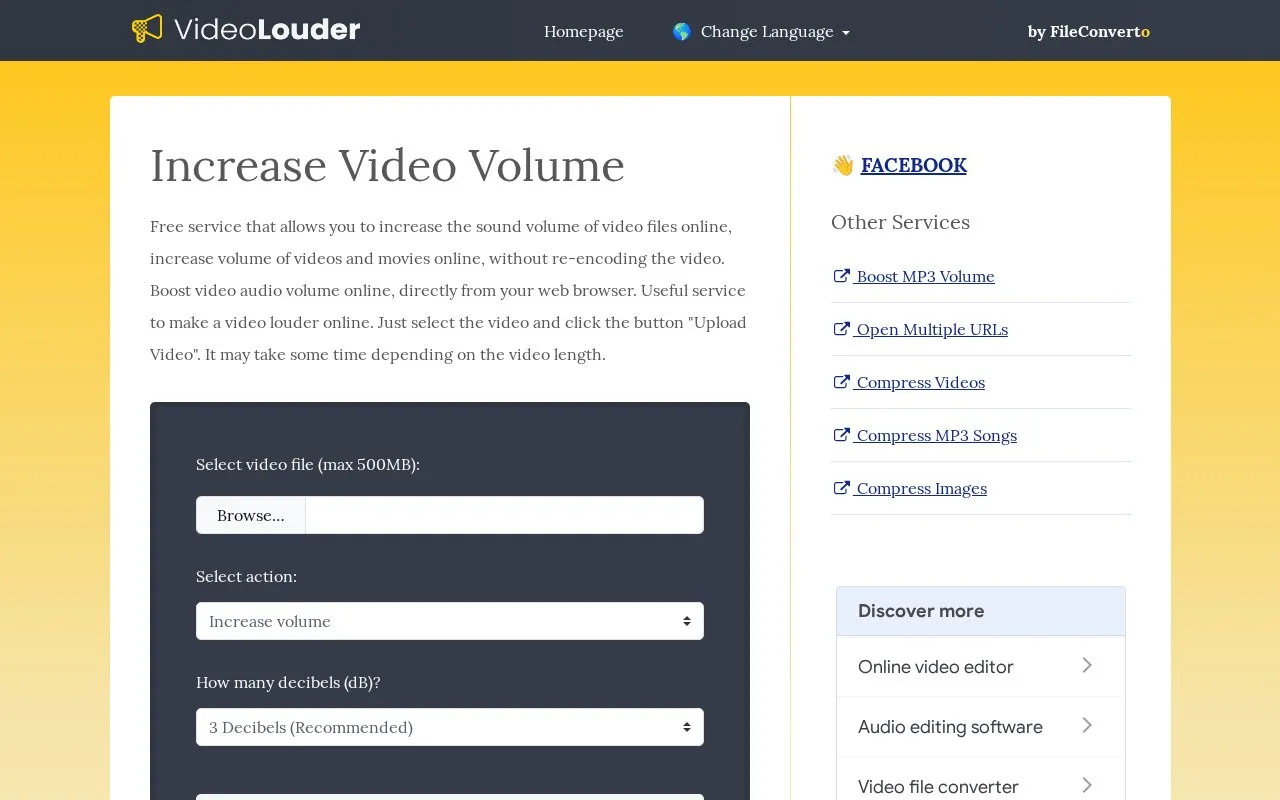
VidLouder adjusts the audio volume of video files through a web browser without re-encoding the video. Users select a file, choose a decibel amount to increase or decrease the sound, upload it, then download the modified file after processing, which takes seconds or minutes depending on video length.
It lists support for AVI, MPEG, MPG, MP4, MOV and XVID, accepts files up to 500 MB, requires no additional software, and removes uploaded files after a few hours.
Key features
- Increase or decrease video audio by decibel amount
- Processes video without re-encoding video track
- Supports AVI, MPEG, MPG, MP4, MOV, XVID
- Accepts uploads up to 500 MB
- Removes uploaded files after a few hours
- Works without installing additional software
Best for: People who need to make a quiet video louder or a loud video quieter without editing software.
Good for
- Adjusts volume without re-encoding the video
- No additional software installation required
- Allows both volume increases and decreases
Watch out for
- Uploads limited to 500 MB
- Processing time depends on video length
- Uploaded files are removed after a few hours
VidLouder at a glance
- Website
- videolouder.com
- Category
- Design & Creative › Video Editing & Animation
- Type
- Website
- Pricing
- Not confirmed. Check the site
- Platforms
- Web
- Open source
- Not stated
- Language
- English
- Last checked
- Oct 5, 2026 · Online when checked
- Listed
- Oct 5, 2026
Guides for Video Editing & Animation

VidLouder alternatives
Tools and sites you could use instead, ranked by how closely they match.

This hands-on guide introduces digital video concepts, codecs such as AV1 and H.265, and FFmpeg encoding, with translations listed.
Open source
24 alternatives
LosslessCut edits video and audio without re-encoding, with the project source available on GitHub.
Open source
24 alternativesPopular in Video Editing & Animation
Well-known listings from the same topic.
Animakeranimaker.com8mb.video8mb.videoASM Lessonsgithub.com/FFmpeg/asm-lessonsCuttrcuttr.inVideo Cuttervideo-cutter-js.comMotionPlacesmotionplaces.com


VidLouder FAQ
How do I make a video louder or quieter?
Select the video file, choose how many decibels to increase or decrease, click Upload, then download the modified file after processing.
Which video formats are supported?
AVI, MPEG, MPG, MP4, MOV, and XVID.
What is the maximum upload size?
500 MB.
Is something wrong or out of date?
Tell us and an editor will check it.
Own this website?
Claim this listing
Claim the listing and suggest updates yourself. An editor checks every claim first.