

visualizer
The visualizer project provides tools for cheminformatics, including molecular visualization and analysis features described in its repository.
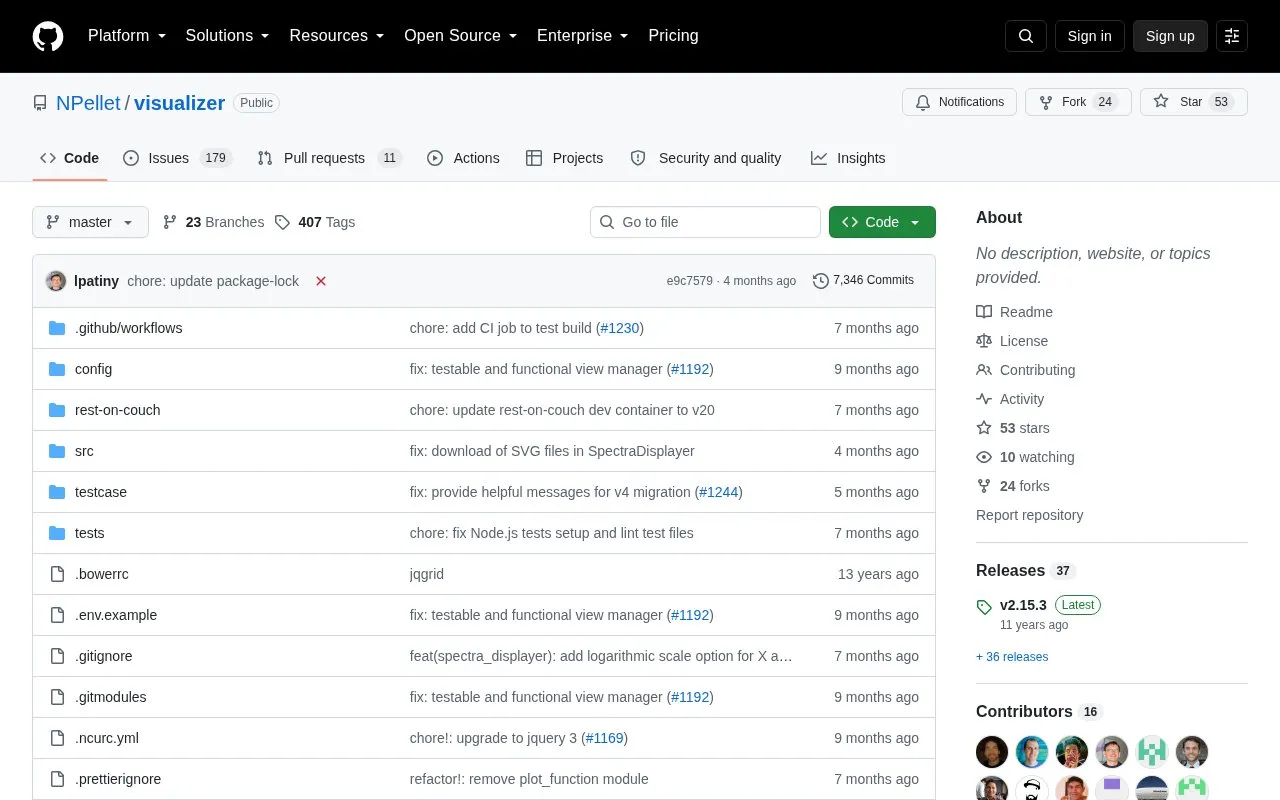
About visualizer
The visualizer is a browser-based tool from the cheminformatics department of the Swiss Federal Institute of Technology for rendering complex datasets. It places modules on a page to show table, chart, matrix, 2D list or 1D list views, with modules interacting through a central API using variables and actions. A visualization is started by passing three URLs for view.json, data.json and config.json files accessible by XHR requests. The user must generate the data file according to guidelines, and installing the development version requires Node.js.
Key features
- Display data as table, chart, matrix, 2D list, 1D list
- Add, move, duplicate, resize and remove modules via UI
- Configure modules with built-in customization options
- Link modules via central variables and actions repository
- Start visualization by passing three URLs in address bar
- Define layout and interactions in view.json separate from data
Best for: Researchers and developers who need to build custom browser views of structured JSON datasets.
Good for
- View definition is independent from the dataset being visualized
- Modules can exchange variables and actions through a central repository
- Released under the MIT license unless specified otherwise
Watch out for
- Requires view, data and config files accessible by XHR requests
- User is responsible for generating the data file to guidelines
- Development installation requires Node.js
visualizer at a glance
- Category
- Development › Developer Tools
- Type
- Open-source project
- Pricing
- Not confirmed. Check the site
- Open source
- Not stated
- Language
- English
- Last checked
- Oct 6, 2026 · Online when checked
- Listed
- Oct 5, 2026
Guides for Developer Tools


visualizer alternatives
Tools and sites you could use instead, ranked by how closely they match.

Manage Procfile-based applications and tmux sessions with overmind, a process manager described in this repository.
Open source
24 alternatives
Exploratory data analysis in Python is the focus of Dora, a library with functions for cleaning, feature selection, visualization, and validation.
Open source
24 alternatives
Download Wireshark profiles from this repository to support troubleshooting and packet analysis.
Open source
24 alternatives
Interactive scientific visualization in Python is supported by VisPy, a library that uses OpenGL for rendering.

Visualize metrics, logs, and traces from multiple sources with Grafana, an observability and data visualization platform.
Open source
24 alternatives
mlxtend adds helper modules for Python data analysis and machine learning libraries.
Popular in Developer Tools
Well-known listings from the same topic.
AppDevToolsappdevtools.comCommand Not Foundcommand-not-found.comTestFlighttestflight.apple.com/join/A8GwCnq8Sourcegraphabout.sourcegraph.comProject Wallaceprojectwallace.comCarbon Calculatorwebsitecarbon.com


visualizer FAQ
What files are needed to start a visualization?
Three JSON files accessible by XHR requests: view.json for layout and interactions, data.json for the dataset, and config.json for available modules and header options.
How do modules communicate with each other?
Through a central repository of variables and actions. Events such as mouse click, mouse hover or resize send a variable or action to the repository.
What is needed to install the development version?
Node.js is required. Run npm install to download the dependencies.
Is something wrong or out of date?
Tell us and an editor will check it.
Own this website?
Claim this listing
Claim the listing and suggest updates yourself. An editor checks every claim first.