

The voice-changer project provides real-time voice changing for audio.
Voice Changer
The w-okada project provides a real-time tool for changing voices during audio use.
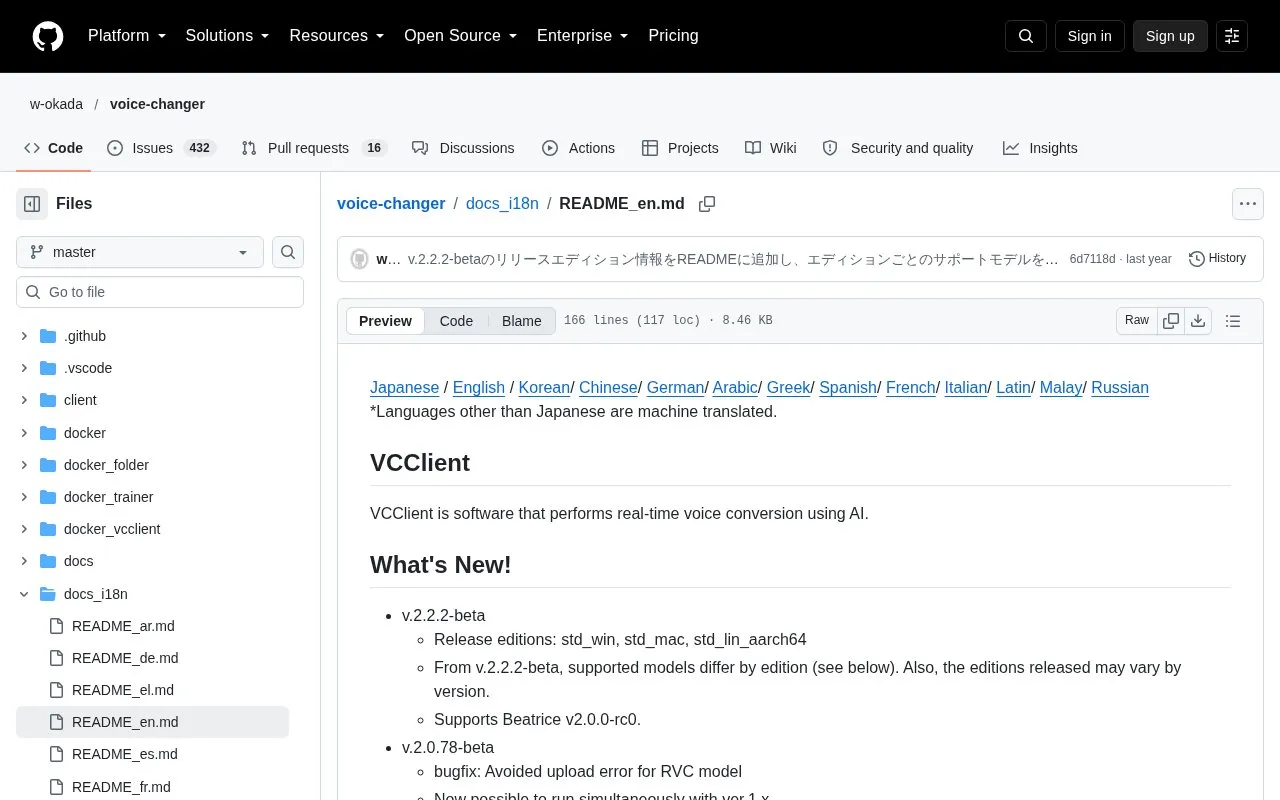
About Voice Changer
VCClient, from the w-okada project, is software that performs real-time voice conversion using AI. It can run on a local PC or over a network. When conversion runs over a network, the load can be moved off the machine that is also running demanding applications such as games. It also provides a REST API, so clients can be built in various programming languages or called with HTTP tools such as curl. It is listed for Windows, Mac (M1), Linux and Google Colab.
Which AI models are available depends on the edition. Beatrice is supported in all standard editions, while RVC is supported in the CUDA Windows and ONNX editions. Beatrice v1 is listed for Windows only, and the Beatrice models are listed under proprietary licenses. The software is not signed by its developer, so macOS shows a security warning and running it is at the user's own risk. Using the Tsukuyomi-chan and Amitaro voice materials is subject to their separate terms of use, which restrict certain purposes and, for Amitaro, require that the converted voice be identified as converted.
Key features
- Real-time AI voice conversion during audio use
- Supports RVC, Beatrice, MMVC, so-vits-svc and DDSP-SVC models, varying by edition
- Standalone conversion on a local PC or conversion over a network
- Network use can offload conversion from high-load applications such as games
- REST API that clients in various programming languages can call
- Platforms listed: Windows, Mac (M1), Linux and Google Colab
Best for: Users who want real-time AI voice conversion on Windows, Mac (M1), or Linux, including those running high-load applications such as games.
Good for
- Supports several voice conversion models, including RVC and Beatrice versions
- Can run conversion on another machine over a network
- Offers a REST API for building clients in various languages
Watch out for
- Model support depends on edition and platform; Beatrice v1 is listed for Windows only
- Not signed by the developer; macOS shows a warning and running it is at the user's own risk
- Converted voices are subject to usage restrictions in the Tsukuyomi-chan and Amitaro terms of use
Voice Changer at a glance
- Category
- AI & Machine Learning › AI Voice & Audio
- Type
- Open-source project
- Pricing
- Not confirmed. Check the site
- Open source
- Not stated
- Last checked
- Oct 6, 2026 · Online when checked
- Listed
- Oct 5, 2026
Voice Changer alternatives
Tools and sites you could use instead, ranked by how closely they match.

Altered Studio changes voices using curated or custom AI voices, with tools for real-time voice effects, accent translation, and voice restoration.

MMAudio synthesizes audio from video and text through a multimodal joint-training approach presented at CVPR 2025.
Open source
19 alternatives
The KittenTTS project offers a text-to-speech model described as under 25 MB in size.
Open source
24 alternatives
Audiblez creates audiobook files from EPUB e-books and offers a graphical interface.
Open source
19 alternatives
EmotiVoice provides a multi-voice text-to-speech engine with prompt controls.
Open source
24 alternativesPopular in AI Voice & Audio
Well-known listings from the same topic.
Google Illuminateilluminate.google.comELSA Speakelsaspeak.comKreadoAIkreadoai.comPodwisepodwise.aiAddsubtitleaddsubtitle.aiAI Wedding Toastaiweddingtoast.com


Voice Changer FAQ
Which platforms are supported?
The project lists Windows, Mac (M1), Linux and Google Colab. Windows and M1 Mac versions are downloaded from a Hugging Face repository, and Linux users are asked to clone the repository.
Can voice conversion run on a different computer?
Yes. The software supports network configurations as well as conversion on a local PC. Running it over a network can move the conversion load to another machine.
Are there restrictions on how converted voices can be used?
Yes. The Tsukuyomi-chan terms prohibit certain uses, including criticizing or attacking people and calling for political, religious or ideological support or opposition. For Amitaro, the converted voice must be clearly identified as a voice conversion, and it must be made clear that Amitaro is not the speaker.
Is something wrong or out of date?
Tell us and an editor will check it.
Own this website?
Claim this listing
Claim the listing and suggest updates yourself. An editor checks every claim first.