

Wigglypaint
Make animated sketches online with Wigglypaint's drawing tool and its animated brush effects.
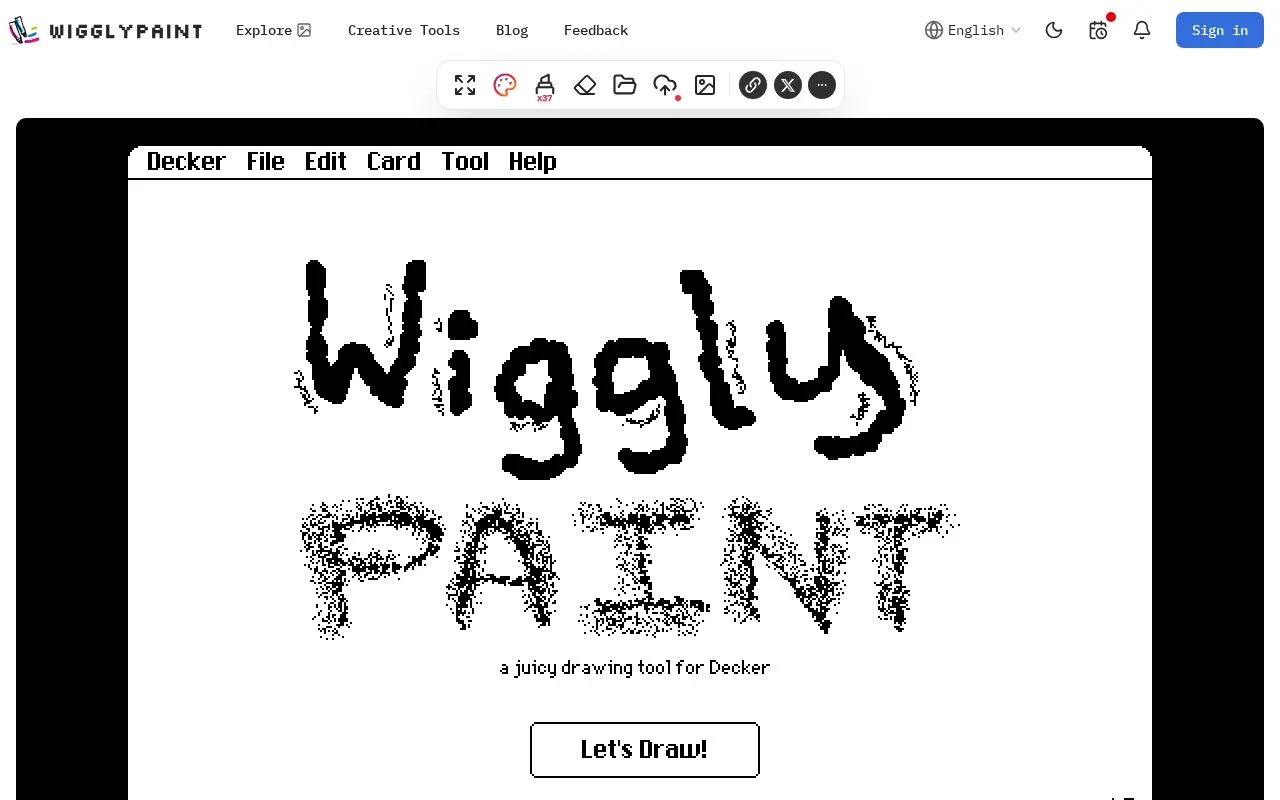
About Wigglypaint
Wigglypaint is an online drawing tool for making animated sketches and doodles. Strokes animate with a wiggle effect and produce sound as they are drawn.
It provides brushes with different thickness, effects and colors, plus eraser, clear, undo, crop, background and palette controls. Finished work can be exported as an animated GIF, and there are options to save projects and palettes to the cloud and browse or upload to a community gallery.
Key features
- Animated brushes that wiggle with distinct sound effects
- Export drawings as animated GIF files
- 8 brushes with different thickness, effects and colors
- Eraser, one-click clear and undo controls
- Crop tool, brush size, background and palette settings
- Cloud save for projects and palettes with cross-device loading
Best for: People who want to create simple animated doodles and share them as GIFs.
Good for
- Exports finished work as animated GIFs for sharing
- Supports drawing on PCs, tablets and mobile phones
- Includes a community gallery for publishing work and commenting
Wigglypaint at a glance
- Website
- wigglypaint.net
- Category
- Design & Creative › Video Editing & Animation
- Type
- Online tool
- Pricing
- Not confirmed. Check the site
- Platforms
- Web
- Open source
- Not stated
- Language
- English
- Last checked
- Oct 5, 2026 · Online when checked
- Listed
- Oct 5, 2026
Guides for Video Editing & Animation

Wigglypaint alternatives
Tools and sites you could use instead, ranked by how closely they match.
FizzPaint supports solo and live collaborative drawing, with lines that can be animated using a boil effect.
Free

Create animations with Sketch Machine, a free and open-source drawing tool.

Draw animated pictures with wiggly lines and export them as GIFs using this free browser tool.

Turn static sketches into animations with Animated Drawings, a project from Meta FAIR.
Popular in Video Editing & Animation
Well-known listings from the same topic.
Animakeranimaker.com8mb.video8mb.videoASM Lessonsgithub.com/FFmpeg/asm-lessonsCuttrcuttr.inVideo Cuttervideo-cutter-js.comFreeMoCapfreemocap.org


Wigglypaint FAQ
How can I export my work?
Click the EXPORT button below the drawing area, enter a file name ending in ".gif", then click save to download the file.
How do I choose the best colors for my artwork?
Use OPTIONS to set the background, choose from preset palettes, or customize colors. The site also points to its guide on Wigglypaint color palettes.
Is something wrong or out of date?
Tell us and an editor will check it.
Own this website?
Claim this listing
Claim the listing and suggest updates yourself. An editor checks every claim first.