
A Windows utility runs games in borderless windowed mode, and its page lists legacy version 9.6.0 as the final release.
Free
24 alternativesPresent software in a borderless window instead of the standard framed window layout with this utility.
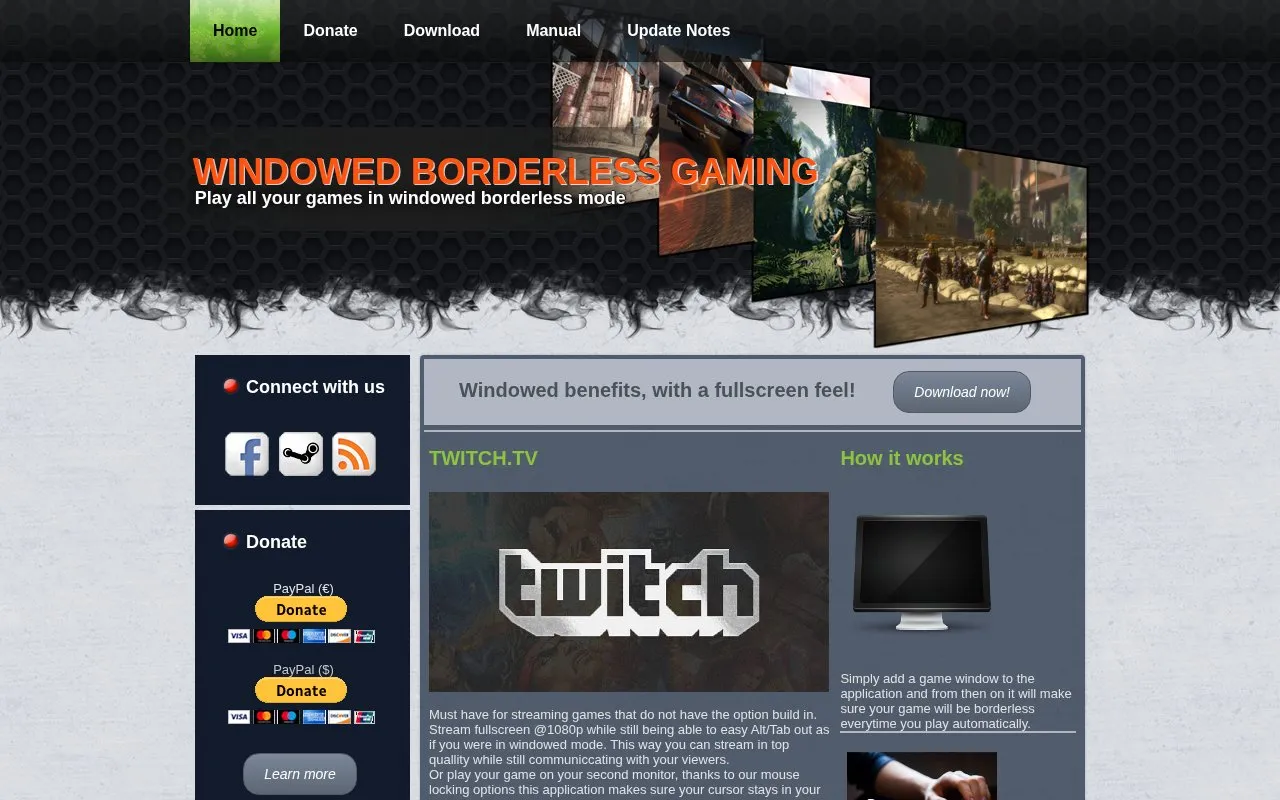
Windowed Borderless Gaming is a utility that presents games in a borderless window instead of a standard framed window. A user adds a game window once, and the application then applies the borderless display automatically on later sessions.
It supports settings configured globally or for individual games, a mouse-locking option to keep the cursor in the game window, and Alt/Tab switching while maintaining a fullscreen display for streaming or second-monitor play.
Tools and sites you could use instead, ranked by how closely they match.
A Windows utility runs games in borderless windowed mode, and its page lists legacy version 9.6.0 as the final release.
Build control schemes with PadCrafter, a tool for designing gamepad layouts.
Backgrounds.Gallery presents a user-voted collection of Steam profile backgrounds, including animated backgrounds.
Hallownest.net presents an interactive Hollow Knight map assembled from hundreds of thousands of screenshots.
Explore noclip, a digital museum that catalogs and presents levels from video games.
Jackbox Utility is an open-source application for launching Jackbox games on Windows, Linux, and macOS.
Well-known listings from the same topic.
Tell us and an editor will check it.
Claim the listing and suggest updates yourself. An editor checks every claim first.


