

File History
The Windows file-history feature for retaining and restoring earlier copies of personal files on separate storage.
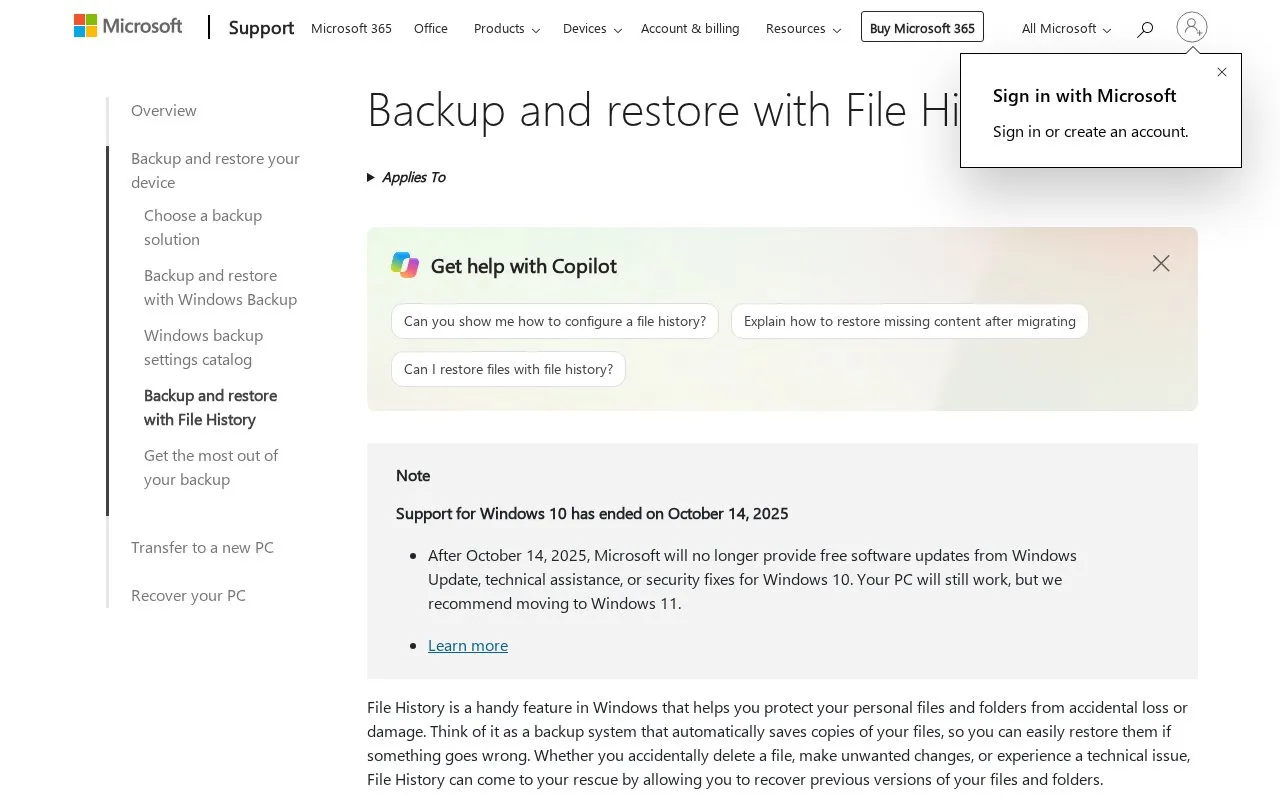
About File History
File History is a Windows feature for keeping copies of personal files and folders on separate storage, such as an external drive or a network location. It runs automatically after it is turned on, so users do not have to copy important documents, photos, videos, or folders by hand. If a file is deleted or changed by mistake, the user can browse the saved versions and restore the one they need.
By default, File History backs up the Documents, Pictures, Videos, and Music libraries, along with any custom libraries. Folders stored elsewhere can be added by including them in a library. The source lists Windows 10 and Windows 11 as applicable versions, and notes that Windows 10 support ended on October 14, 2025, and recommends moving to Windows 11.
Key features
- Automatically backs up default libraries: Documents, Pictures, Videos, and Music
- Includes custom libraries and folders added to a library for backup
- Saves backups to an external drive or a network location
- Lists previous versions of a file or folder for restoring
- Previews a saved version in File History before restoring it
Best for: Windows users who want automatic, versioned copies of personal files kept on a separate drive or network location.
Good for
- Backs up files automatically without manual copying
- Allows restoring earlier versions of files and folders after deletion or unwanted changes
- Lets users preview a saved version before restoring it
Watch out for
- Requires an external drive or network location to be configured for backups
- Folders outside the default and custom libraries must be added to a library manually
- Windows 10 support has ended, and Microsoft recommends moving to Windows 11
File History at a glance
- Category
- Software & Utilities › Backup & Recovery
- Type
- Online tool
- Pricing
- Free
- Open source
- Not stated
- Last checked
- Oct 9, 2026 · Online when checked
- Listed
- Oct 9, 2026
Guides for Backup & Recovery
File History alternatives
Tools and sites you could use instead, ranked by how closely they match.

Apple’s macOS backup feature for automatic file history on supported external or network storage.
Free

ShadowExplorer provides a graphical interface for browsing Windows Volume Shadow Copies and restoring previous versions of deleted files.
Featured in
 8 sites


Best of
8 Best Free Backup Software Picks in 2026
Free backup software should give you a way back after a deleted folder or a failed drive. These picks cover Windows…
Popular in Backup & Recovery
Well-known listings from the same topic.
UrBackupurbackup.orgAOMEI Backupperubackup.comWindows File Recoveryapps.microsoft.com/detail/9n26s50ln705Duplicatiduplicati.comKopiakopia.ioBorgborgbackup.org


File History FAQ
Can File History restore deleted or changed files?
Yes. Right-click the folder that contained the file, select Restore previous versions, choose a saved version, and select Restore. Files in a library should be restored from the location where they are saved, not from the library itself.
Which folders does File History back up?
It automatically backs up the Documents, Pictures, Videos, and Music libraries, plus any custom libraries. Other folders can be added by including them in a library.
What is needed to set up File History?
An external drive or a network location must be connected or configured to store the backups. In Control Panel, select Save backup copies of your files with File History, then select Turn on.
Is something wrong or out of date?
Tell us and an editor will check it.
Own this website?
Claim this listing
Claim the listing and suggest updates yourself. An editor checks every claim first.