

ShadowExplorer
ShadowExplorer provides a graphical interface for browsing Windows Volume Shadow Copies and restoring previous versions of deleted files.
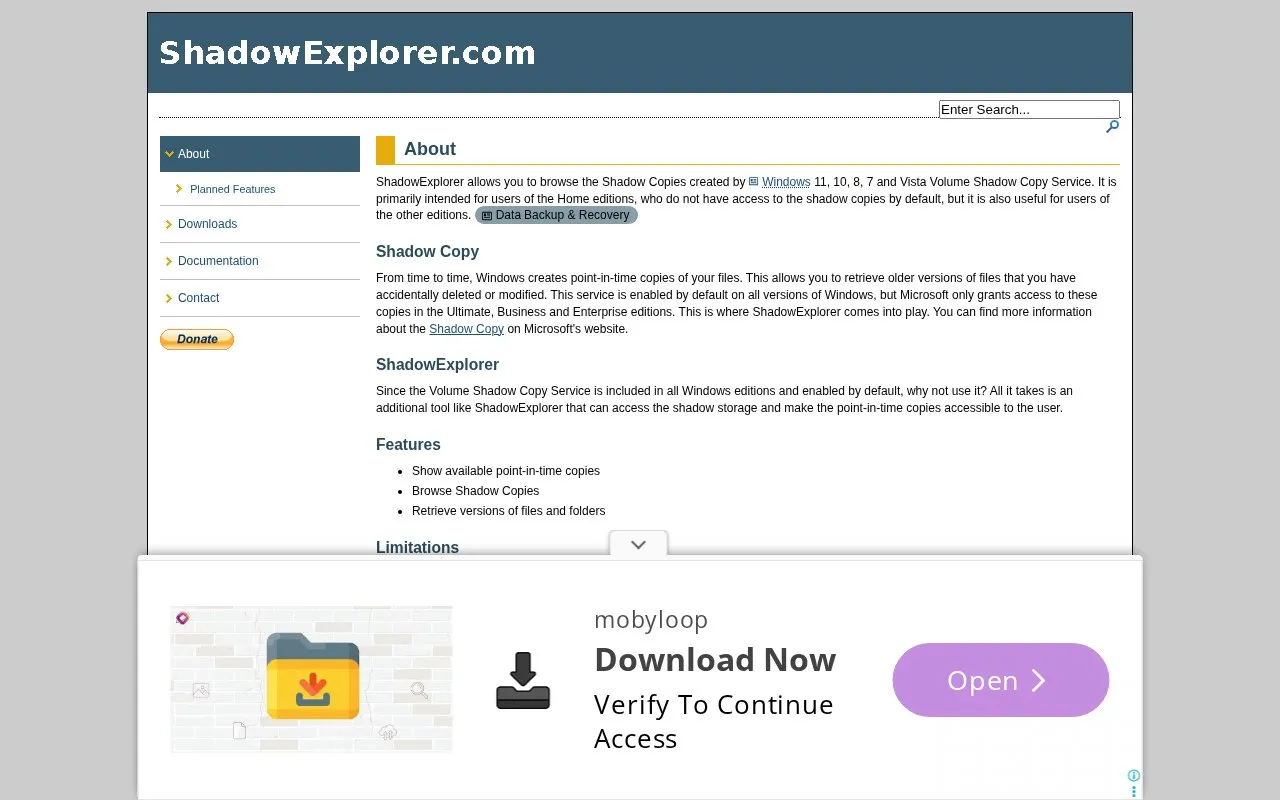
About ShadowExplorer
ShadowExplorer is a Windows program that gives a graphical view of the Volume Shadow Copy Service, which keeps point-in-time copies of files. You can browse those copies and retrieve older versions of files and folders that were deleted or modified. The site says it is primarily meant for Windows Home editions, which do not have default access to shadow copies, though it is also useful on other editions. Shadow copies are stored on the same disk as your data, so ShadowExplorer adds to regular backups rather than replacing them.
Pricing is not clearly stated.
Key features
- Show available point-in-time copies
- Browse Shadow Copies
- Retrieve versions of files and folders
Best for: Users of Windows Home editions who want to browse shadow copies and restore earlier versions of files.
Good for
- Uses the Volume Shadow Copy Service that Windows already includes and enables by default
Watch out for
- Only drives with System Protection enabled can be recovered from, and it must be on before the incident
- The FAQ says it is not expected to work on Windows 9x, ME, 2000 or XP
ShadowExplorer at a glance
- Website
- shadowexplorer.com
- Category
- Software & Utilities › Backup & Recovery
- Type
- App
- Pricing
- Not confirmed. Check the site
- Platforms
- Windows
- Details verified
- Oct 21, 2026 · Official source
- Open source
- Not stated
- Language
- English
- Last checked
- Oct 5, 2026 · Online when checked
- Listed
- Oct 5, 2026
Guides for Backup & Recovery
ShadowExplorer alternatives
Tools and sites you could use instead, ranked by how closely they match.
ShadowCopyView lists snapshots of hard drives created by Windows Volume Shadow Copy on Windows 10, 8, 7, and Vista.

Borg UI adds a web interface for creating, scheduling, and restoring Borg Backup jobs, replacing terminal commands with a graphical workflow.
Open source
7 alternatives
The Windows file-history feature for retaining and restoring earlier copies of personal files on separate storage.
Free

Rescuezilla provides a graphical live-CD tool for disk imaging, cloning, and restoring an entire computer.

Rescuezilla supports disk cloning and imaging and works with Clonezilla; its repository calls it a graphical interface for Clonezilla.
Open source
9 alternativesPopular in Backup & Recovery
Well-known listings from the same topic.
UrBackupurbackup.orgAOMEI Backupperubackup.comWindows File Recoveryapps.microsoft.com/detail/9n26s50ln705Duplicatiduplicati.comKopiakopia.ioBorgborgbackup.org


Is something wrong or out of date?
Tell us and an editor will check it.
Own this website?
Claim this listing
Claim the listing and suggest updates yourself. An editor checks every claim first.