
Rescuezilla
Rescuezilla provides a graphical live-CD tool for disk imaging, cloning, and restoring an entire computer.
About Rescuezilla
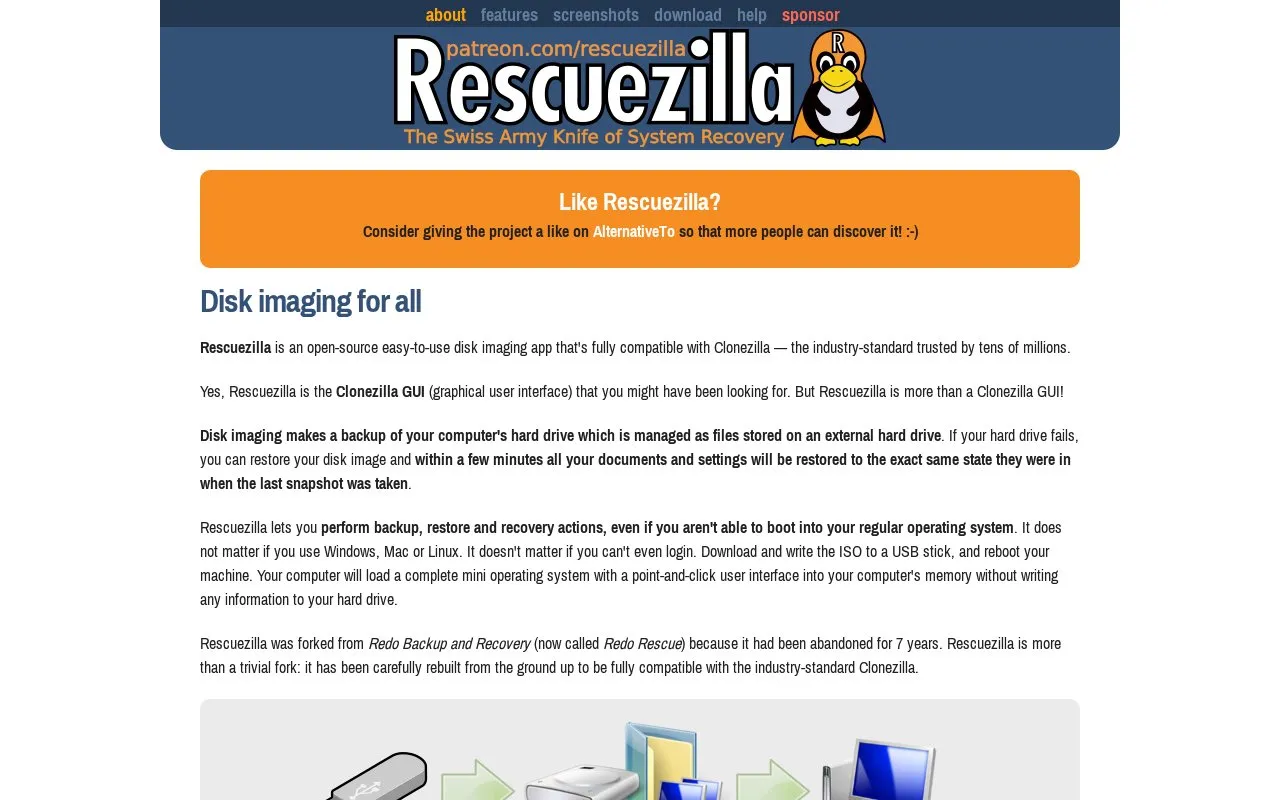
Rescuezilla is a disk imaging and cloning tool distributed as a live ISO. Written to a USB stick or CD-ROM, it boots a small operating system with a point-and-click interface, letting you back up, restore or recover a computer's hard drive even when the installed operating system will not start or you cannot log in. The site describes it as a graphical alternative to Clonezilla, fully interoperable with Clonezilla images as well as images made by VirtualBox, VMware and Qemu, and says it covers Windows, Mac and Linux machines. It is a fork of the abandoned Redo Backup and Recovery.
The site states the project is free and released under the GNU GPL license, with development supported by Patreon contributions; no other pricing is listed. Copying files out of a mounted image is labeled beta, and planned tools such as a graphical individual-file extractor and a data-salvage tool for failing drives are roadmap items rather than current features.
Key features
- Creates disk images of a whole computer and restores them later
- Runs from USB or CD-ROM with no installation required
- Point-and-click graphical interface, described as the Clonezilla GUI
- Backs up and restores Windows, Mac and Linux machines
- Reads images made by Clonezilla, VirtualBox, VMware and Qemu
- Mounts supported images to copy out files (beta)
Best for: People who need to back up or restore an entire computer without booting its operating system and prefer a graphical tool over Clonezilla's interface.
Good for
- Boots into a live environment, so recovery is possible when the regular operating system will not start or login fails
- Works across Windows, Mac and Linux machines and is interoperable with Clonezilla-format images
- Aimed at users who want a simple graphical interface instead of Clonezilla's command-style workflow
Watch out for
- Copying individual files out of a mounted image is described as beta
- Some capabilities, such as a graphical individual-file extractor and a dying-drive data-salvage tool, are listed as future plans
- Development relies on Patreon contributions the site asks users to consider; no pricing is otherwise stated
Rescuezilla at a glance
- Website
- rescuezilla.com
- Category
- Software & Utilities › Backup & Recovery
- Type
- Website
- Pricing
- Not confirmed. Check the site
- Platforms
- Linux, Web, Windows
- Open source
- Not stated
- Language
- English
- Last checked
- Oct 6, 2026 · Online when checked
- Listed
- Oct 5, 2026
Guides for Backup & Recovery
Rescuezilla alternatives
Tools and sites you could use instead, ranked by how closely they match.

Clonezilla is free and open-source software for disk imaging and cloning, with Live CD/USB and server editions listed on its site.

Rescuezilla supports disk cloning and imaging and works with Clonezilla; its repository calls it a graphical interface for Clonezilla.
Open source
9 alternatives
BackupPC backs up Linux, Windows, and macOS computers to a server disk, according to its project description.

AOMEI Backupper provides backup, restore, file sync, and disk cloning tools for personal and business Windows PCs and servers.
Pick
6 alternatives
ShadowExplorer provides a graphical interface for browsing Windows Volume Shadow Copies and restoring previous versions of deleted files.

Borg UI adds a web interface for creating, scheduling, and restoring Borg Backup jobs, replacing terminal commands with a graphical workflow.
Open source
7 alternativesFeatured in
 8 sites


Best of
8 Best Free Backup Software Picks in 2026
Free backup software should give you a way back after a deleted folder or a failed drive. These picks cover Windows…
Popular in Backup & Recovery
Well-known listings from the same topic.
UrBackupurbackup.orgWindows File Recoveryapps.microsoft.com/detail/9n26s50ln705Duplicatiduplicati.comKopiakopia.ioBorgborgbackup.orgFolderClonefolderclone.com


Rescuezilla FAQ
Do I need to install Rescuezilla?
No. It runs from a USB stick or CD-ROM and loads into memory without writing information to the computer's hard drive.
Is it compatible with Clonezilla?
The site says it is fully interoperable with Clonezilla and also supports images made by VirtualBox, VMware, Qemu and other open-source imaging frontends.
How is the project funded?
The site asks users to consider contributing $1 per month through the crowdfunding site Patreon to support continued development.
Is something wrong or out of date?
Tell us and an editor will check it.
Own this website?
Claim this listing
Claim the listing and suggest updates yourself. An editor checks every claim first.