

Rescuezilla
Rescuezilla supports disk cloning and imaging and works with Clonezilla; its repository calls it a graphical interface for Clonezilla.
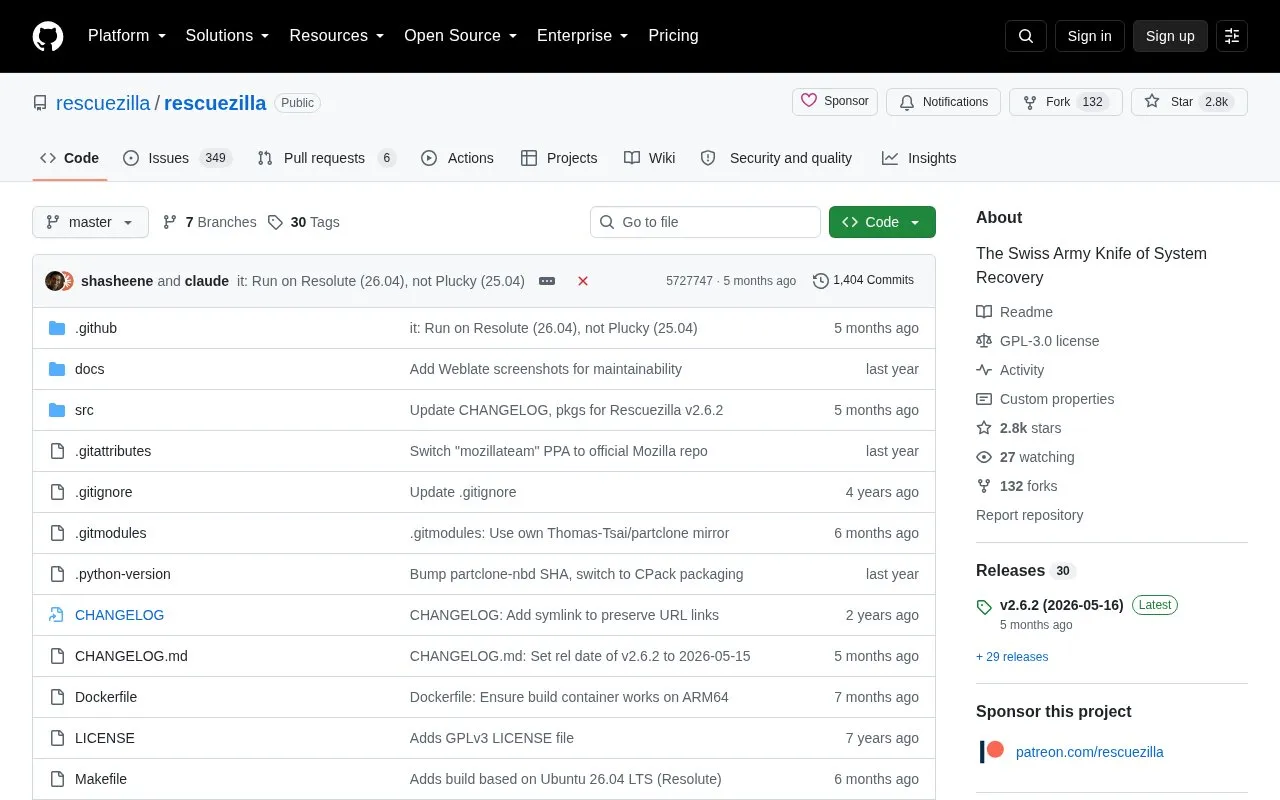
About Rescuezilla
Rescuezilla is an open-source disk cloning and imaging application distributed through a GitHub repository. It provides a graphical interface for making image backups of a computer's hard drive to an external drive, and for cloning one device directly to another without a third drive. It is developed to be fully interoperable with Clonezilla: Rescuezilla can restore Clonezilla backups, and backups it creates can be restored with Clonezilla. It also supports images from other open-source imaging frontends and virtual machine formats, and can be booted from a Live USB stick on a PC or Mac.
Key features
- Graphical disk imaging and cloning interface
- Creates images interoperable with Clonezilla in both directions
- Boots from a Live USB stick on PC or Mac
- Handles virtual machine images: VirtualBox, VMware, Hyper-V, Qemu, raw
- Image Explorer (beta) opens files inside images, including VM images
- Supports Linux md RAID, LVM and disks with no partition table
Best for: Users who want a graphical alternative to command-line imaging tools while keeping backup images compatible with Clonezilla.
Good for
- Open-source project, forked from the abandoned Redo Backup and Recovery and rebuilt for Clonezilla compatibility
- Backup images can be exchanged with Clonezilla and other open-source imaging frontends
- Runs from a Live USB stick without installing to the target machine
Watch out for
- Does not yet automatically shrink partitions when restoring to a disk smaller than the original; the feature is planned for a future version
- Image Explorer is labeled beta
- The project notes that hard drive imaging and cloning is a specialized task and may not suit every backup need
Rescuezilla at a glance
- Category
- Software & Utilities › Backup & Recovery
- Type
- Open-source project
- Pricing
- Not confirmed. Check the site
- Open source
- Yes · Source code
- Language
- English
- Last checked
- Oct 6, 2026 · Online when checked
- Listed
- Oct 5, 2026
Guides for Backup & Recovery
Rescuezilla alternatives
Tools and sites you could use instead, ranked by how closely they match.

Borg combines compression and authenticated encryption in a deduplicating archiver; this repository identifies its README as Borg 2.

Borg UI adds a web interface for creating, scheduling, and restoring Borg Backup jobs, replacing terminal commands with a graphical workflow.
Open source
7 alternatives
Rescuezilla provides a graphical live-CD tool for disk imaging, cloning, and restoring an entire computer.

restic backs up data on Linux, macOS, Windows, FreeBSD, and OpenBSD; its project describes it as fast, efficient, and secure.
Open source
6 alternatives
Kopia backs up data across Windows, macOS, and Linux with incremental backups, client-side encryption, compression, and deduplication.
Open source
7 alternatives
Clonezilla is free and open-source software for disk imaging and cloning, with Live CD/USB and server editions listed on its site.
Popular in Backup & Recovery
Well-known listings from the same topic.
UrBackupurbackup.orgAOMEI Backupperubackup.comWindows File Recoveryapps.microsoft.com/detail/9n26s50ln705Duplicatiduplicati.comKopiakopia.ioBorgborgbackup.org


Rescuezilla FAQ
Can Rescuezilla restore backups created by Clonezilla?
Yes. Rescuezilla is developed to be fully interoperable with Clonezilla, so it can restore Clonezilla backups, and images it creates can be restored using Clonezilla.
Do I need to install Rescuezilla?
No. It can be booted on any PC or Mac from a USB stick.
Can it restore an image to a smaller disk than the original?
Not automatically. Rescuezilla does not yet shrink partitions to restore to smaller disks; the project states this feature will be added in a future version.
Is something wrong or out of date?
Tell us and an editor will check it.
Own this website?
Claim this listing
Claim the listing and suggest updates yourself. An editor checks every claim first.