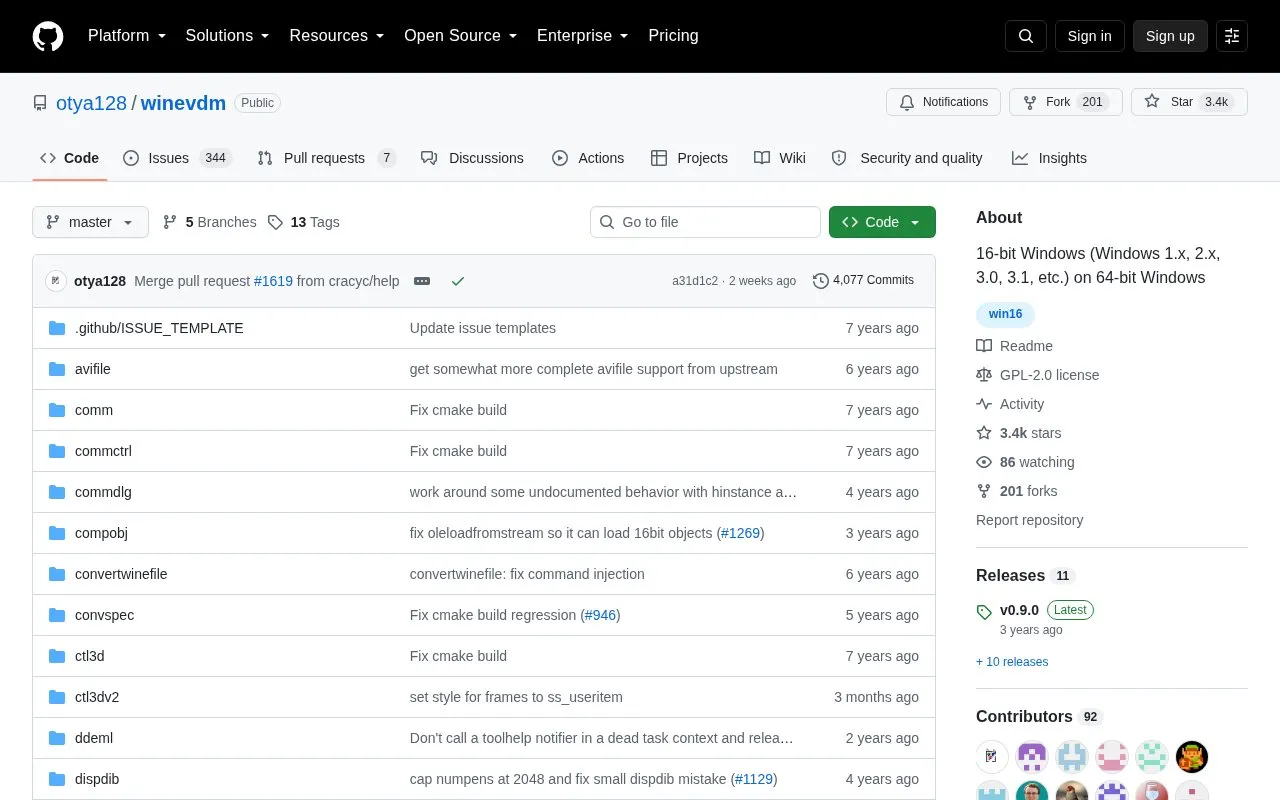
winevdm is an open-source project that runs 16-bit Windows applications (Windows 1.x, 2.x, 3.0, 3.1 and similar) on 64-bit Windows. It is an altered version of winevdm ported to 64-bit Windows, built around a CPU emulator, Win16-to-Win32 conversion code, DOS emulation for Win16, and 16-bit to native handle conversion. Once installed, Win16 binaries can be launched directly; a program can also be run by dragging and dropping a Win16 executable onto otvdm.exe or by executing otvdmw.exe. Configuration is handled through otvdm.ini, and the project can be built with Visual Studio 2017 or with cmake.
Key features
Runs 16-bit Windows programs such as Windows 1.x, 2.x, 3.0 and 3.1 titles
Installs via install shortcut or right-clicking install.inf
Launches Win16 binaries directly once installed
Drag-and-drop execution through otvdm.exe or otvdmw.exe
Includes a CPU emulator and Win16-to-Win32 conversion code
Can also run DOS executables, with DOS version set via VDMDOSVER
Best for: Users on 64-bit Windows who need to run older 16-bit Windows software, including legacy installers and applications.
Good for
Open source under the GPL-2.0 license
Installs Win16 support so 16-bit binaries can be executed directly
Redirects WINDOWS directory writes for programs that save settings to %WINDIR%
Watch out for
DOS emulation is described as incomplete, with DOSBox or MS-DOS Player recommended instead
If Windows Update initializes the registry, the install procedure must be run again
May require the 32-bit Microsoft Visual C++ Redistributable for Visual Studio 2017 if VCRUNTIME140.dll is missing
Download or compile it, then run the install shortcut or right-click install.inf and select Install. It can be uninstalled by running uninstall.reg.
How do I run a 16-bit program with it?
After installation you can execute Win16 binaries directly, or drag and drop a Win16 executable file onto otvdm.exe or run otvdmw.exe.
Can winevdm run DOS programs?
It can also run DOS executables in a DOS emulator-like way, and the DOS version can be set with the VDMDOSVER environment variable. DOS emulation is incomplete and DOSBox or MS-DOS Player are recommended instead.
Is something wrong or out of date?
Tell us and an editor will check it.
Own this website?
Claim the listing and suggest updates yourself. An editor checks every claim first.