

WSLg adds support for Wayland and X server scenarios to the Windows Subsystem for Linux.
Open source
10 alternativesWindows Subsystem for Linux lets users run Linux environments within the Windows operating system.
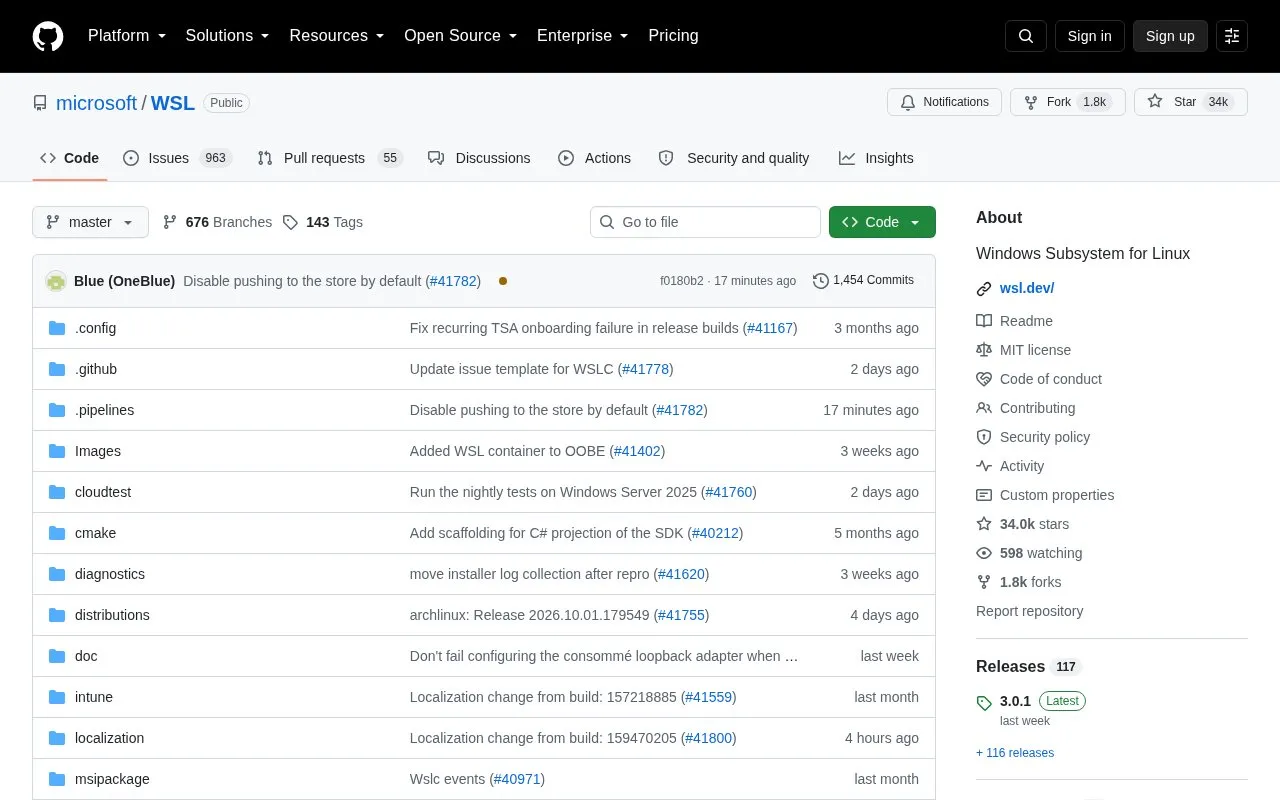
Windows Subsystem for Linux (WSL) is an open source Microsoft tool that lets users run unmodified Linux command-line tools, utilities, and applications directly on the Windows operating system. It removes the need for traditional virtual machine setups or dual boot configurations, reducing overhead for users who need access to Linux software.
You can install WSL quickly by running the wsl --install command in the Windows command line. The project is supported by related open source repositories, including one for the custom Linux kernel shipped with WSL and another for Linux GUI app support. The software logs basic diagnostic telemetry by default, which users can disable per the repository’s documentation.
WSL is designed for Windows users who regularly need Linux tooling for tasks like software development, scripting, or system administration, without switching their primary operating system.
wsl --install commandTools and sites you could use instead, ranked by how closely they match.
WSLg adds support for Wayland and X server scenarios to the Windows Subsystem for Linux.
winevdm runs 16-bit Windows applications on 64-bit systems, including older Windows software.
Quickemu creates and runs optimized virtual machines for Windows, macOS, and Linux.
Distrod installs Linux distributions in WSL 2 and includes an automatic startup feature.
Blink provides a compact emulator for running x86-64 Linux programs, according to its project description.
virt-manager is a desktop tool for managing virtual machines through libvirt.
Well-known listings from the same topic.
Tell us and an editor will check it.
Claim the listing and suggest updates yourself. An editor checks every claim first.


