

Superwhisper turns speech into polished text for use in apps such as Slack and Gmail, with recognition options listed for four operating systems.
Wispr Flow
Wispr Flow provides voice dictation that turns speech into text in text fields.
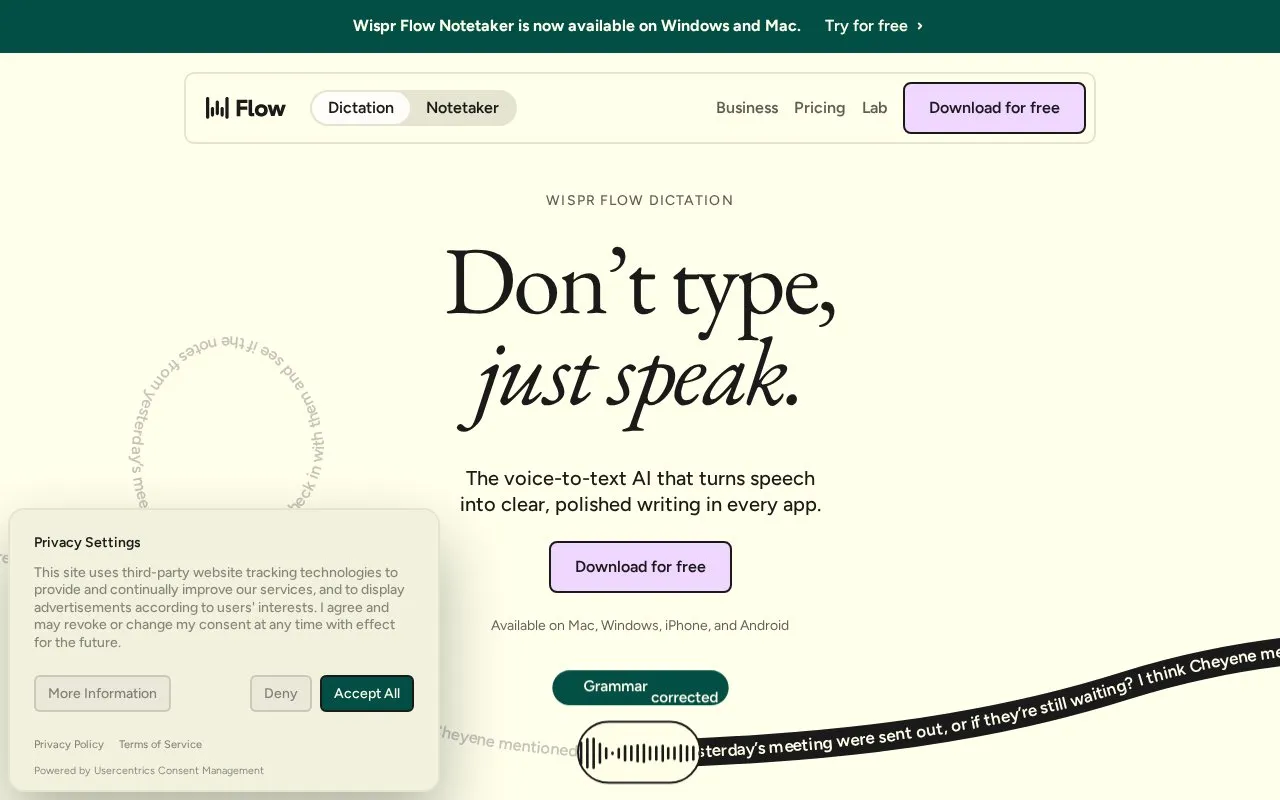
About Wispr Flow
Wispr Flow is a voice dictation tool that converts speech into text in whatever text field is in use. It runs on Mac, Windows, iPhone and Android, and the site says it works anywhere you can type without plugins. As you speak, Flow also edits: it removes filler words, adds punctuation and formats the text, and it is built to tolerate pauses, corrections and mid-sentence changes of mind. The homepage compares 220 words per minute with Flow against 45 words per minute for keyboard typing.
The same vendor offers Flow Notetaker on Windows and Mac. A free download and a "try for free" option are offered on the homepage, but plan pricing, supported languages beyond English, and details about how dictated text is stored or synced are not stated there.
Key features
- Dictation into any text field, with no plugins required
- Removes filler words, adds punctuation and formats text automatically
- Handles pauses, corrections and mid-sentence changes of mind
- Syncs across Mac, Windows, iPhone and Android
- Flow Notetaker available on Windows and Mac
Best for: People who want to draft messages and documents by speaking across desktop and mobile apps instead of typing.
Good for
- Available on Mac, Windows, iPhone and Android
- Editing happens during dictation rather than as a separate step
- Works in any app that accepts typing, without plugins
Watch out for
- Homepage does not list plan pricing or what a free tier includes
- No details given on data storage or handling despite cross-device sync
- Source states English only and lists no other supported languages
Wispr Flow at a glance
- Website
- wisprflow.ai
- Category
- AI & Machine Learning › AI Voice & Audio
- Type
- Online tool
- Pricing
- Not confirmed. Check the site
- Platforms
- Android, iOS, Web, Windows
- Open source
- Not stated
- Language
- English
- Last checked
- Oct 5, 2026 · Online when checked
- Listed
- Oct 5, 2026
Wispr Flow alternatives
Tools and sites you could use instead, ranked by how closely they match.

Vocol AI turns speech into text and shares AI-generated summaries, topic highlights and action items for voice collaboration.
Free trial
24 alternatives
MyVocal lets users clone a voice, convert text to speech, and turn song ideas into audio.

Cloudglue provides APIs that turn video into context for AI, including speech, speaker diarization, visual descriptions, and sound data.

Hume provides human ratings and APIs for evaluating voice, speech, and conversational AI.

Moe TTS generates speech from text and can convert existing audio to another speaker’s voice.
Popular in AI Voice & Audio
Well-known listings from the same topic.
Google Illuminateilluminate.google.comAlteredaltered.aiELSA Speakelsaspeak.comKreadoAIkreadoai.comPodwisepodwise.aiAddsubtitleaddsubtitle.ai


Wispr Flow FAQ
Which devices does Wispr Flow run on?
Mac, Windows, iPhone and Android. Flow Notetaker is listed as available on Windows and Mac.
Do I need plugins or integrations to use it?
The site says Flow works anywhere you can type, with no plugins required.
Is there a free version?
The homepage offers a free download and a "try for free" option. Pricing for any paid plans is not stated.
Is something wrong or out of date?
Tell us and an editor will check it.
Own this website?
Claim this listing
Claim the listing and suggest updates yourself. An editor checks every claim first.