

XnConvert
A desktop batch image converter for Windows, macOS, and Linux. Save sequences of resizing, image adjustments, and export settings. Private, educational, and nonprofit use are free; commercial use requires a license.
About XnConvert
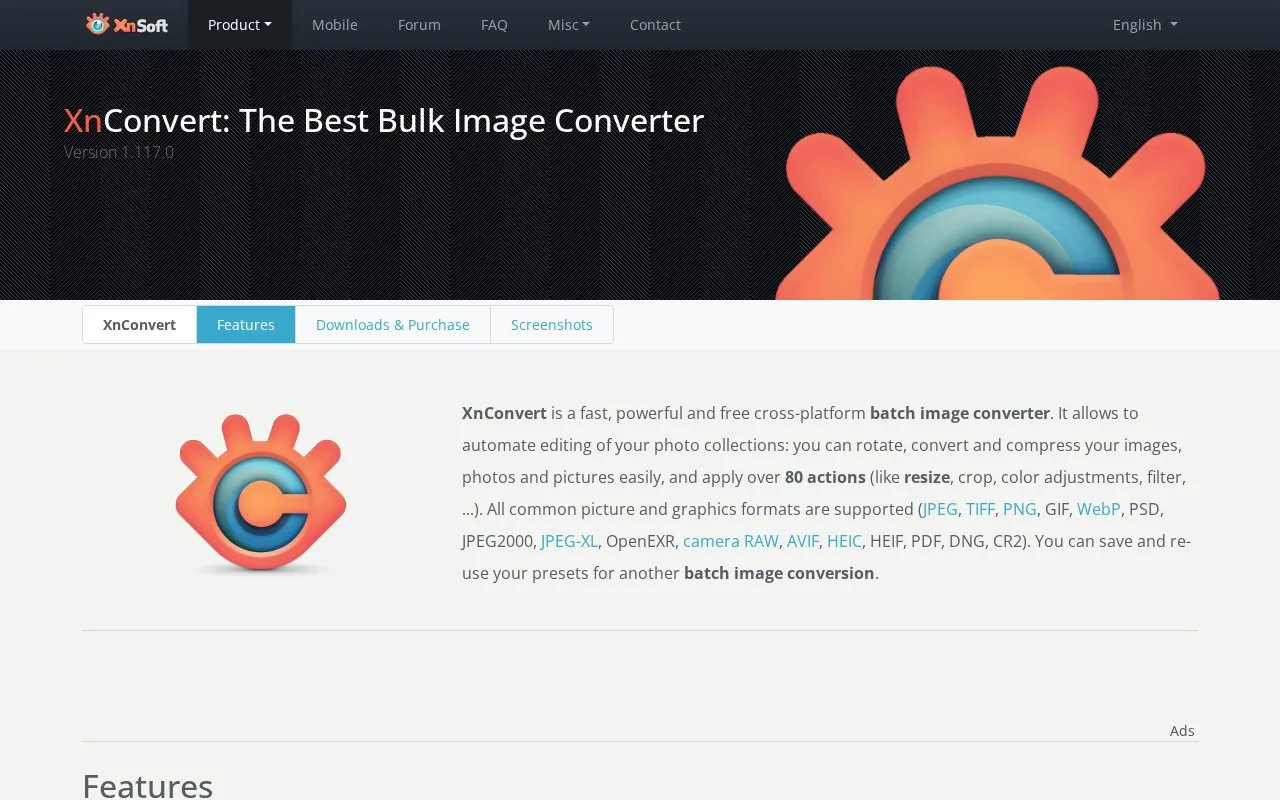
XnConvert is a desktop batch image converter for Windows, macOS, and Linux. It is used to apply the same edits and export settings to many images at once, such as rotating, converting, compressing, and resizing photo collections. Users can save their settings as presets and reuse them for later batch conversions.
The program offers more than 80 operations, including transforms like crop and resize, adjustments such as brightness and contrast, filters, effects like watermarking, and metadata editing. It can watch folders and apply a set of edits to new or updated images. It reads many formats, including JPEG, PNG, WebP, PSD, HEIC, camera RAW, and PDF, and exports to about 70 formats. Private, educational, and nonprofit use is free. Company use requires a purchased license.
Key features
- Batch conversion of image collections using more than 80 operations
- Saved presets that can be reused for later batch conversions
- Watch folders that apply a custom set of edits to new or updated images
- Metadata editing alongside transforms, adjustments, filters, and effects
- Reads more than 500 formats, including camera RAW, HEIC, and PDF
- Exports to about 70 file formats
Best for: Individuals, students, and nonprofit groups that need to resize, convert, or compress large folders of photos on a desktop computer.
Good for
- Free for private, educational, and nonprofit use, according to the source
- Available for Windows, macOS, and Linux in 32-bit and 64-bit editions
- Drag-and-drop interface with translations in more than 20 languages
Watch out for
- Company use requires a purchased license
- The latest Windows version is listed for Windows 10 and 11 (64-bit) only; older Windows versions are offered separately
- The latest Linux version is listed for specific distributions, including Ubuntu 22.04+, Debian 11.6+, and RHEL 8.6+
XnConvert at a glance
- Website
- xnview.com/en/xnconvert
- Category
- Online Tools › Image Tools
- Type
- App
- Pricing
- Freemium
- Platforms
- Windows, macOS, Linux
- Open source
- Not stated
- Last checked
- Oct 7, 2026 · Online when checked
- Listed
- Oct 7, 2026
Guides for Image Tools

XnConvert alternatives
Tools and sites you could use instead, ranked by how closely they match.

Converseen converts, resizes, and processes images in batches across Windows, Linux, macOS, and FreeBSD.

PicView views images on Windows and macOS, with EXIF display, batch resizing, compression, and archive viewing.

Picviewer CE+ lets users zoom, scale, edit, and rotate images, batch-save them, or load pictures from later pages.

Bulk Resize Photos resizes a single image or batches of images online without an account.
Featured in
 8 sites


Image compression
8 Best Free Image Compression Tools in 2026
The best free image compression tools should get your pictures ready for a website without turning every upload into a…
Popular in Image Tools
Well-known listings from the same topic.
CamScannerapps.apple.com/us/app/camscanner-pdf-scanner-a…BeeRefbeeref.orgGreenshotgetgreenshot.orgLightshotapp.prntscr.comnomacsnomacs.orgStorage Serverpixelunion.eu


XnConvert FAQ
Is XnConvert free to use?
The source states that XnConvert is free for private, educational, and nonprofit use. Commercial use requires a license, and company use requires purchasing a license.
Can I save settings for repeated image jobs?
Yes. Presets can be saved and reused for another batch image conversion.
Which image formats are supported?
The source lists common formats such as JPEG, TIFF, PNG, GIF, WebP, PSD, AVIF, HEIC, PDF, and camera RAW. It states that about 500 formats can be read and about 70 can be written.
Is something wrong or out of date?
Tell us and an editor will check it.
Own this website?
Claim this listing
Claim the listing and suggest updates yourself. An editor checks every claim first.