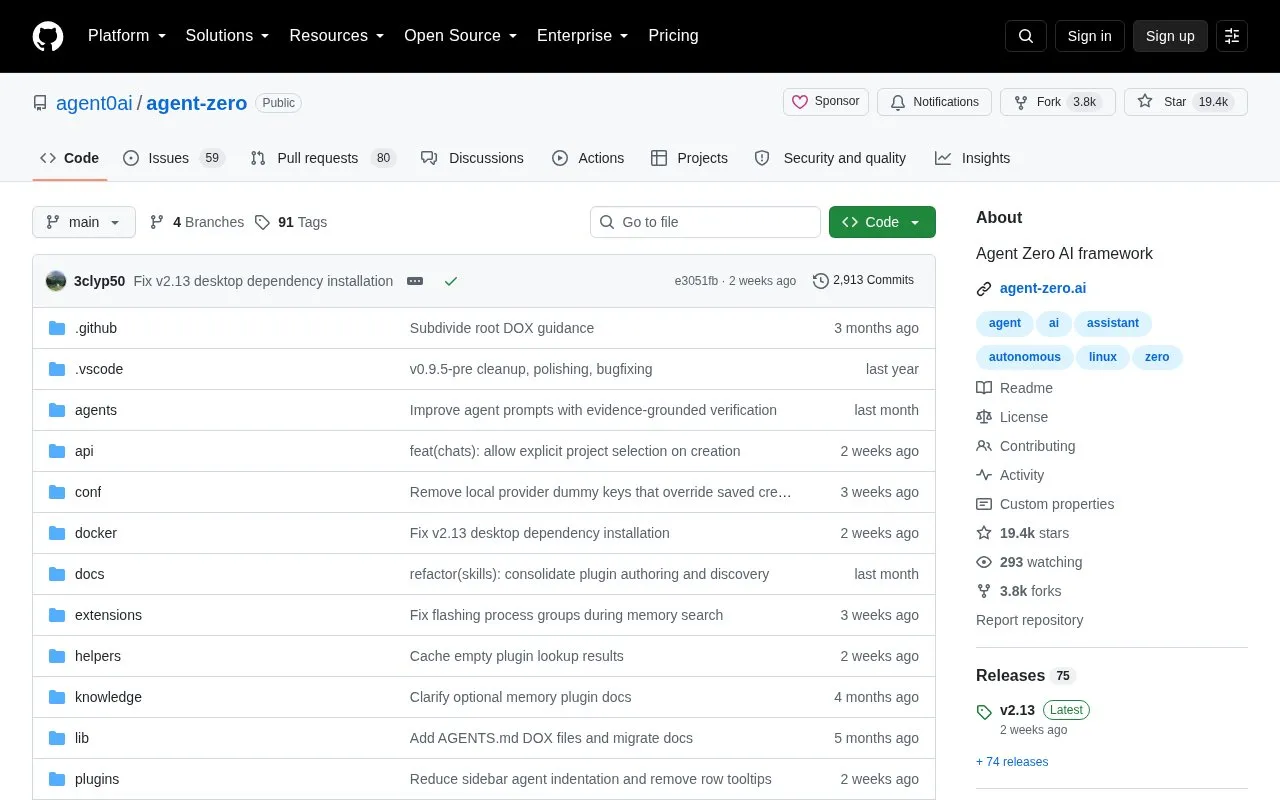
Agent Zero is an agent framework for building agent-based applications. Its repository page describes it as a way to give an AI agent a Dockerized Linux desktop, so the agent can work on tasks that need more than chat, such as running desktop software, terminals, and files.
The page lists a browser with DOM annotation, live editing of Markdown, Writer, Spreadsheet, and Presentation files, projects with separate files and memories, a plugin hub, and delegation of tasks to subagents. A bridge through the A0 CLI can connect the agent to repositories on the host machine. Agent Zero runs wherever Docker runs. The page offers three install paths: a desktop A0 Launcher, a terminal installer, and a direct Docker command. After installation, the user configures an LLM provider in the Web UI.
Key features
Full Linux desktop the agent can operate with GUI software and terminals
Browser page element annotation for inspect, change, lift, or review instructions
Live editing of Markdown, Writer, Spreadsheet, and Presentation files together
Plugin Hub with 100+ community plugins and support for publishing extensions
Projects that isolate files, instructions, secrets, memories, and model presets
Host-machine bridge through the A0 CLI for working in local repositories
Best for: Developers and technical users who want an AI agent to work inside a Dockerized Linux environment and on their local code repositories.
Good for
Runs wherever Docker runs, from small servers to local workstations
Prompts, tools, plugins, skills, and settings can be inspected and edited
Offers several install paths, including a desktop launcher and a scripted terminal installer
Watch out for
Docker must be running before Agent Zero can start
An LLM provider must be configured in the Web UI before use
Port 80 must be free, or a different port must be chosen during setup
Docker is required. The page states that Agent Zero runs wherever Docker runs. If Docker is already installed, the page gives a direct command: docker run -p 80:80 -v a0_usr:/a0/usr agent0ai/agent-zero. You then open the Web UI and configure your LLM provider.
How do I install it?
The page recommends the desktop A0 Launcher for a personal machine. For servers or automation, it describes the A0 Install terminal script, which has macOS/Linux and Windows PowerShell commands and a quick-start mode.
What should I do if port 80 is already in use?
Use the Launcher to pick another port, or run Docker directly with -p 5080:80 and open http://localhost:5080.
Is something wrong or out of date?
Tell us and an editor will check it.
Own this website?
Claim the listing and suggest updates yourself. An editor checks every claim first.