

SlidesCarnival offers PowerPoint and Google Slides templates, with free-use terms listed on its page.
AI for Google Slides
Plus AI offers an extension for Google Slides that uses AI to help create presentations, with a free trial option.
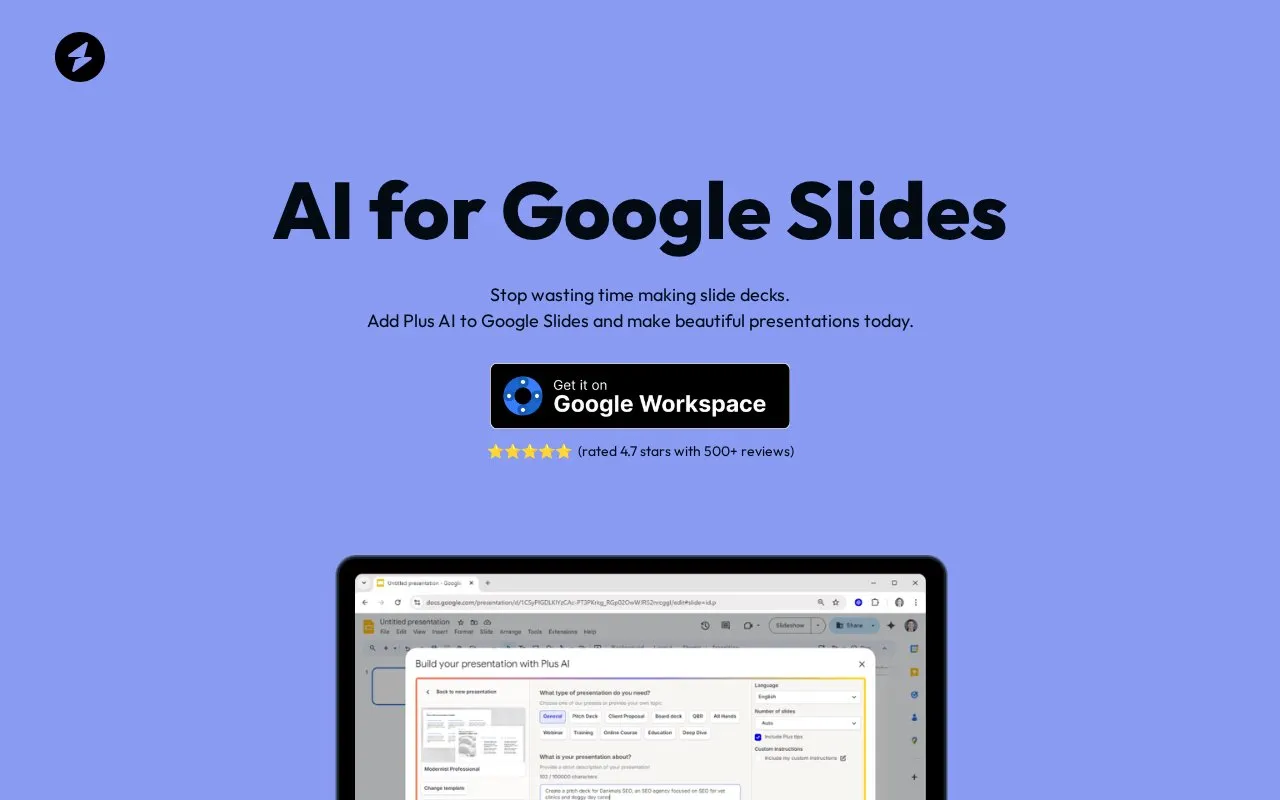
About AI for Google Slides
AI for Google Slides is a Google Slides add-on from Plus AI that uses AI to help create and edit presentations. Users can install it from the Google Workspace Marketplace or the Extensions menu in Google Slides. According to the homepage, it can create a new presentation from a prompt or a document, generate outlines and slide content, and format slides. It can also edit existing Google Slides presentations. The add-on produces standard Google Slides files, and users can undo, redo, add comments, and share the result like any other presentation.
The tool works only within Google Slides. For PowerPoint, the homepage points to a separate Plus AI PowerPoint add-in. Longer prompts and document uploads are listed only on certain paid plans, not on every plan. The homepage offers a 7-day free trial that unlocks all features and can be cancelled at any time. Time-saving figures on the homepage, such as an average of 2 minutes to create a presentation and savings of more than 30% of presentation time, are company statements and have not been independently verified.
Key features
- Creates a new presentation from a prompt or document
- Generates presentation outlines and slide content
- Formats slides and aligns text boxes
- Edits existing Google Slides presentations
- Custom brand colors and logo, listed on team plans
- Produces native Google Slides files with undo, redo and comments
Best for: People who regularly build Google Slides presentations, such as sales or pitch decks, employee training materials, or classroom slides.
Good for
- Runs as a native Google Slides add-on and produces standard Google Slides files
- Existing presentations can be edited, then shared like any normal Google Slides deck
- A 7-day free trial is offered, which unlocks all features according to the homepage
Watch out for
- Works only with Google Slides; PowerPoint requires a separate Plus AI add-in
- Longer prompts and document uploads are listed only on certain plans
- Time-saving claims come from the company and have not been independently verified
AI for Google Slides at a glance
- Website
- aiforgoogleslides.com
- Category
- Productivity › Presentations
- Type
- Online tool
- Pricing
- Not confirmed. Check the site
- Platforms
- Web
- Open source
- Not stated
- Last checked
- Oct 6, 2026 · Online when checked
- Listed
- Oct 5, 2026
AI for Google Slides alternatives
Tools and sites you could use instead, ranked by how closely they match.

PresentationGO offers PowerPoint templates, Google Slides themes, diagrams, and infographics.
FreePick
6 alternatives
Slides runs presentations in the terminal and lists installation instructions for macOS and Arch Linux.

SlidesAI turns notes, documents, PDFs, and prompts into presentations for Slides and PowerPoint.

Showeet offers downloadable templates for PowerPoint and Google Slides.

gslides-maker generates Google Slides presentations from Wikipedia content.
Open source
12 alternativesPopular in Presentations
Well-known listings from the same topic.
ZoomItlearn.microsoft.com/en-us/sysinternals/downloa…OpenLearningopenelearning.orgFreeShowfreeshow.appInscribedinscribed.appMarpmarp.appSlidevsli.dev


AI for Google Slides FAQ
Do you offer a free trial?
Yes. The homepage says the full version can be used free for 7 days, the trial unlocks all features, and users can cancel at any point.
Can I use it with my existing slide decks?
Yes, it can be used with existing Google Slides presentations. For PowerPoint, the homepage recommends the Plus AI PowerPoint add-in instead.
How do I install it?
Search for Plus AI in Google Workspace or in the Extensions menu in Google Slides. The homepage also provides a direct link to the add-on.
Is something wrong or out of date?
Tell us and an editor will check it.
Own this website?
Claim this listing
Claim the listing and suggest updates yourself. An editor checks every claim first.