

PPTX Presentation Generator creates PowerPoint presentations from a text prompt, according to its project page.
Open source
10 alternativesSlides runs presentations in the terminal and lists installation instructions for macOS and Arch Linux.
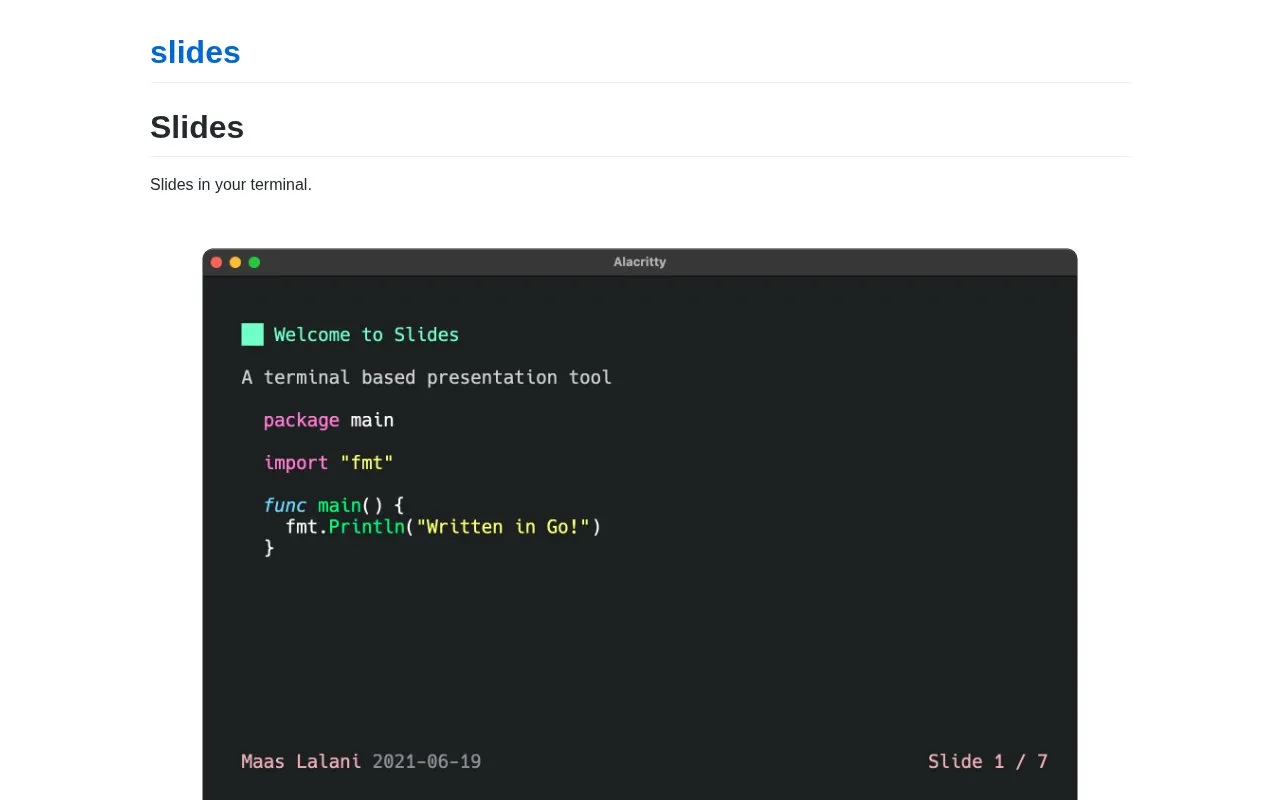
Slides is a terminal-based presentation tool. Presentations are written as a markdown file, with slides separated by horizontal rules, and are shown and navigated from the terminal. If a file name is given, the tool watches the file and updates the presentation as it changes.
Slides can run a code block inside a slide and display its output at the end of that slide. It can also pass a code block to a command before display and replace the block with that command's output. Pre-processing only runs on files that have execute permission, which the source says is a security measure. The tool also includes regex search across slides and can be served over SSH with the slides serve command. Installation options listed include Homebrew, the Arch AUR via yay, Nixpkgs, snapd, Go, building from source, and downloading a binary from the releases page. The source does not state pricing, and it is not described as open source.
Tools and sites you could use instead, ranked by how closely they match.
PPTX Presentation Generator creates PowerPoint presentations from a text prompt, according to its project page.
Inscribed creates stop-motion animations and slides with Excalidraw, according to its repository description.
Slides displays presentations in a terminal and provides installation instructions for different systems.
Plus AI offers an extension for Google Slides that uses AI to help create presentations, with a free trial option.
SlidesAI turns notes, documents, PDFs, and prompts into presentations for Slides and PowerPoint.
Slidev creates presentation slides for developers, according to its site.
Well-known listings from the same topic.
Tell us and an editor will check it.
Claim the listing and suggest updates yourself. An editor checks every claim first.


