

Inscribed creates stop-motion animations and slides with Excalidraw, according to its repository description.
Open source
9 alternativesPPTX Presentation Generator creates PowerPoint presentations from a text prompt, according to its project page.
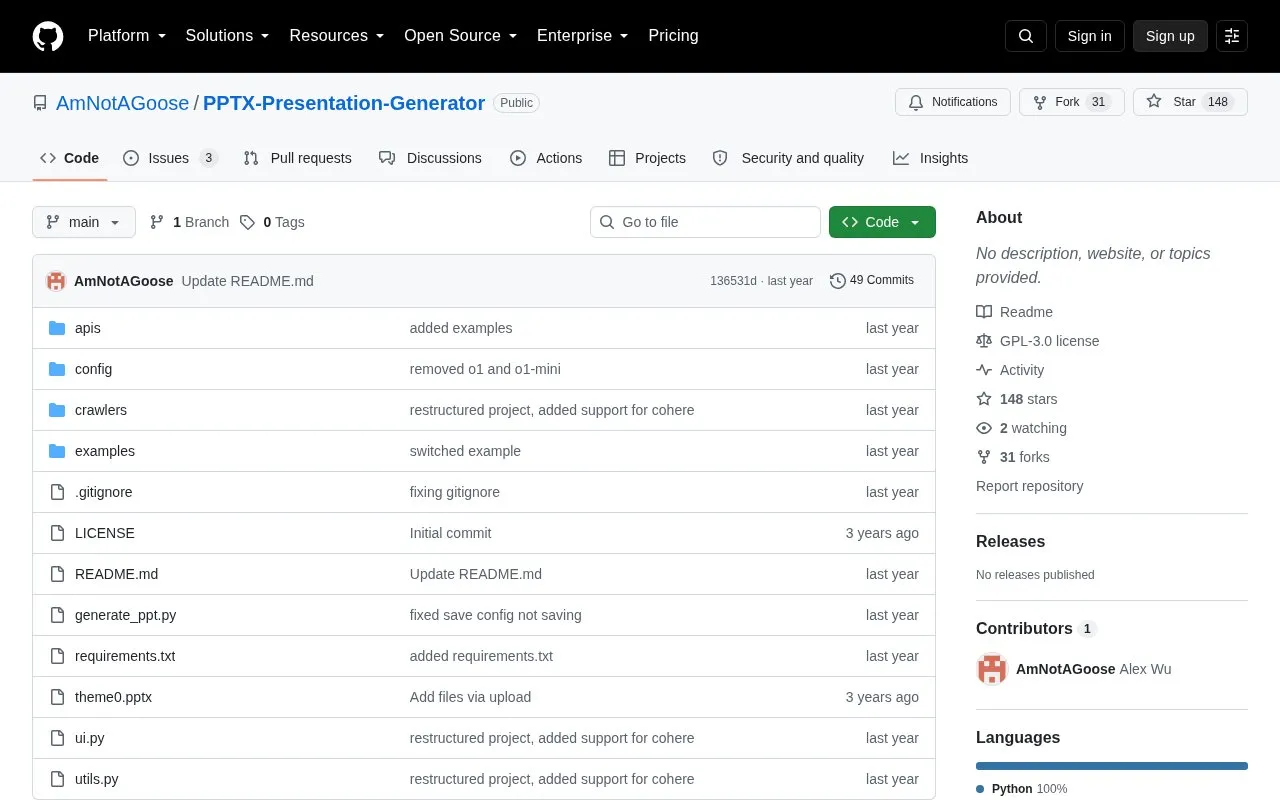
PPTX Presentation Generator is an open-source tool that creates PowerPoint presentations from a single text prompt. It runs locally on Linux and Windows and supports OpenAI and Cohere endpoints, with an option to specify the number of slides.
Use requires cloning the repository, installing Python dependencies, and entering an API key for the selected provider. The graphical interface may freeze while a presentation is being generated.
Tools and sites you could use instead, ranked by how closely they match.
Inscribed creates stop-motion animations and slides with Excalidraw, according to its repository description.
Slides runs presentations in the terminal and lists installation instructions for macOS and Arch Linux.
Presenton provides an open-source AI presentation generator and an API for creating presentations.
Slidev provides presentation slides for developers, according to its repository description.
gslides-maker generates Google Slides presentations from Wikipedia content.
Slides displays presentations in a terminal and provides installation instructions for different systems.
Well-known listings from the same topic.
Tell us and an editor will check it.
Claim the listing and suggest updates yourself. An editor checks every claim first.


