

Callback Drive mounts SFTP servers as local drives for browsing and working with remote files.
AOMEI Partition Assistant
AOMEI Partition Assistant manages hard drive partitions on Windows PCs and servers.
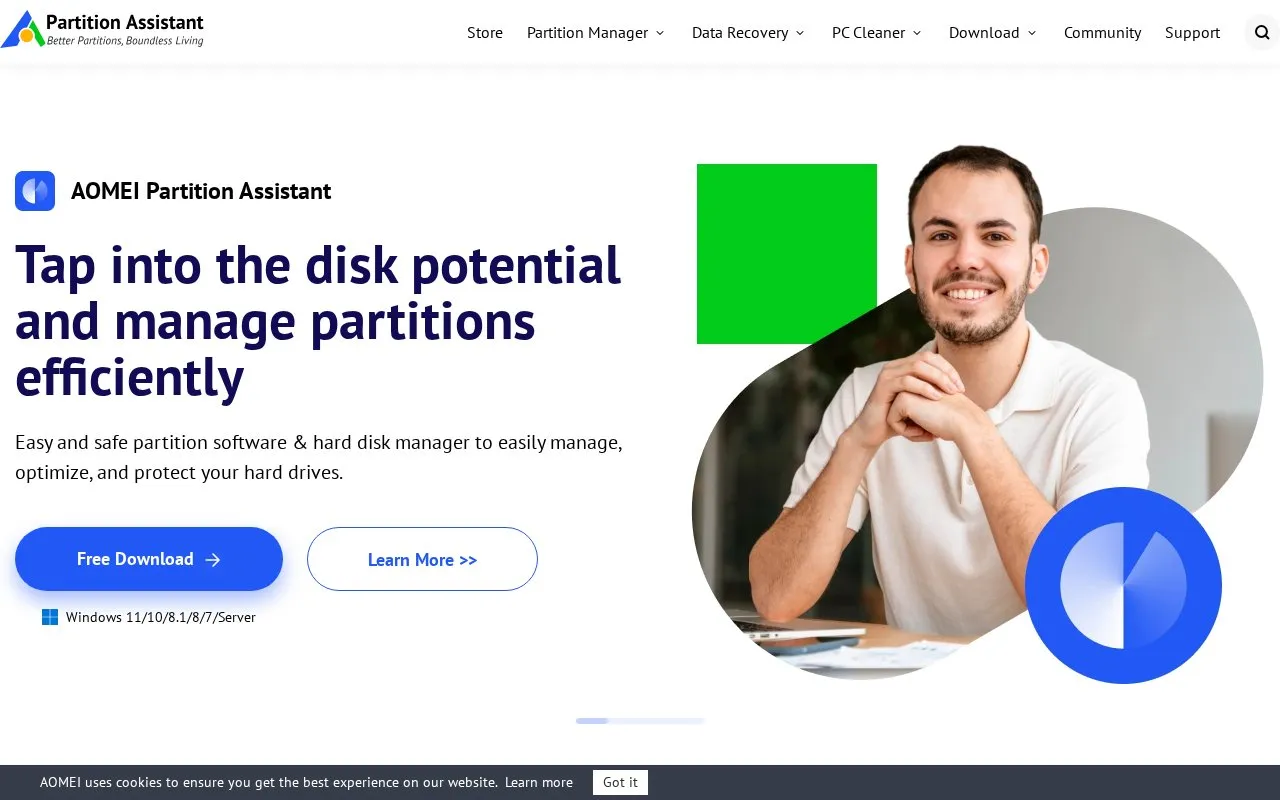
About AOMEI Partition Assistant
AOMEI Partition Assistant is a disk and partition management software suite built for Windows PCs and servers, with additional companion utilities for Mac, data recovery, and PC cleanup. It is available in multiple editions tailored to different user needs, from personal home use to large enterprise and technical service provider deployments.
The core tool lets users create, resize, move, merge, convert, and wipe partitions without data loss, clone entire drives for hardware upgrades, and monitor disk health. Companion tools include a data recovery utility for retrieving lost files from drives and media, a PC cleaner to reclaim disk space and improve system speed, and a free NTFS enablement tool for Mac that allows read and write access to Windows-formatted drives. It supports Windows 11 down to XP, as well as Windows Server 2003 through 2019, and the latest macOS Tahoe.
Key features
- Resize, move, merge, split partitions without data loss
- Clone entire drives or partitions for hardware upgrades
- Convert disks between MBR/GPT, basic/dynamic, and file systems
- Securely wipe sensitive data and encrypt partitions with BitLocker
- Recover lost documents, videos, images from drives and media
- Clean junk files to reclaim disk space and speed up PCs
Best for: Home users, small to medium businesses, enterprise IT teams, and technical service providers managing Windows PC and server storage benefit most.
Good for
- Free Standard edition available for personal home use
- All-in-one toolkit covering partition, security, and disk health features
- Supports Windows versions from XP to 11 and Server 2003 to 2019
Watch out for
- Full partition management features are only available for Windows, not Mac
- Free Standard edition is limited to personal, non-commercial use
AOMEI Partition Assistant at a glance
- Website
- diskpart.com
- Category
- Software & Utilities › Hardware & Diagnostics
- Type
- Website
- Pricing
- Not confirmed. Check the site
- Platforms
- macOS, Web, Windows
- Open source
- Not stated
- Language
- English
- Last checked
- Oct 5, 2026 · Online when checked
- Listed
- Oct 5, 2026
AOMEI Partition Assistant alternatives
Tools and sites you could use instead, ranked by how closely they match.

Scrutiny monitors hard drive SMART data, historical trends, and failure thresholds.
Open source
24 alternativesPopular in Hardware & Diagnostics
Well-known listings from the same topic.
PC Managerpcmanager.microsoft.comDolby Accessapps.microsoft.com/detail/9n0866fs04w8RAMMaplearn.microsoft.com/en-us/sysinternals/downloa…AppControlappcontrol.comUNIGINE Benchmarksbenchmark.unigine.comMemTestmemtest.org


AOMEI Partition Assistant FAQ
Is AOMEI Partition Assistant free?
Yes, a free Standard edition is available for personal home use, with paid Professional, Server, Unlimited, and Technician editions for commercial and enterprise use.
Can I use AOMEI Partition Assistant on a Mac?
The core partition management tools are designed for Windows only, but a separate free NTFS for Mac utility is available to read and write to NTFS drives on macOS.
Does AOMEI Partition Assistant support Windows 11?
Yes, the software supports Windows 11, as well as Windows 10, 8.1, 8, 7, Vista, and XP, plus Windows Server 2003 through 2019.
Can I clone my hard drive with AOMEI Partition Assistant?
Yes, the tool can clone entire partitions or full hard drives to create identical copies, useful for upgrading to a larger drive or SSD without reinstalling your OS.
Is something wrong or out of date?
Tell us and an editor will check it.
Own this website?
Claim this listing
Claim the listing and suggest updates yourself. An editor checks every claim first.