Audio-WebUI

github.com/gitmylo/audio-webui AI Voice & Audio Open-source projectOpen source

Audio-WebUI provides a web interface for different neural networks related to audio.

github.com/gitmylo/audio-webui
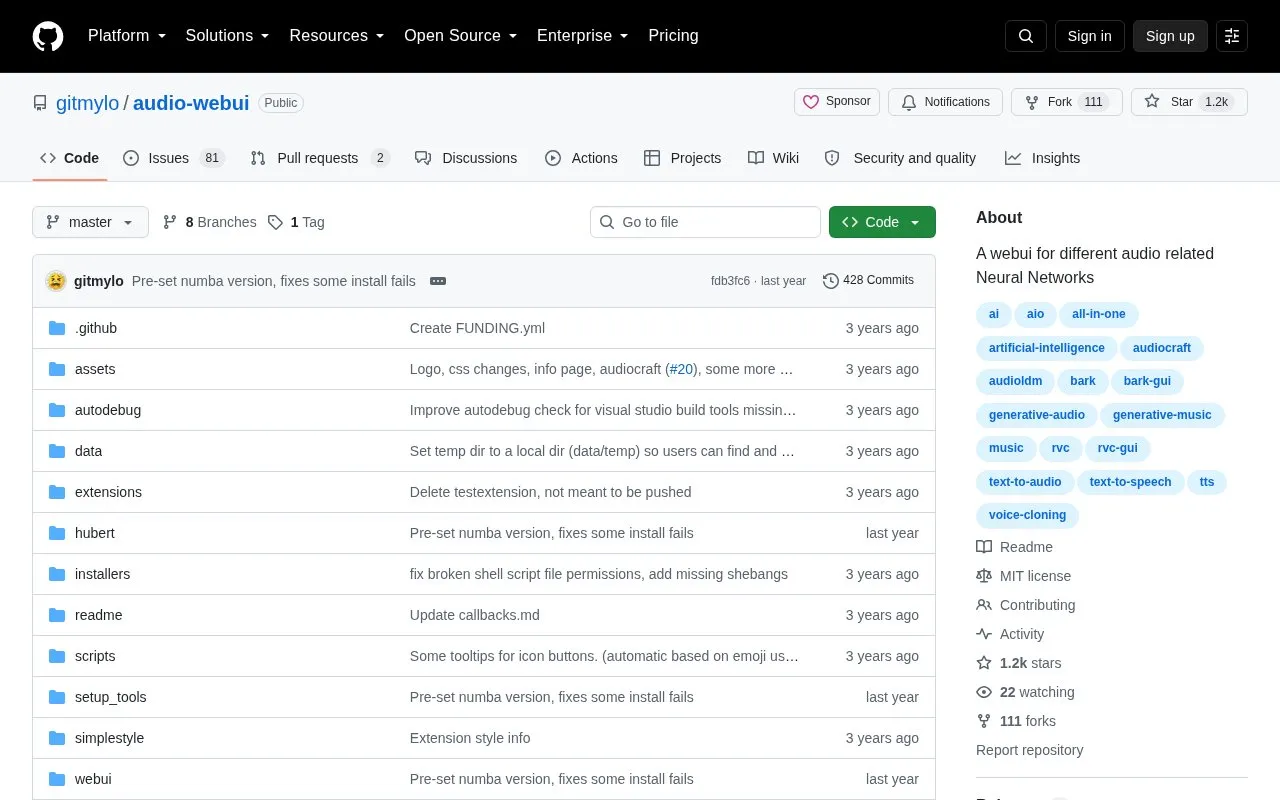
Audio-WebUI homepage screenshot

About Audio-WebUI

Audio-WebUI is an open-source web interface for different audio-related neural networks. Listed related areas include text-to-speech, text-to-audio, voice cloning, and generative music and audio.

It is installed by cloning the repository and running run.bat on Windows or run.sh on Linux/macOS, which installs packages automatically in a virtual environment. It requires Python 3.10 and Git, with ffmpeg needed for some features and Visual Studio C++ build tools needed on Windows.

Key features

  • Web interface for different audio-related neural networks
  • Automatic installation in a virtual environment via run scripts
  • Google Colab notebook option for running the interface
  • Public sharing of Gradio interface with share flag
  • Username and password options for Gradio interface
  • Local network listening and custom port options
Best for: People comfortable with Git and Python setup who want a local web interface for open-source audio models.
Good for
  • Open source under MIT license
  • Installs dependencies automatically when run scripts are used
  • Offers automatic installers, manual install, and Colab notebook paths
Watch out for
  • Requires Python 3.10 and Git to download and run
  • Some features require a separate ffmpeg installation
  • Windows setup requires Visual Studio C++ build tools

Audio-WebUI at a glance

Type
Open-source project
Pricing
Not confirmed. Check the site
Open source
Yes · Source code
Language
English
Last checked
Oct 6, 2026 · Online when checked
Listed
Oct 5, 2026

Audio-WebUI alternatives

Tools and sites you could use instead, ranked by how closely they match.

All 20 alternatives

Popular in AI Voice & Audio

Well-known listings from the same topic.

All 227

Audio-WebUI FAQ

What do I need before installing?
Python 3.10 and Git, plus ffmpeg for some features and Visual Studio C++ build tools on Windows.
How do I install and run it?
Clone the repository with git, then run run.bat on Windows or run.sh on Linux/macOS, which installs automatically in a venv.
How do I update it?
Run update.bat on Windows or update.sh on Linux/macOS, or run git pull in the install folder.
Is something wrong or out of date?

Tell us and an editor will check it.

Own this website?

Claim the listing and suggest updates yourself. An editor checks every claim first.

Claim this listing