

Awesome CLI
Awesome CLI provides a command-line tool for browsing and exploring Awesome lists.
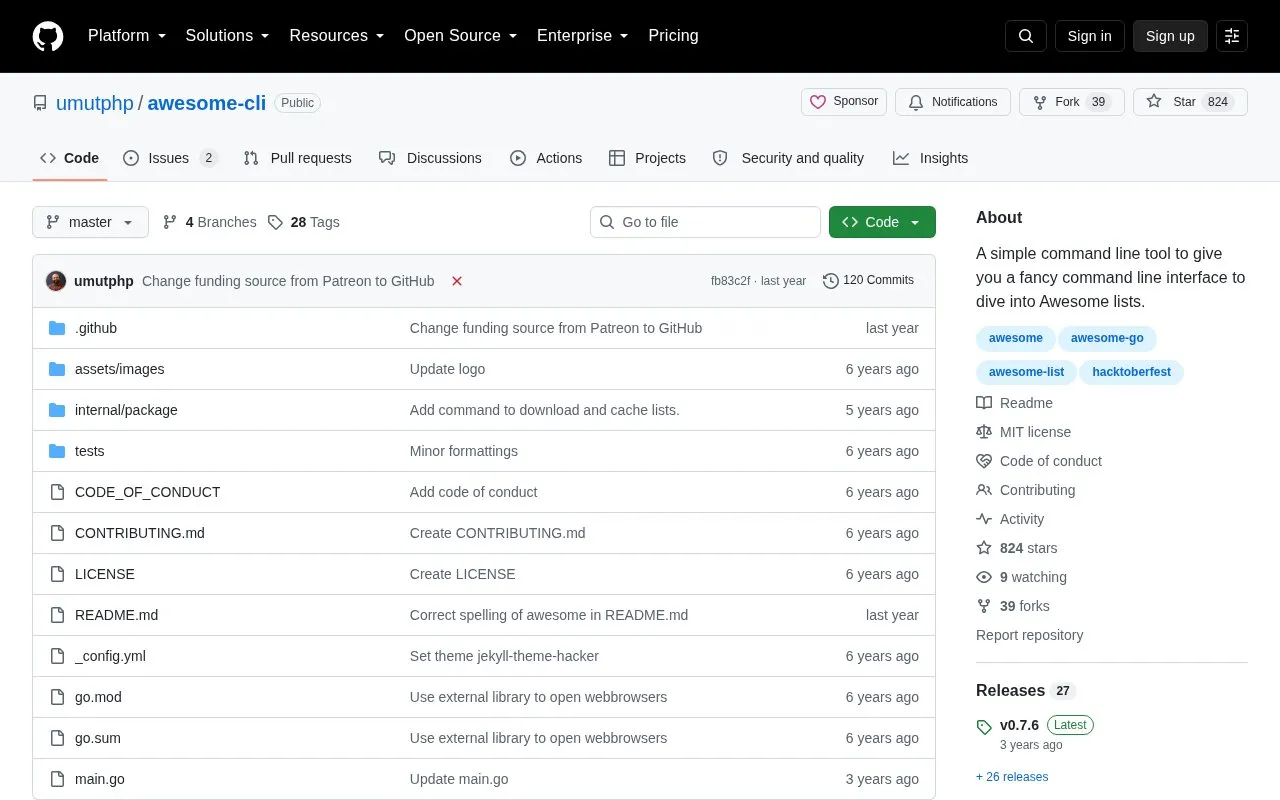
About Awesome CLI
Awesome CLI is an open source command-line tool for browsing Awesome lists. It starts from the sindresorhus/awesome repository and lets you move through categories and sublists to reach a specific repository.
When run without options, it opens an interactive mode navigated with arrow keys. It also supports a random mode that opens a random repository, and a surprise mode that selects based on previous interactive choices. Other options include profile to view previous choices, reset to clear them, and update to get the latest version. The tool fetches repository Readme files over the network, parses them to build selection lists, and stores contents in a .awesomecache folder under the home folder.
It suits developers and other command-line users who already use Awesome lists for reference. Installation is documented through cloning the repository and running with Go, building a binary, or downloading an official binary from the releases page.
Key features
- Browse Awesome lists from the command line
- Interactive navigation with arrow keys
- Random mode for a random Awesome repository
- Surprise mode based on previous choices
- Profile and reset options for saved choices
- Caches Readme contents in local folder
Best for: Developers who browse Awesome lists and prefer working in the terminal.
Good for
- Open source code available on GitHub
- Offers interactive, random, and surprise modes
- Caches Readme files locally
- Multiple install options documented
Watch out for
- Requires a working network connection
- Command-line only, no graphical interface
Awesome CLI at a glance
- Category
- Development › Developer Tools
- Type
- Open-source project
- Pricing
- Not confirmed. Check the site
- Open source
- Yes · Source code
- Language
- English
- Last checked
- Oct 6, 2026 · Online when checked
- Listed
- Oct 5, 2026
Guides for Developer Tools


Awesome CLI alternatives
Tools and sites you could use instead, ranked by how closely they match.

Find coding answers from the command line with howdoi, an instant programming help tool.
Open source
24 alternatives
Add colored output to command-line applications with the yoctocolors package.
Open source
24 alternatives
Schedule and manage shell commands with pueue, a command-line task queue.
Open source
24 alternatives
Record terminal commands and output as shareable videos using VHS, a command-line session recording tool.
Open source
24 alternatives
Search directories recursively for regular expression matches with ripgrep, while respecting gitignore rules.
Open source
24 alternatives
Explore command-line utilities and other tools for Go projects in this repository collection.
Open source
24 alternativesPopular in Developer Tools
Well-known listings from the same topic.
AppDevToolsappdevtools.comCommand Not Foundcommand-not-found.comTestFlighttestflight.apple.com/join/A8GwCnq8Sourcegraphabout.sourcegraph.comProject Wallaceprojectwallace.comCarbon Calculatorwebsitecarbon.com


Awesome CLI FAQ
What is Awesome CLI?
It is an open source command-line tool for navigating Awesome lists, starting from the sindresorhus/awesome repository.
How do you use Awesome CLI?
Run it without options for interactive navigation with arrow keys, or use options such as random, surprise, profile, reset, and update.
Does Awesome CLI need internet access?
Yes. It fetches repository Readme files over the network to build its selection lists.
How do you install Awesome CLI?
You can clone the repository and run it with Go, build it as a binary, or download an official binary from the releases page.
Is something wrong or out of date?
Tell us and an editor will check it.
Own this website?
Claim this listing
Claim the listing and suggest updates yourself. An editor checks every claim first.