

VHS
Record terminal commands and output as shareable videos using VHS, a command-line session recording tool.
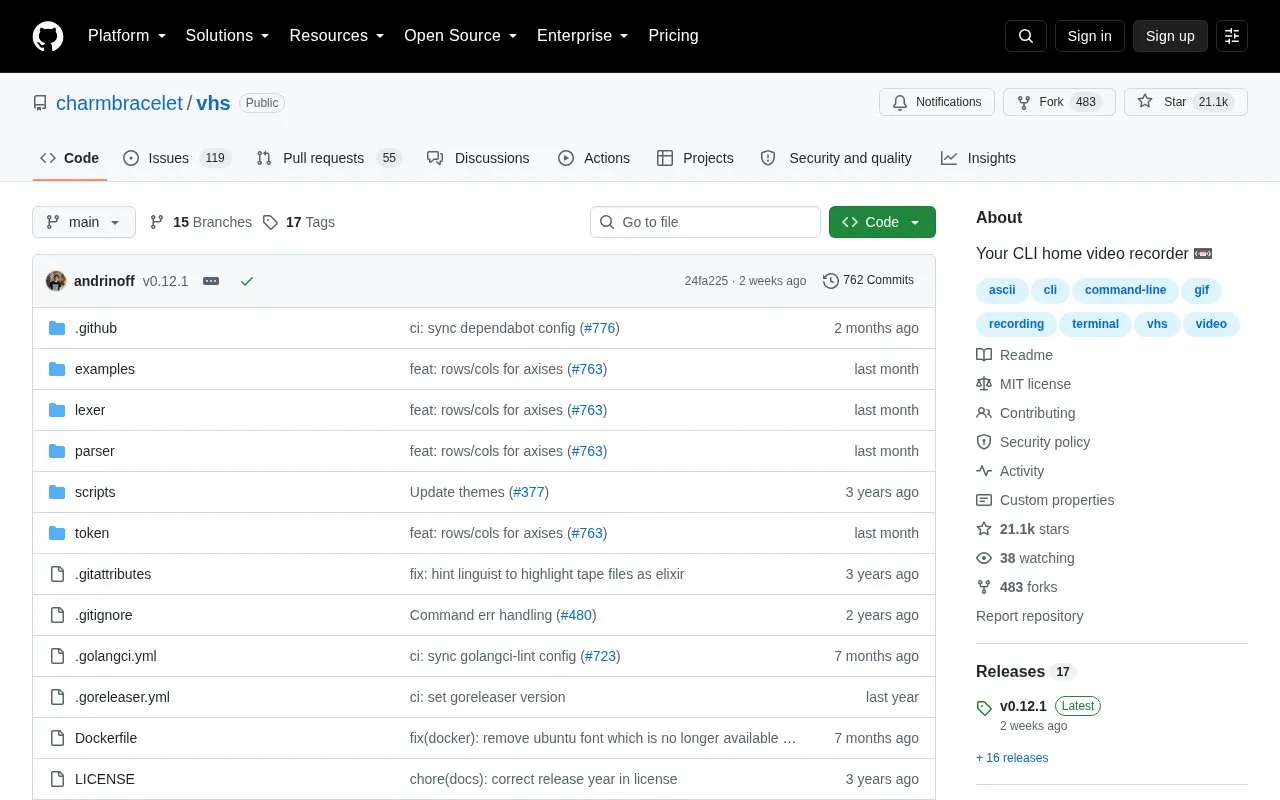
About VHS
VHS is a command-line tool for writing terminal recordings as code. A user writes a plain-text tape file listing commands such as typing text, pressing Enter, and pausing, then runs VHS to produce a GIF of the terminal session. The source describes two main uses: integration testing and demonstrating command-line tools.
VHS can also generate a tape file from a live terminal session with the record command, which can then be edited by hand. The publish command uploads a GIF to vhs.charm.sh, where the output provides browser, HTML, and Markdown links. Because publishing sends files to an external service, users should consider that before sharing sensitive output. VHS requires ttyd and ffmpeg to be installed and available on the PATH.
Key features
- Creates GIFs from plain-text tape files containing terminal commands
- Record mode that generates a tape file from a terminal session
- Publish command that uploads a GIF to vhs.charm.sh for sharing
- Docker image that includes dependencies for running VHS
- Install options for Linux, macOS, and Windows, including package managers and binaries
Best for: Developers who want reproducible terminal demos or integration tests for their command-line tools.
Good for
- Open source, with the code available in a public repository
- Tape files are plain text and can be edited manually after recording
Watch out for
- Requires ttyd and ffmpeg to be installed and available on the PATH
- The publish command uploads GIFs to external servers at vhs.charm.sh
VHS at a glance
- Website
- github.com/charmbracelet/vhs
- Category
- Development › Developer Tools
- Type
- Open-source project
- Pricing
- Not confirmed. Check the site
- Open source
- Yes · Source code
- Language
- English
- Last checked
- Oct 6, 2026 · Online when checked
- Listed
- Oct 5, 2026
Guides for Developer Tools


VHS alternatives
Tools and sites you could use instead, ranked by how closely they match.

Add colored output to command-line applications with the yoctocolors package.
Open source
24 alternatives
Awesome CLI provides a command-line tool for browsing and exploring Awesome lists.
Open sourcePick
24 alternatives
Find coding answers from the command line with howdoi, an instant programming help tool.
Open source
24 alternatives
Schedule and manage shell commands with pueue, a command-line task queue.
Open source
24 alternatives
Search directories recursively for regular expression matches with ripgrep, while respecting gitignore rules.
Open source
24 alternatives
Explore command-line utilities and other tools for Go projects in this repository collection.
Open source
24 alternativesPopular in Developer Tools
Well-known listings from the same topic.
AppDevToolsappdevtools.comCommand Not Foundcommand-not-found.comTestFlighttestflight.apple.com/join/A8GwCnq8Sourcegraphabout.sourcegraph.comProject Wallaceprojectwallace.comCarbon Calculatorwebsitecarbon.com


VHS FAQ
What does VHS need before it can run?
VHS requires ttyd and ffmpeg to be installed and available on your PATH. Alternatively, the source describes a Docker image that includes the dependencies.
How can I create a tape file without writing it from scratch?
Run vhs record > cassette.tape, perform the actions you want, and exit the terminal session to stop recording. You can then edit the generated file to add settings or change actions, and generate the GIF with vhs cassette.tape.
How do I share a generated GIF?
Use the publish sub-command with the file you want to share. It uploads the GIF to vhs.charm.sh and provides links to share it via browser, HTML, and Markdown.
Is something wrong or out of date?
Tell us and an editor will check it.
Own this website?
Claim this listing
Claim the listing and suggest updates yourself. An editor checks every claim first.