

tailspin
Log files can be highlighted in a terminal using tailspin, a command-line utility.
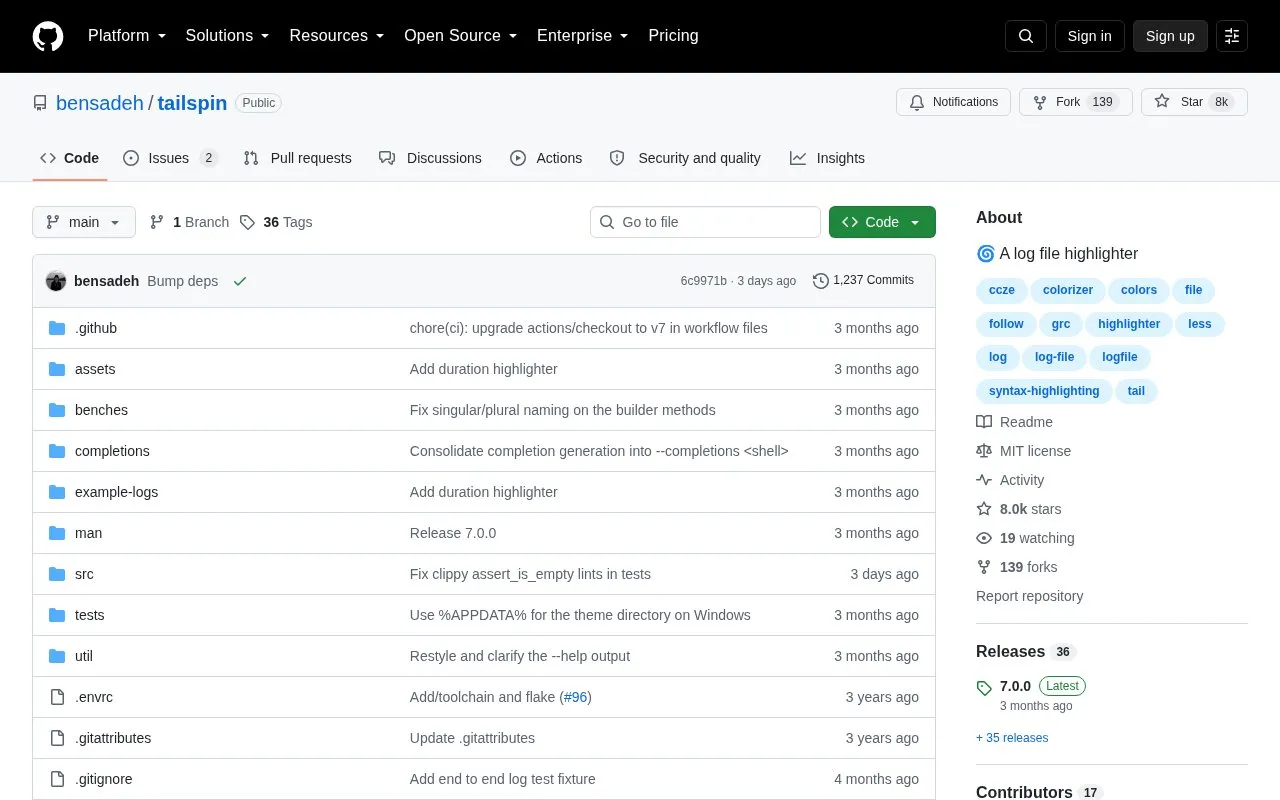
About tailspin
Tailspin is a command-line utility for reading log files in a terminal. Its main job is adding color to log output so that common elements are easier to scan. You can open a log file directly, pass it output from commands such as kubectl logs, or have it run a command for you with the --exec option.
Pricing is not clearly stated.
Key features
- Default highlighting for numbers, dates, IP addresses, UUIDs and URLs
- No setup or config required for basic use
- All highlight groups can be customized in a theme file
- Optional extras for IPv6 addresses and JVM stack traces
Good for
- Released under the MIT license
Watch out for
- Building from source requires a recent version of less
tailspin at a glance
- Website
- github.com/bensadeh/tailspin
- Category
- Development › Developer Tools
- Type
- App
- Pricing
- Not confirmed. Check the site
- Platforms
- Windows, Linux
- Details verified
- Oct 21, 2026 · Official source
- Open source
- Yes · Source code
- Language
- English
- Last checked
- Oct 5, 2026 · Online when checked
- Listed
- Oct 5, 2026
Guides for Developer Tools


tailspin alternatives
Tools and sites you could use instead, ranked by how closely they match.

LRM provides a command line tool and terminal editor for managing .NET resource localization files and translations.
Open source
24 alternatives
Style terminal layouts with Lip Gloss, a library of definitions for arranging command-line interfaces.
Open source
24 alternatives
Record terminal commands and output as shareable videos using VHS, a command-line session recording tool.
Open source
24 alternatives
Open URLs, files, or executables from command-line tools and scripts with the cross-platform open package.
Open source
24 alternatives
Awesome CLI provides a command-line tool for browsing and exploring Awesome lists.
Open sourcePick
24 alternatives
Sign files and verify digital signatures with Minisign, a small command-line signing tool.
Open source
24 alternativesPopular in Developer Tools
Well-known listings from the same topic.
AppDevToolsappdevtools.comCommand Not Foundcommand-not-found.comTestFlighttestflight.apple.com/join/A8GwCnq8Sourcegraphabout.sourcegraph.comProject Wallaceprojectwallace.comCarbon Calculatorwebsitecarbon.com


tailspin FAQ
How do I install tailspin?
Install it with a package manager such as Homebrew or Scoop, or build it from source by running cargo install --path . in the project directory.
Is something wrong or out of date?
Tell us and an editor will check it.
Own this website?
Claim this listing
Claim the listing and suggest updates yourself. An editor checks every claim first.