
BlackHole
BlackHole routes audio between Mac applications through a loopback driver for macOS.
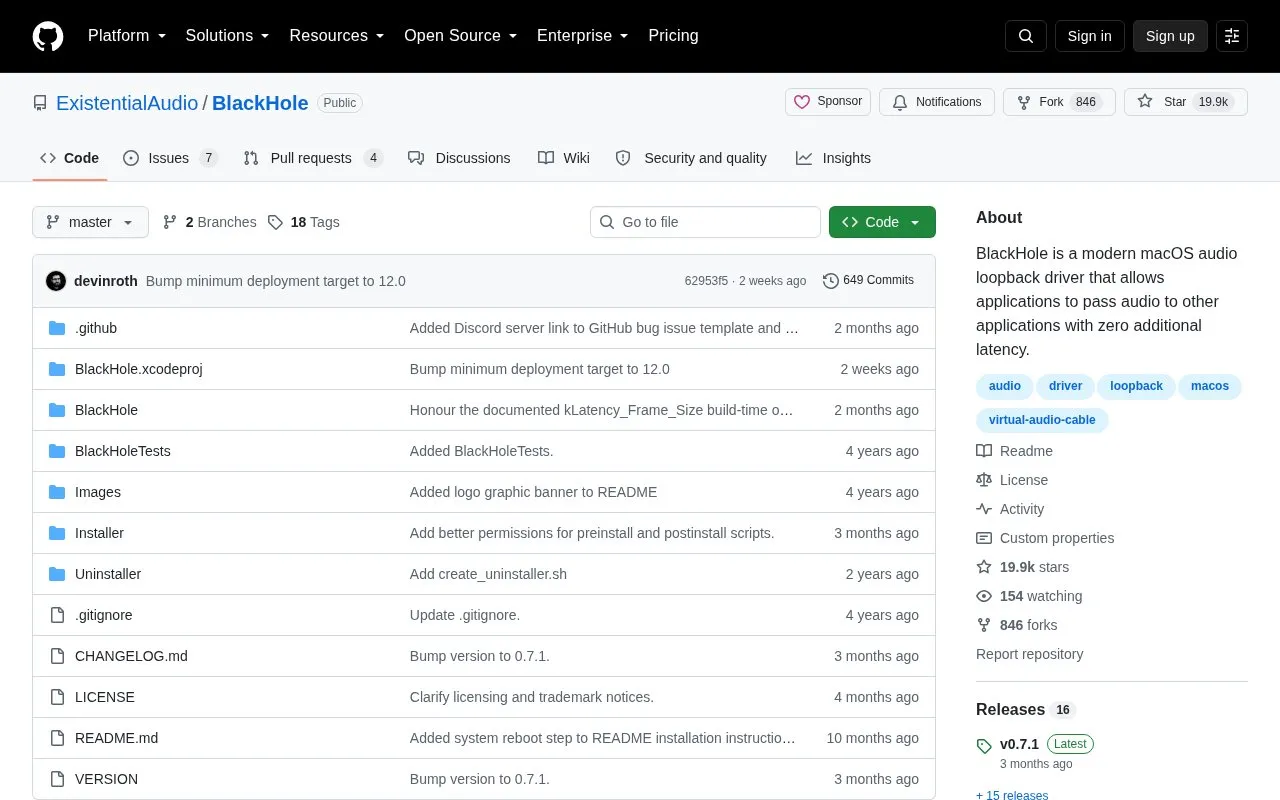
About BlackHole
BlackHole is a virtual audio loopback driver for macOS that lets applications pass audio to other applications, described by its developers as adding zero additional driver latency. It is distributed as builds with 2, 16, 64, 128, and 256 audio channels, supports sample rates from 8 kHz up to 768 kHz, and runs on macOS 10.10 Yosemite and newer with builds for Intel and Apple Silicon. The source states no kernel extensions or modifications to system security are necessary.
Documented uses include routing output from digital audio workstations such as Logic Pro X and GarageBand into FaceTime, Google Meet, Skype, or Zoom, recording system audio through a Multi-Output Device, and sending audio between applications by setting BlackHole as the output of the sending app and the input of the receiving app. Customization is done at build time through pre-compiler constants that control device names, channel count, latency frame size, sample rates, hidden devices, and a mirror device. A license from Existential Audio is required for all non-GPLv3 projects; pricing is not stated in the source.
Key features
- Virtual loopback driver passes audio between macOS applications
- Prebuilt 2, 16, 64, 128, and 256 channel versions
- Sample rates from 8 kHz to 768 kHz
- Stated zero additional driver latency
- No kernel extensions or system security modifications required
- Build-time constants customize channel count, latency, hidden and mirror devices
- Runs on macOS 10.10 Yosemite and newer with both Intel and Apple Silicon builds
- Widely configurable channel counts and sample rates, including build-time customization
- Installable through a package installer or Homebrew
- User guides cover Logic Pro X, GarageBand, Audacity, and Reaper routing setups
- macOS only; no Windows or Linux version is described
- A license must be requested from Existential Audio for non-GPLv3 projects
- Homebrew install and uninstaller downloads listed cover only the 2, 16, and 64 channel builds
BlackHole at a glance
- Category
- Software & Utilities › Mac Apps
- Type
- Open-source project
- Pricing
- Not confirmed. Check the site
- Platforms
- macOS
- Open source
- Not stated
- Language
- English
- Last checked
- Oct 6, 2026 · Online when checked
- Listed
- Oct 5, 2026
Popular in Mac Apps
Well-known listings from the same topic.


BlackHole FAQ
How do I install BlackHole?
How do I uninstall BlackHole?
Does BlackHole require kernel extensions?
Tell us and an editor will check it.
Claim the listing and suggest updates yourself. An editor checks every claim first.