BreezePDF
BreezePDF provides browser and local PDF editing tools for signing, merging, splitting, and exporting documents.
About BreezePDF
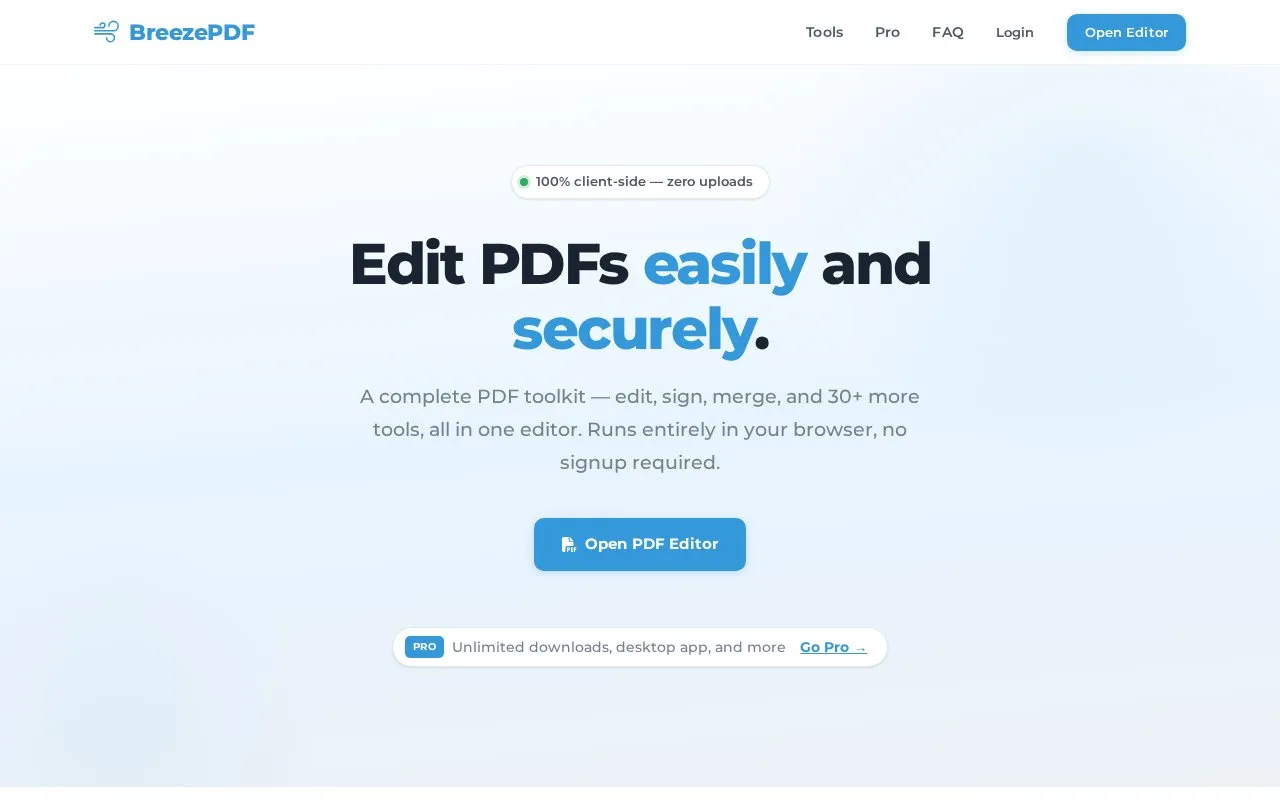
BreezePDF is a web-based PDF editor that processes files in the browser. The homepage describes tools for adding and editing text, inserting images, signing documents, creating form fields, merging, splitting, deleting and reordering pages, password protection, and exporting to DOCX and CSV. The homepage also lists a desktop app and command-line tools as part of the Pro plan.
According to the homepage, files are processed locally using JavaScript and are not uploaded to a server, and the site describes its processing as client-side with no analytics on documents. The free web editor allows 3 downloads per month, though the homepage states that opening and editing PDFs has no such limit. A Pro plan is listed at $12 per month with unlimited downloads, OCR, and PDF signing. The homepage describes the desktop app as macOS-only in the FAQ but lists macOS, Windows, and Linux in the Pro section, so platform support is unclear.
Key features
- Add and edit text anywhere on a PDF, with resizing and styling
- Digital signatures by drawing, typing, or uploading a signature image
- Create fillable PDF forms with interactive text input fields
- Merge multiple PDF files into a single document
- Split PDFs by extracting pages or dividing into multiple files
- Export PDF content to DOCX and tabular data to CSV
Best for: People who need to edit, sign, merge, or split PDFs in a browser without installing software, and who want files processed locally.
Good for
- Homepage states that processing happens locally in the browser and files are not uploaded to a server
- The web version runs in modern browsers with no installation and no signup required
- Opening and editing PDFs is described as unlimited, even after free downloads are used
Watch out for
- The free web editor is limited to 3 downloads per month
- Downloads beyond the free limit require a Pro subscription or waiting for the monthly reset
- Some capabilities, such as OCR and CLI tools, are listed only for the desktop or Pro version
BreezePDF at a glance
- Website
- breezepdf.com
- Category
- Online Tools › PDF & Document Tools
- Type
- Online tool
- Pricing
- Free
- Platforms
- Web
- Open source
- Not stated
- Language
- English
- Last checked
- Oct 6, 2026 · Online when checked
- Listed
- Oct 5, 2026
Guides for PDF & Document Tools
BreezePDF alternatives
Tools and sites you could use instead, ranked by how closely they match.

BentoPDF provides browser-based PDF tools for merging, splitting, compressing, converting, and editing files without uploads or signup.
FreeOpen source
9 alternatives
PDFCraft describes a browser-based toolkit for editing, converting, merging, splitting, and securing PDF files.
FreeOpen source
18 alternatives
File PDF provides tools to convert, merge, compress, split, edit, sign, and protect PDF files, with client-side processing described on the page.

NewOCR converts scanned images and documents, including PDF and DjVu files, into editable text online.

PDF24 provides online PDF tools for merging, splitting, compressing, editing, signing, converting, protecting, and rearranging PDF pages.
Free
13 alternatives
PDF2Go supports editing, converting, compressing, merging, splitting, rotating, sorting, and protecting PDF documents through its website.
Popular in PDF & Document Tools
Well-known listings from the same topic.
2OCR2ocr.com2PDFConverter2pdfconverter.comAlt Enginesgithub.com/hiroi-sora/Umi-OCR_pluginsBentopdfgithub.com/alam00000/bentopdfOCRToolocrtool.netPDFCoffeepdfcoffee.com


BreezePDF FAQ
Is BreezePDF free?
The web editor is free with 3 downloads per month. Unlimited downloads require the Desktop Pro subscription, which the homepage lists at $12 per month.
Can I cancel a subscription?
The homepage states that subscriptions can be cancelled anytime from the account, and remain active until the end of the current billing period.
What formats can I export to?
The homepage says you can save as PDF, export to DOCX (Word), or extract data to CSV.
Is something wrong or out of date?
Tell us and an editor will check it.
Own this website?
Claim this listing
Claim the listing and suggest updates yourself. An editor checks every claim first.