
This browser-based batch image processor converts formats, compresses images, adds watermarks, resizes, rotates, crops, and renames files.
Bulk Image Crop
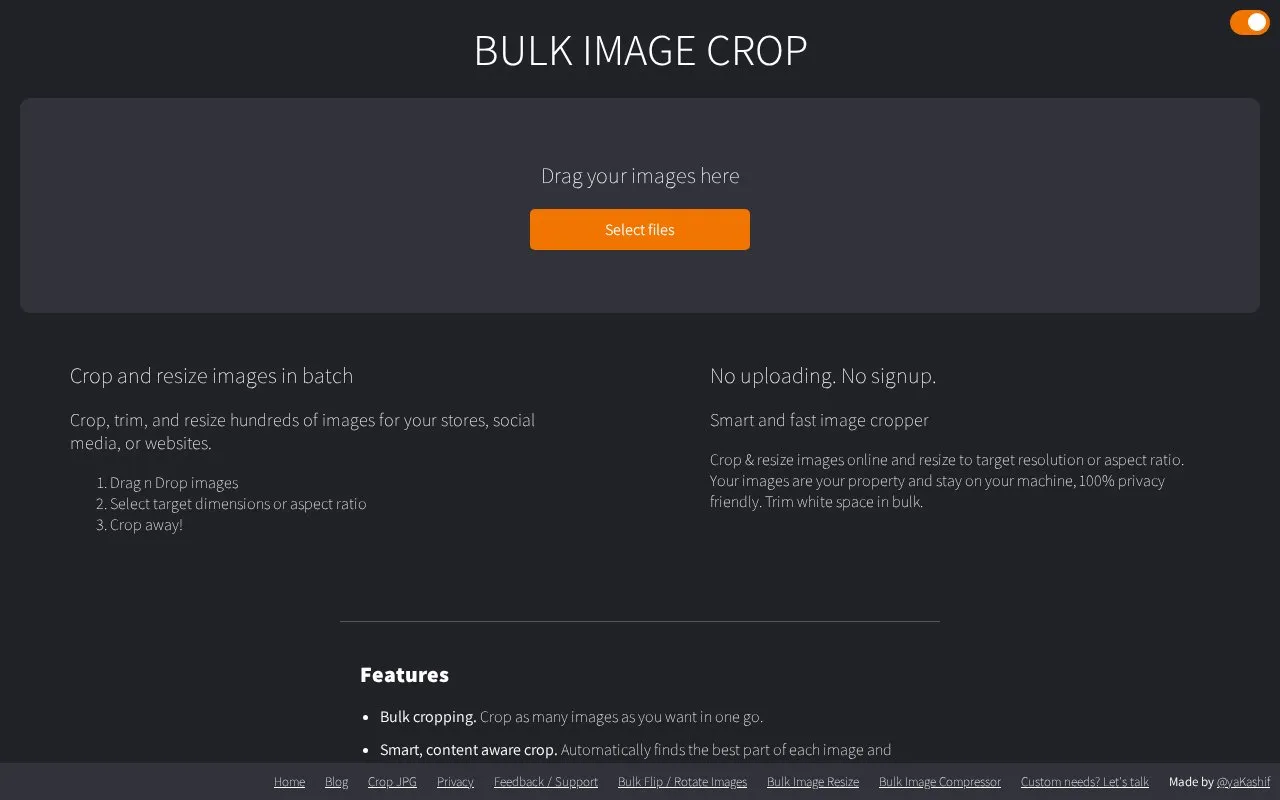
Bulk Image Crop crops and resizes multiple images to different resolutions in a browser without uploading files or signing up.
About Bulk Image Crop
Bulk Image Crop crops and resizes multiple images in the browser to chosen resolutions or aspect ratios. Users add image files, select target sizes, and use automatic content-aware cropping or adjust crops manually with preview. It can produce several resolutions in one download, supply sizes for six social platforms, and trim white space or add a white border in bulk.
The site states processing happens locally in the browser without uploads, and that no account is required and outputs have no watermark.
Key features
- Crop multiple images at once to target resolution or aspect ratio
- Generate multiple resolutions from same images in one download
- Content-aware auto crop that keeps detected features in frame
- One-click presets for Facebook, Instagram, Twitter, YouTube, Pinterest, LinkedIn
- Manual crop preview with option to lock crop or aspect ratio
- Trim white space in bulk or add white padding border
Best for: People preparing product photos, social media images, or website and print images in multiple sizes at once.
Good for
- Processes images locally without uploading files
- No account required and no watermark on output
- Outputs multiple resolutions in a single download
Bulk Image Crop at a glance
- Website
- bulkimagecrop.com
- Category
- Design & Creative › Image Creation & Editing
- Type
- Website
- Pricing
- Not confirmed. Check the site
- Platforms
- Web
- Open source
- Not stated
- Language
- English
- Last checked
- Oct 5, 2026 · Online when checked
- Listed
- Oct 5, 2026
Bulk Image Crop alternatives
Tools and sites you could use instead, ranked by how closely they match.

AutoCropper detects and crops multiple photos from a scan, with options to straighten and split the images online.

Crop profile images for multiple sites with this small Avatar Cropper webpage.
Create vector graphics in a browser without signing up or subscribing with Provector.
A browser screen recorder that creates animated GIFs without uploading the captured content.
FreeOpen source
13 alternativesPopular in Image Creation & Editing
Well-known listings from the same topic.
Canvacanva.comGIMPgimp.orgGreenScreenMemesgreenscreenmemes.comMeme Townmeme.townKRESKA.artkreska.artPixelartVillagepixelartvillage.com


Bulk Image Crop FAQ
How do I resize multiple images to multiple dimensions?
Drop images in the dropbox, select target resolution, add as many resolutions as needed, then start cropping.
Which social media sites are supported?
Facebook, Instagram, YouTube, Twitter, Pinterest, and LinkedIn, with sizes for profile photos, cover images, feed images, and more.
How do I trim white space or add a white border in bulk?
Drop images, select auto trim white space, and for a border add white padding in pixels before starting cropping.
Is something wrong or out of date?
Tell us and an editor will check it.
Own this website?
Claim this listing
Claim the listing and suggest updates yourself. An editor checks every claim first.