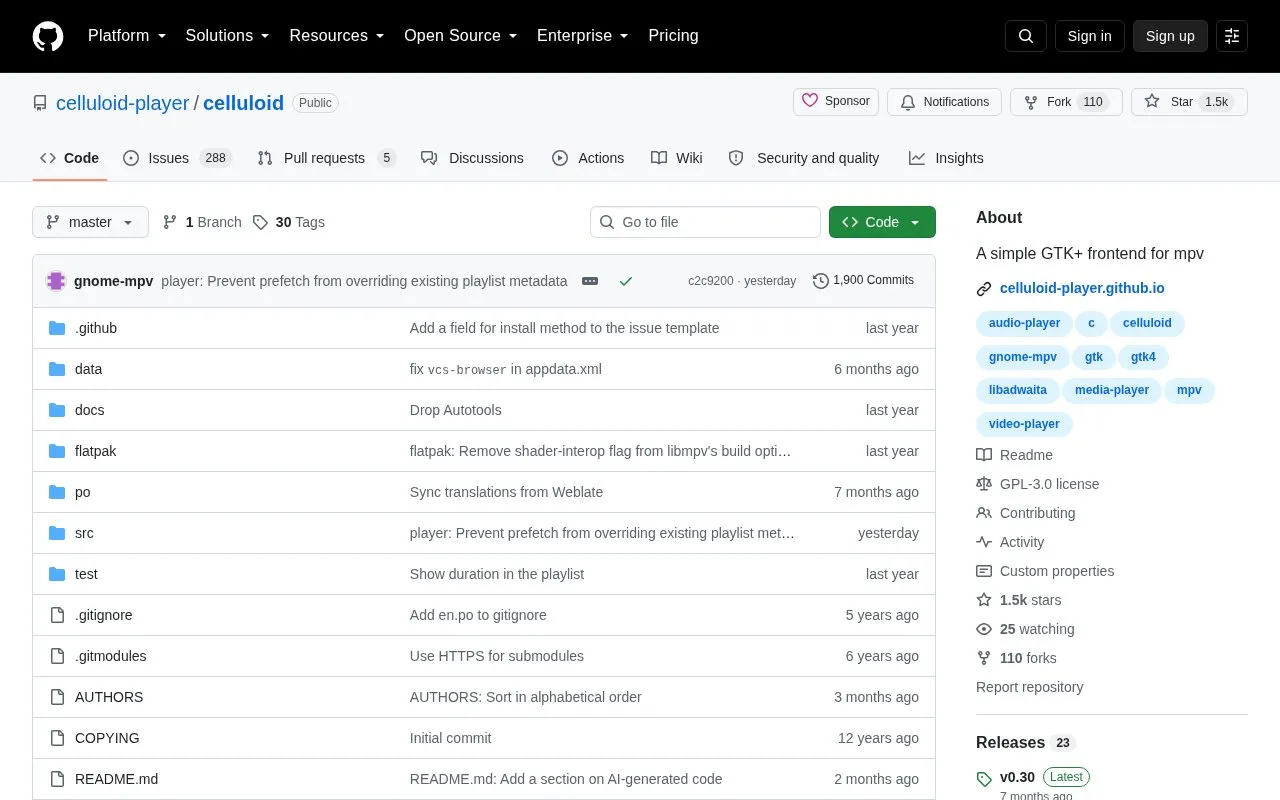
Celluloid, formerly GNOME MPV, is a simple GTK+ frontend for the mpv media player. It interacts with mpv through the client API exported by libmpv, so playback is handled by mpv while Celluloid provides the desktop interface and controls for playing audio and video.
Key features
Plays audio and video through mpv via the libmpv client API
Opens files by command line, file chooser, URI dialog or drag-and-drop
Playlist pane hidden by default, toggled with F9, drag-and-drop reordering
Expands playlist files and online playlists into individual items
Sets mpv options via mpv.conf file or Extra MPV Options box
Runs most mpv user scripts; custom keybindings in input.conf syntax
Best for: Users who want a graphical GTK interface for mpv without giving up mpv's configuration files, command-line options and user scripts.
Good for
Open source, with packages for Flatpak, Snap and an Ubuntu PPA in addition to a source build
Configuration carries over from mpv, including mpv.conf-style files, extra MPV options and keybindings
Drag-and-drop works for files, URIs and playlist items, including replacing the playlist by dropping onto the video area
Watch out for
Requires mpv plus recent GTK (4.16+) and libadwaita (1.8.0+) libraries
The playlist is hidden by default, and some mpv user scripts may define keybindings that conflict with Celluloid's
A number of less common settings are only reachable through the dconf database rather than the preferences dialog
There are four ways: passing files or URIs as command-line arguments, using the file chooser under the Open menu item, typing a URI into the Open Location dialog, or dragging and dropping files or URIs onto the application.
Can Celluloid use mpv configuration files and user scripts?
Yes. An mpv.conf-style file can be specified and enabled under the MPV Configuration section of the preferences dialog, mpv options can be typed into the Extra MPV Options box, and most mpv user scripts can be installed by dropping them into the Plugins tab. Some scripts may define keybindings that conflict with Celluloid's own.
How is Celluloid installed?
Stable releases are hosted on Flathub as a sandboxed Flatpak and on Snapcraft as a snap; Ubuntu users can also use a PPA for more up-to-date versions. Alternatively it can be built from source with meson setup build, ninja and ninja install.
Is something wrong or out of date?
Tell us and an editor will check it.
Own this website?
Claim the listing and suggest updates yourself. An editor checks every claim first.