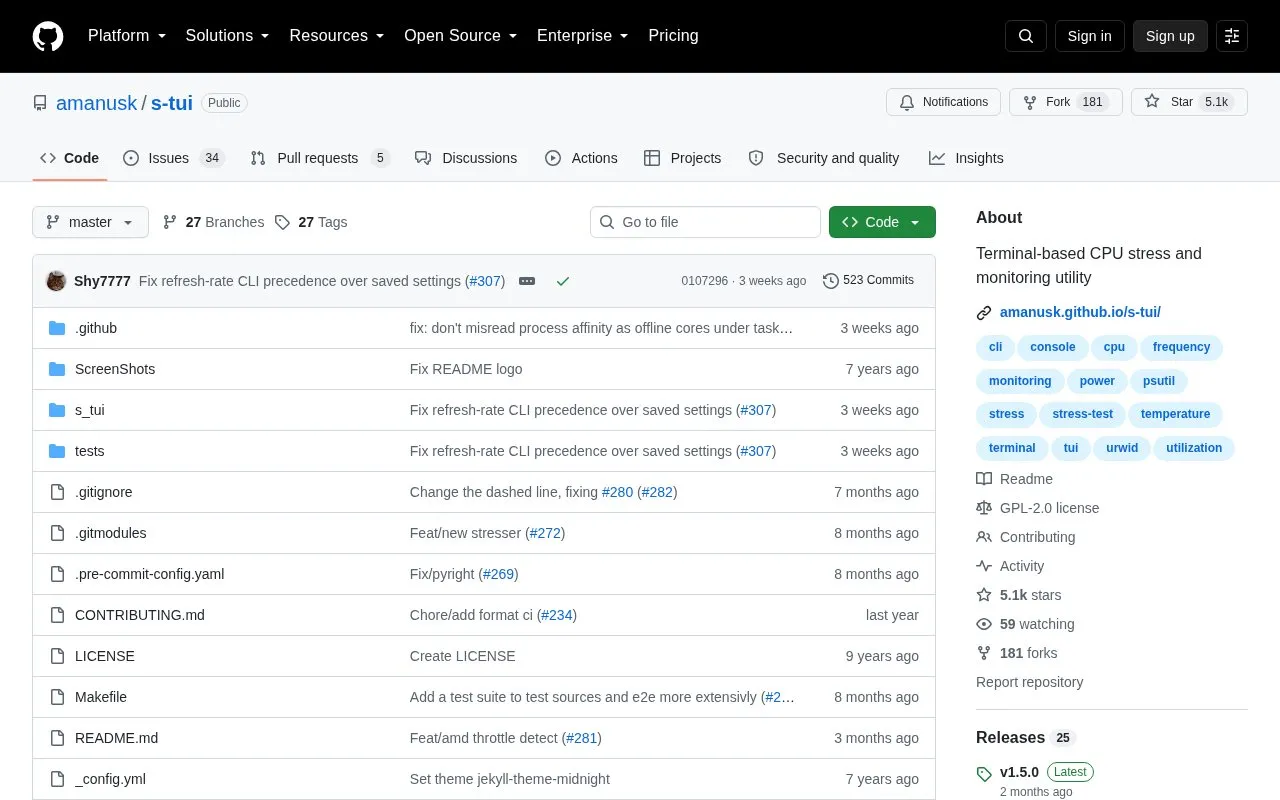
s-tui is an open-source, terminal-based utility that monitors CPU temperature, frequency, power and utilization in graphical form. It shows performance dips caused by thermal throttling and does not require an X server. It includes a built-in CPU stress test that needs no extra dependencies, and it can also work with the external stress and stress-ng tools.
The project is distributed through pip and several Linux package repositories. The pip version is described as the most up to date. The Ubuntu 18.04 and 16.04 PPA is noted as not up to date. Detailed per-core throttle reasons on Intel and AMD CPUs require root access and the msr kernel module.
Key features
Graphical terminal display of CPU temperature, frequency, power and utilization
Built-in CPU stress test with zero dependencies
Optional integration with external stress and stress-ng tools
Shows performance dips caused by thermal throttling
Throttle reason labels on Intel and AMD CPUs (root and msr module needed)
Command-line CSV logging and JSON or single-line stats output
Best for: Linux users who want to monitor CPU temperature, frequency and load from a terminal, or run a CPU stress test without a graphical desktop.
Good for
Built-in CPU stress test needs no extra dependencies
Runs in a terminal without an X server
Open source
Watch out for
The PPA for Ubuntu 18.04 and 16.04 is not up to date
Detailed per-core throttle reasons require root access and the msr module
Stress testing with stress or stress-ng requires those tools to be installed separately
No. The project states that it requires no X server.
How can s-tui be installed?
It can be installed with pip using pip install s-tui --user, or from repositories using commands for Ubuntu, Debian, Arch Linux, Manjaro, openSUSE and Fedora.
Which installation method gives the most current version?
The source states that the most up to date version is available with pip.
Is something wrong or out of date?
Tell us and an editor will check it.
Own this website?
Claim the listing and suggest updates yourself. An editor checks every claim first.