

Sonosano is an open-source P2P song player for preserving, archiving, sharing, analysing and listening to music.
Open source
24 alternativesPlex MPV Shim sends media from Plex mobile and web apps to the mpv player through an unofficial client.
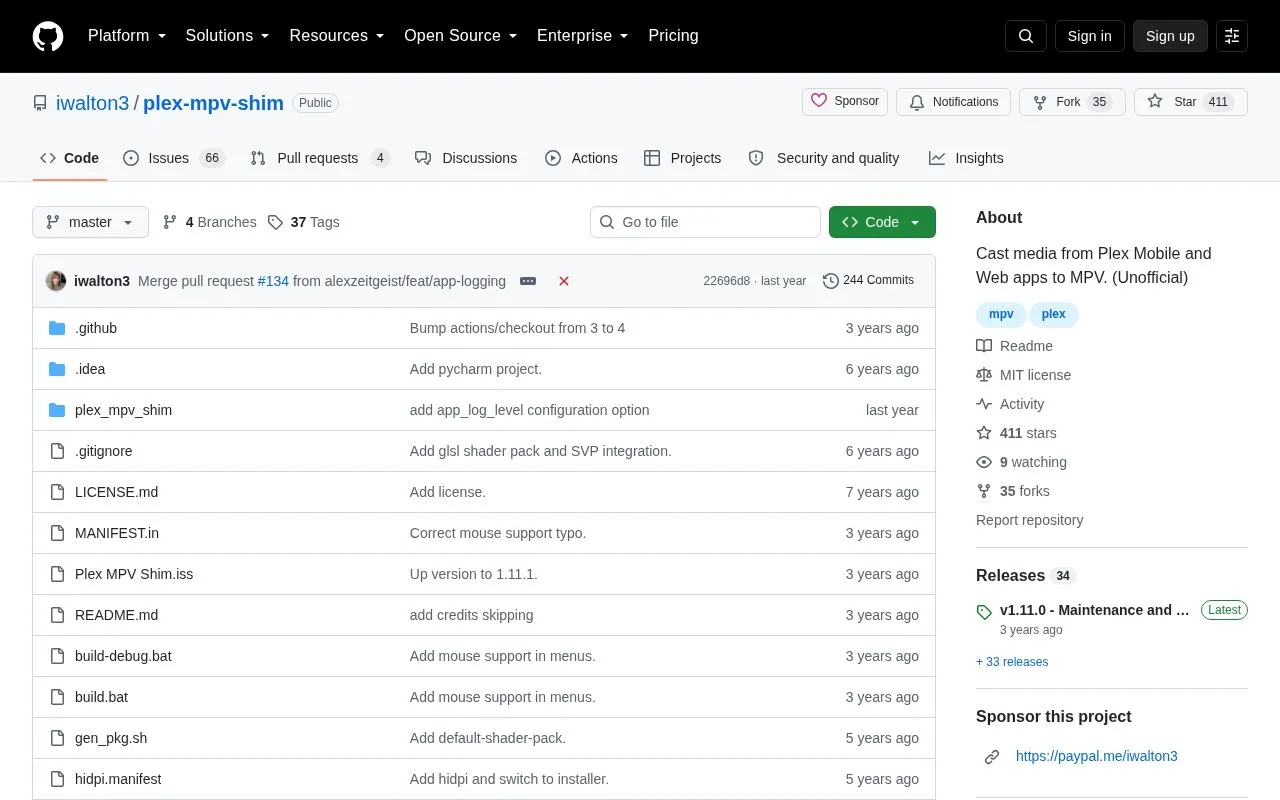
MPV Shim is an unofficial, open-source Plex client that casts media from the Plex mobile and web apps to the mpv player. It runs on Windows, Linux and macOS, and is described as a lightweight alternative to a Chromecast for Plex: media is meant to Direct Play, and subtitle handling includes tools for changing tracks. The client does not require logging in or separate configuration — you launch it and cast from another Plex application.
During playback a menu (opened with c on a computer or the home button in the Plex mobile apps) allows adjusting transcoding quality, changing audio and subtitle tracks with their names, applying those changes to a whole series, and configuring shader packs and SVP profiles. Casting from the Plex web app requires being on the same network as a Plex server, or installing the MPV Shim Local Connection user script. The on-screen mpv controller cannot change audio or subtitle track settings for transcoded media or load external subtitles; those changes must be made through the menu or the casting app.
Tools and sites you could use instead, ranked by how closely they match.
Sonosano is an open-source P2P song player for preserving, archiving, sharing, analysing and listening to music.
dodo provides a graphical email client built on notmuch, with its project describing the client as hackable.
This Waydroid script adds components such as OpenGApps, Magisk, and translation libraries.
Gear Lever manages AppImage packages, integrating them into the app menu and supporting drag-and-drop installation.
Brigadier fetches and installs Boot Camp ESD files from Apple or a software update server using a Python script.
Protontricks wraps Winetricks operations for Proton-enabled games and requires Winetricks.
Well-known listings from the same topic.
Tell us and an editor will check it.
Claim the listing and suggest updates yourself. An editor checks every claim first.


