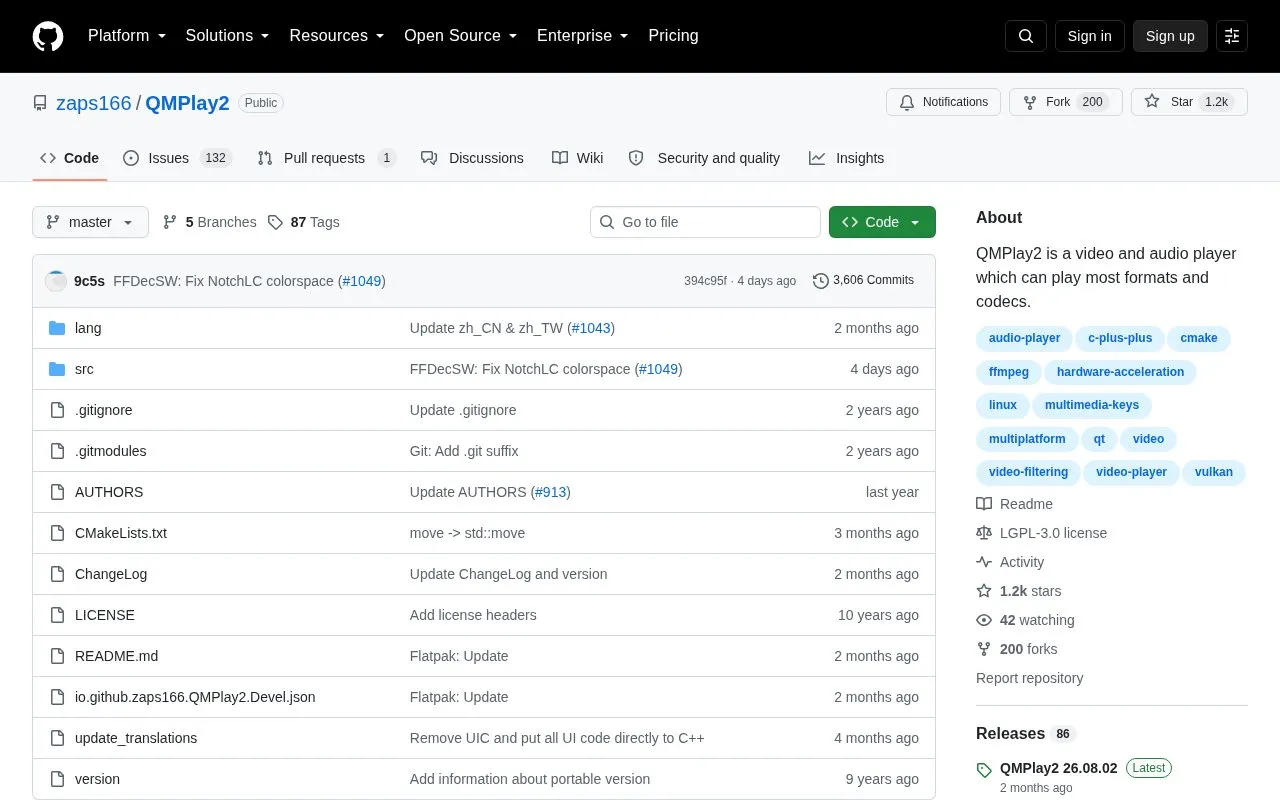
QMPlay2 is a video and audio player that plays all formats supported by FFmpeg, plus Audio CD, raw files and chiptunes. It includes a YouTube browser with configurable audio and video quality priorities, spherical view on OpenGL and Vulkan outputs, and optional hardware video decoding.
Hardware acceleration is disabled by default and must be enabled in settings. YouTube playback requires external yt-dlp software, which the player downloads automatically.
Key features
Plays all video and audio formats supported by FFmpeg
Supports Audio CD, raw files and chiptunes
YouTube browser with adjustable quality priorities
Spherical view on OpenGL and Vulkan video outputs
Hardware video decoding via Vulkan Video, CUVID, DXVA2, VA-API, VideoToolBox
Works with Streamlink using player command-line options
Best for: People who want an open-source player for FFmpeg-supported files, Audio CDs, and YouTube content.
Good for
Plays all formats supported by FFmpeg, plus Audio CD, raw files and chiptunes
Includes YouTube browser with configurable audio and video quality priorities
Supports multiple hardware decoding methods across Windows, Linux/BSD and macOS
Watch out for
Hardware acceleration is disabled by default and requires manual setup
YouTube videos do not work without external yt-dlp software
YouTube videos require external yt-dlp software, which QMPlay2 downloads automatically. It can be removed from settings.
How do I enable hardware acceleration?
It is disabled by default. Enable it in Settings -> Playback settings by moving a hardware-accelerated decoder to the top of the decoders list and applying settings.
How do I watch spherical videos?
On OpenGL and Vulkan video outputs, press Ctrl+3 or enable it from Playback -> Video filters -> Spherical view.
Is something wrong or out of date?
Tell us and an editor will check it.
Own this website?
Claim the listing and suggest updates yourself. An editor checks every claim first.