

Trackma manages lists across multiple sites on Unix-like systems, with tools to fetch and update user data.
Open source
24 alternativescava visualizes audio across multiple platforms, according to its repository description.
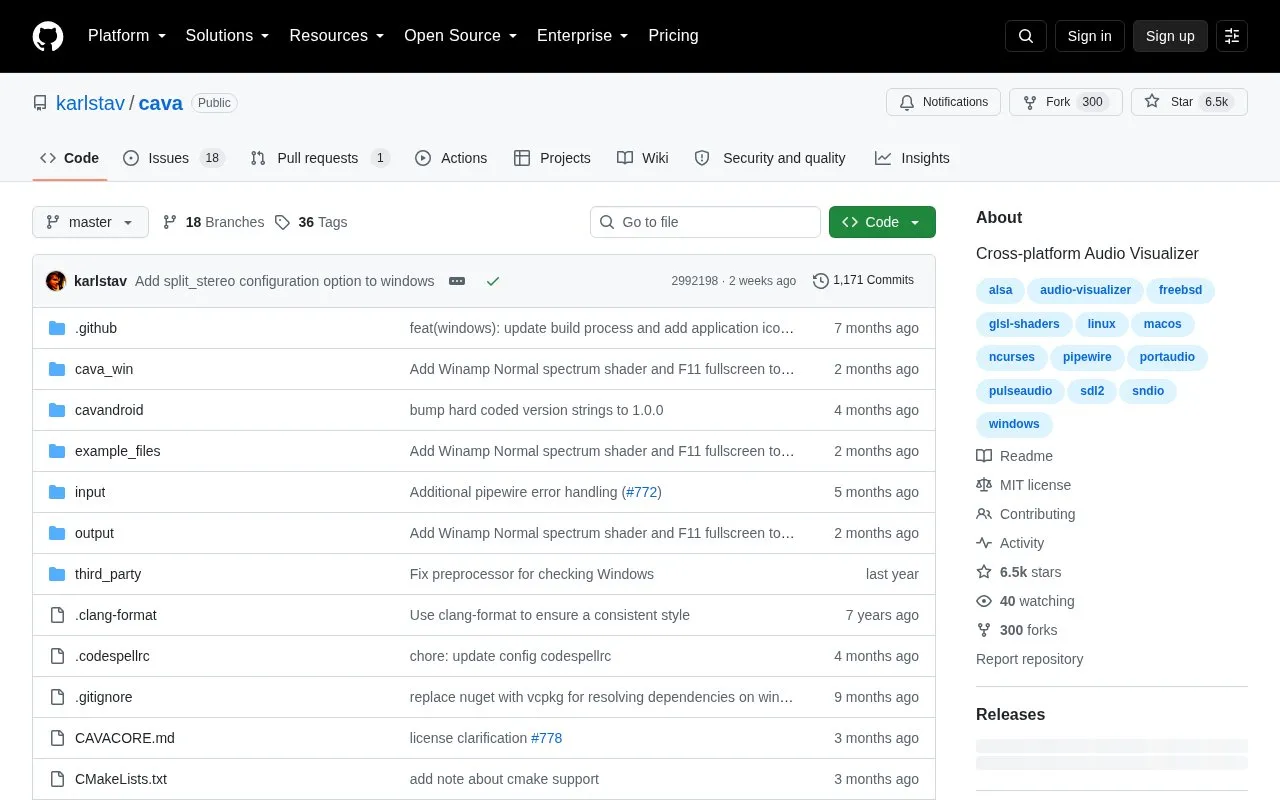
cava is an open source bar spectrum audio visualizer that displays audio as a set of bars. It runs in a terminal or in a desktop window using SDL. The project supports Linux, FreeBSD, macOS, and Windows. The author states that it is written to look responsive and aesthetic when visualizing music, and that it is not intended for scientific use.
Audio can be captured directly from the system through several backends, including PipeWire, PulseAudio, ALSA, MPD, sndio, OSS, JACK, and squeezelite. Capture support depends on installing the matching audio development files at build time. On macOS, the built-in Core Audio framework is supported without extra capture libraries. Without audio capture libraries, cava can still read audio from FIFO files. Ncurses is available as an alternative output method, and the project notes that it can run over SSH and on dumb terminals. Installation is from source, with build requirements and example package commands listed for several Linux distributions, FreeBSD, macOS, and Windows.
Tools and sites you could use instead, ranked by how closely they match.
Trackma manages lists across multiple sites on Unix-like systems, with tools to fetch and update user data.
QMPlay2 plays video and audio in many formats and codecs, according to its repository description.
JDSP4Linux processes audio for PipeWire and PulseAudio clients, according to its repository description.
Loop manages windows on macOS, according to its repository description.
Atuin synchronizes and searches shell history with end-to-end encryption, according to its repository description.
CodexBar displays usage statistics for OpenAI Codex and Claude Code without requiring login, according to its repository.
Well-known listings from the same topic.
Tell us and an editor will check it.
Claim the listing and suggest updates yourself. An editor checks every claim first.


