

Pixel Art Fixer converts images into grid-aligned pixel art using image processing without requiring a model.
Open source
24 alternativesUse chaiNNer to build and run image-processing pipelines in a node editor on Windows, macOS, or Linux.
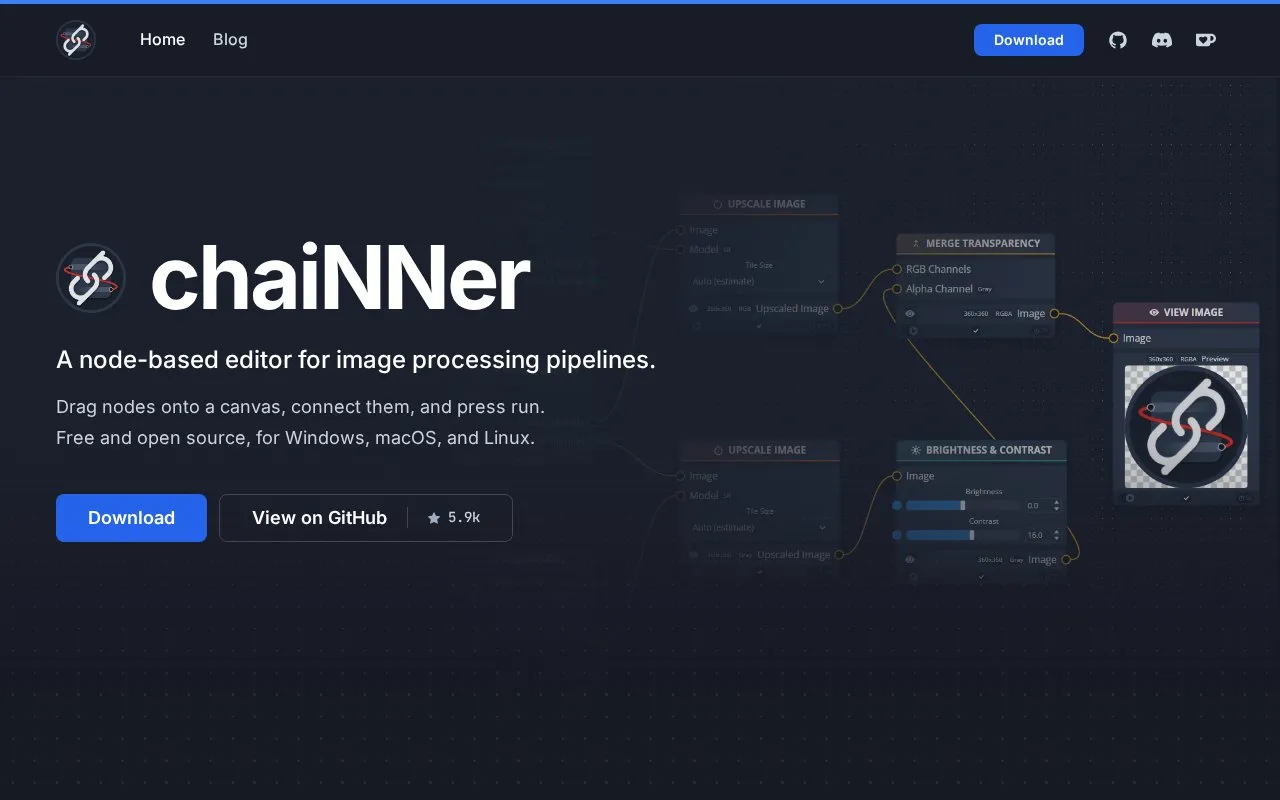
chaiNNer is a node-based editor for image-processing pipelines on Windows, macOS, and Linux. Users drag nodes onto a canvas, connect them, and run the chain, with each node performing one task such as loading an image, upscaling, resizing, removing the background, or saving.
It was originally built for AI upscaling with community-trained super-resolution models run through PyTorch, NCNN, ONNX, or TensorRT. It also handles color correction, blending, format conversion, pixel-art scaling, normal maps, batch runs over folders, and video frames, with conditional branches and computed filenames.
Tools and sites you could use instead, ranked by how closely they match.
Pixel Art Fixer converts images into grid-aligned pixel art using image processing without requiring a model.
Final2x provides image super-resolution on Windows, macOS, and Linux, with options to use built-in or custom models.
Upscayl offers free, open-source AI image upscaling software for Linux, macOS, and Windows.
Create pixel art and other 2D graphics with PixiEditor, a free and open-source editor.
LazPaint offers a cross-platform image editor with raster and vector layers, built with Lazarus and Free Pascal.
Pixelorama provides an open-source sprite editor and pixel art tool for creating and editing sprites.
Well-known listings from the same topic.
Tell us and an editor will check it.
Claim the listing and suggest updates yourself. An editor checks every claim first.


