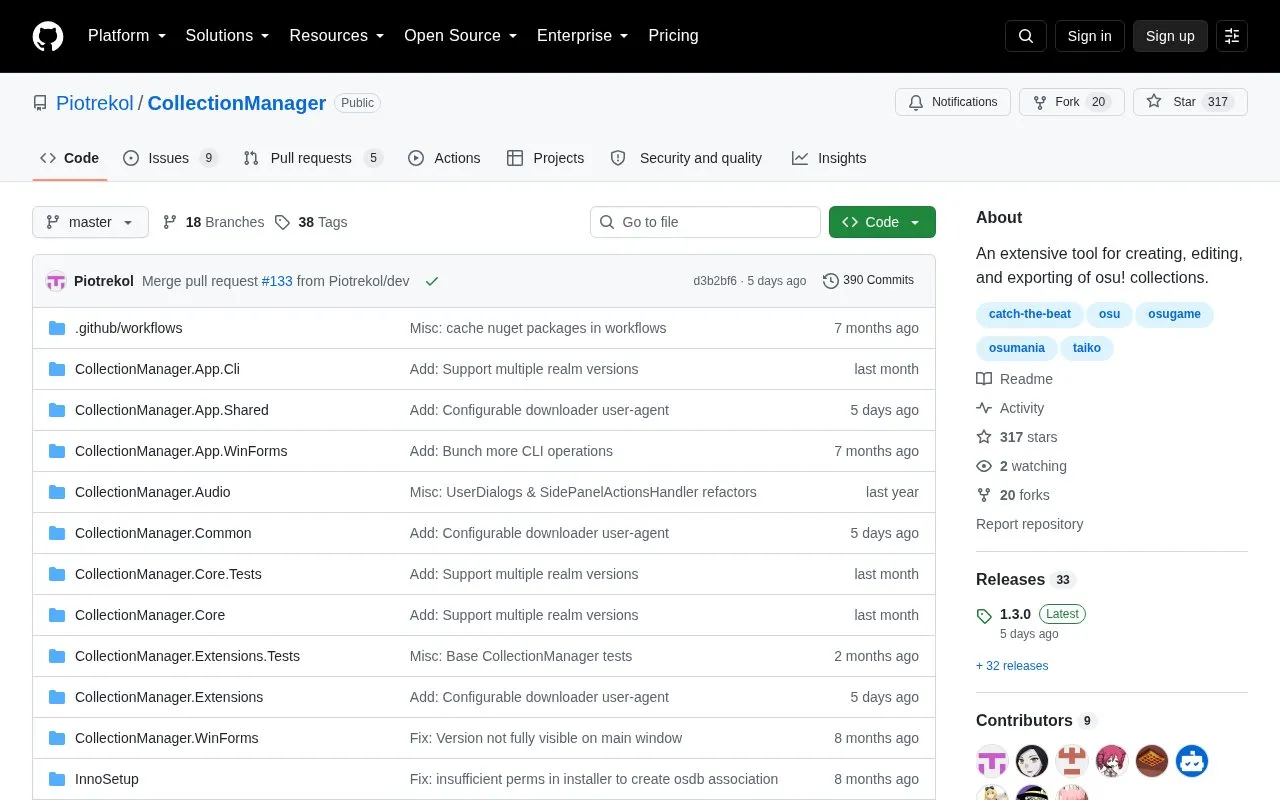
Collection Manager creates, edits, and exports osu! collections, including support for taiko and osu!mania modes. It loads collections from an osu! install, from .db or .osdb files by menu or drag-and-drop, and from previously uploaded osu!Stats collections. It saves in .db or .osdb format, can overwrite the osu! collection, export each collection to a separate file, or export plaintext lists of all maps or missing maps.
If the osu! folder is not configured, .db entries show hashes instead of map names, direct open and save to the osu! collection and the beatmap listing are unavailable, and plaintext lists cannot be imported back into collections.
Key features
Create and edit osu! collections
Open collections from install, file, or drag-and-drop
Load previously uploaded osu!Stats collections
Save loaded collections in .db or .osdb format
Export each loaded collection as a separate file
Export plaintext lists of all maps or missing maps
Best for: osu! players who need to create, edit, and share collections, including taiko and osu!mania collections.
Good for
Supports .db and .osdb saving, with .osdb storing more collection information
Offers multiple loading methods including file open, drag-and-drop, and osu!Stats collections
Attempts automatic osu! folder detection with manual folder selection as fallback
Watch out for
Without a configured osu! folder, .db collections show hashes and direct open, save, and beatmap listing are unavailable
Exported plaintext lists cannot be opened or imported back as collections
Linux use through Wine likely requires a separate installer, which may also apply to macOS
How do I download Collection Manager for Windows or Linux?
Download the latest release from Releases under the Assets dropdown. Use CollectionManagerSetup.exe for Windows; through Wine on Linux you likely need CollectionManagerSetup_linux.exe, which may also apply to macOS.
What if Collection Manager does not find my osu! folder?
Select Load beatmaps from a different location and locate your osu! folder manually. Without a configured folder, .db collections show hashes, direct open and save are unavailable, and the beatmap listing is unavailable.
Can I turn an exported plaintext list back into a collection?
No. Lists created with File > Listing can only be exported from already loaded collections and cannot be opened or imported back.
Is something wrong or out of date?
Tell us and an editor will check it.
Own this website?
Claim the listing and suggest updates yourself. An editor checks every claim first.