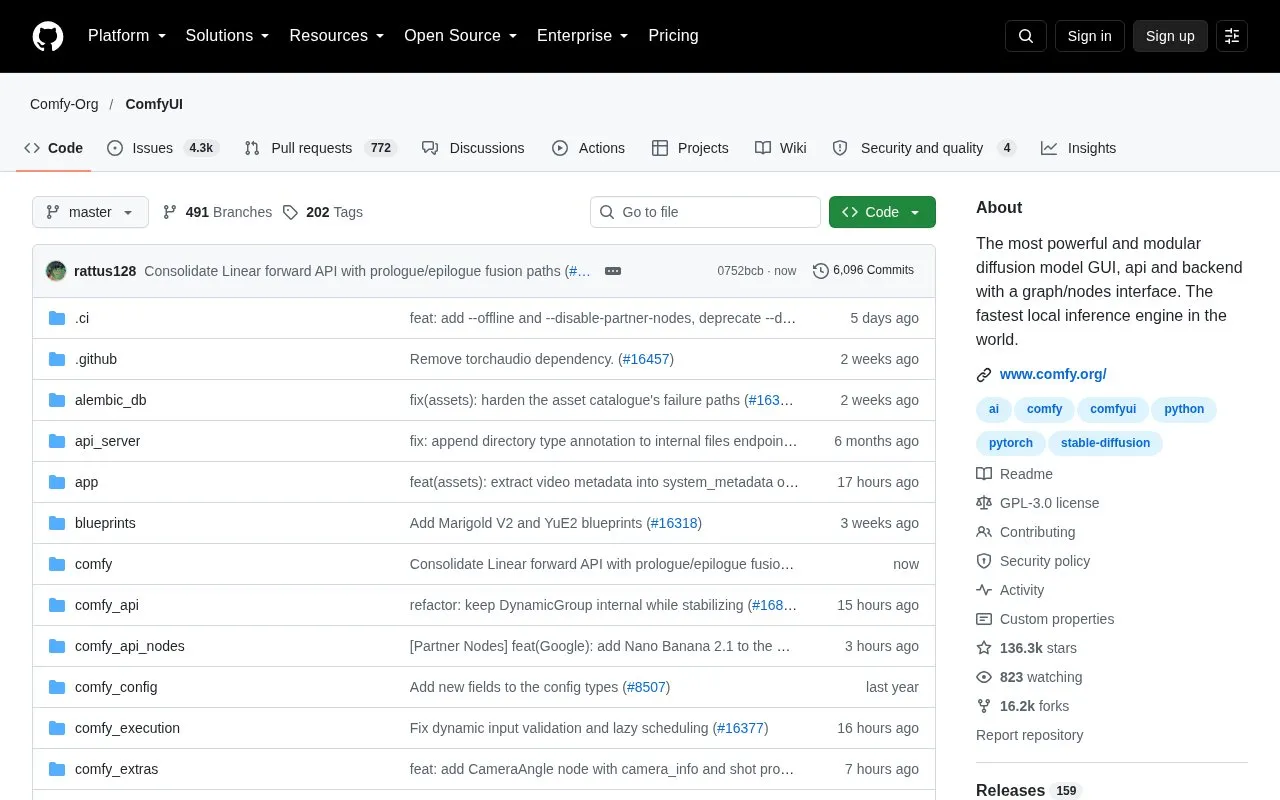
ComfyUI is an open-source interface, API, and backend for diffusion models. Users build image, video, audio, 3D, and text generation workflows as visual node graphs, which can be reused, saved as templates, and exposed through a simpler interface called App Mode. The repository is written in Python and includes a local API and API endpoints for connecting workflows to applications and production pipelines.
The project is available as a desktop application for Windows and macOS, as a portable install, through a manual install on all operating systems and GPU types, and as Comfy Cloud, an official paid cloud version. The project states that it runs large open-source models on as little as 4GB of VRAM and 8GB of RAM, and it lists partner nodes that provide access to some closed-source models. The listed model support is described as representative, and the project points to its workflow library for maintained templates.
Key features
Visual node graph for building image, video, audio, 3D, and text workflows without code
Reusable subgraphs, workflow templates, and App Mode for simplified interfaces
Local API and API endpoints for integrating workflows into applications and pipelines
Asynchronous queueing, partial graph re-execution, and smart VRAM and RAM management
Model offloading and support for quantized models
Partner nodes for access to closed-source models such as Nano Banana and Seedance
Best for: Creators and developers who want detailed control over diffusion model workflows, especially those running open-source models on their own hardware or connecting workflows to production systems.
Good for
Open-source project with source code available in a public GitHub repository
Manual install supports Windows, Linux, and macOS with NVIDIA, AMD, Intel, Apple Silicon, and Ascend GPUs
The project states it can run large open-source models on as little as 4GB VRAM and 8GB RAM
Watch out for
The desktop application is available only on Windows and macOS
Comfy Cloud is a paid service, and its pricing is not listed in the source
Partner nodes provide access to closed-source models, which are not open source
The desktop application is available on Windows and macOS. The manual install supports all operating systems and GPU types, including NVIDIA, AMD, Intel, Apple Silicon, and Ascend.
Is there a cloud version?
Yes. Comfy Cloud is described as the official paid cloud version for users who cannot afford local hardware. The source does not list its pricing.
What hardware does it need to run large models?
The project states that it can run large open-source models on as little as 4GB of VRAM and 8GB of RAM, using asynchronous weight streaming. Performance depends on the model and hardware used.
Is something wrong or out of date?
Tell us and an editor will check it.
Own this website?
Claim the listing and suggest updates yourself. An editor checks every claim first.