DETEXTIFY

A Python library to remove unwanted pseudo-text from images generated by your favorite generative AI models (Stable Diffusion, Midjourney, DALL·E).

github.com/iuliaturc/detextify
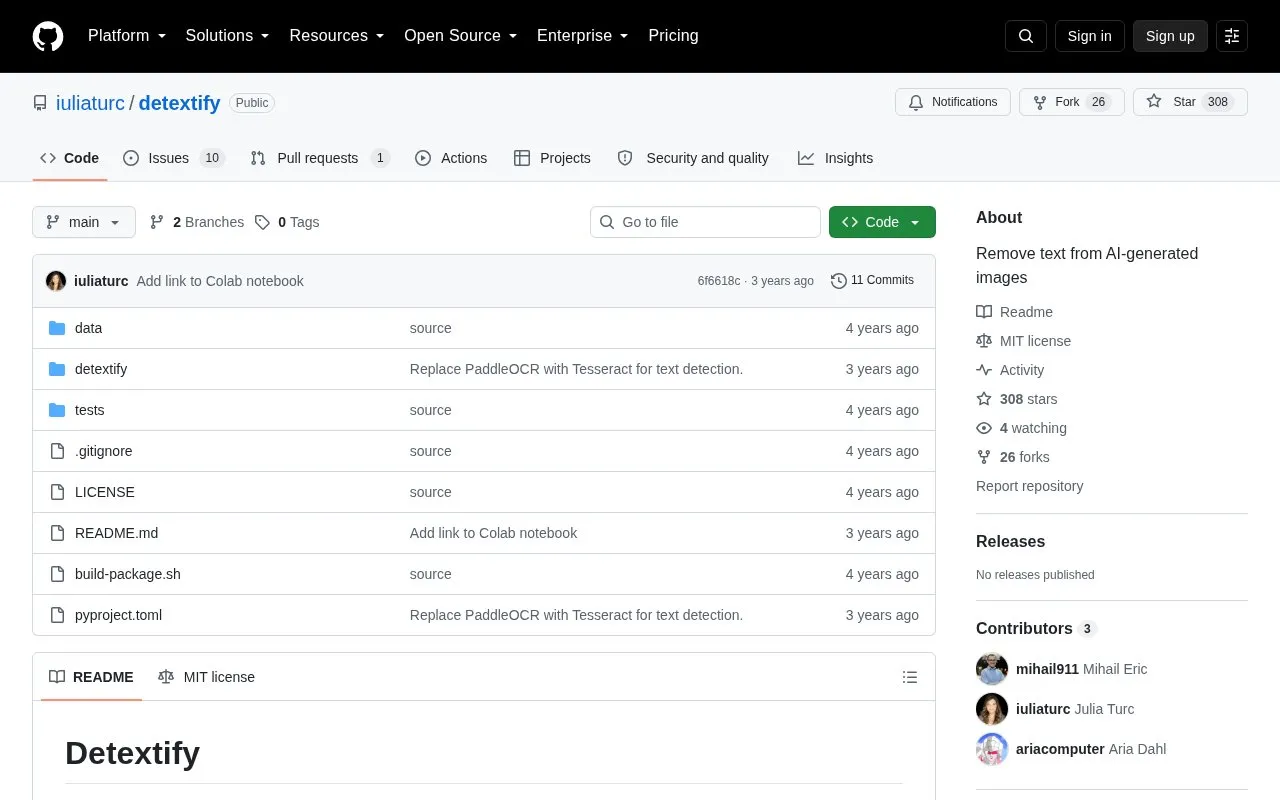
DETEXTIFY homepage screenshot

About DETEXTIFY

Detextify is a Python library that removes pseudo-text from AI-generated images. It detects text regions, masks the boxes, and inpaints the masked areas to produce a text-free image.

It can run locally with Tesseract for detection and Stable Diffusion for inpainting, or use external APIs with Azure for detection and OpenAI or Replicate for inpainting. Local detection needs a separate Tesseract install, and local inpainting needs a GPU with CUDA and cuDNN.

Key features

  • Detects text regions, masks boxes, and inpaints for text-free output
  • Runs local text detection using Tesseract installation
  • Calls Azure Computer Vision API for text detection
  • Runs local inpainting with Stable Diffusion v2
  • Calls Replicate API for Stable Diffusion v2 inpainting
  • Calls OpenAI DALL·E 2 API for inpainting
Best for: Python developers who need to remove unwanted text artifacts from AI-generated images.
Good for
  • Installable with pip as an open source Python library
  • Supports fully local processing or API-based detection and inpainting
  • Allows custom text detector and inpainter implementations
Watch out for
  • Local detection requires a separate Tesseract installation
  • Local inpainting requires a GPU with CUDA and cuDNN
  • API use requires Azure setup or API keys for OpenAI or Replicate

DETEXTIFY at a glance

Type
Open-source project
Pricing
Not confirmed. Check the site
Open source
Yes · Source code
Language
English
Last checked
Oct 5, 2026 · Online when checked
Listed
Oct 5, 2026

DETEXTIFY alternatives

Tools and sites you could use instead, ranked by how closely they match.

All 24 alternatives

Popular in AI Image Generators

Well-known listings from the same topic.

All 363

DETEXTIFY FAQ

How do I install Detextify?
Run pip install detextify. For local detection, also install Tesseract separately.
What is needed for local inpainting?
A GPU with CUDA and cuDNN installed. The local inpainter defaults to Stable Diffusion v2.
Can I use APIs instead of running locally?
Yes. Use Azure Computer Vision for detection and Replicate or OpenAI DALL·E 2 for inpainting, with the required endpoint and keys.
Is something wrong or out of date?

Tell us and an editor will check it.

Own this website?

Claim the listing and suggest updates yourself. An editor checks every claim first.

Claim this listing