

Lagent provides a lightweight framework for building agents powered by large language models.
Open source
24 alternativesConnectOnion provides command line tools for building and running AI agents.
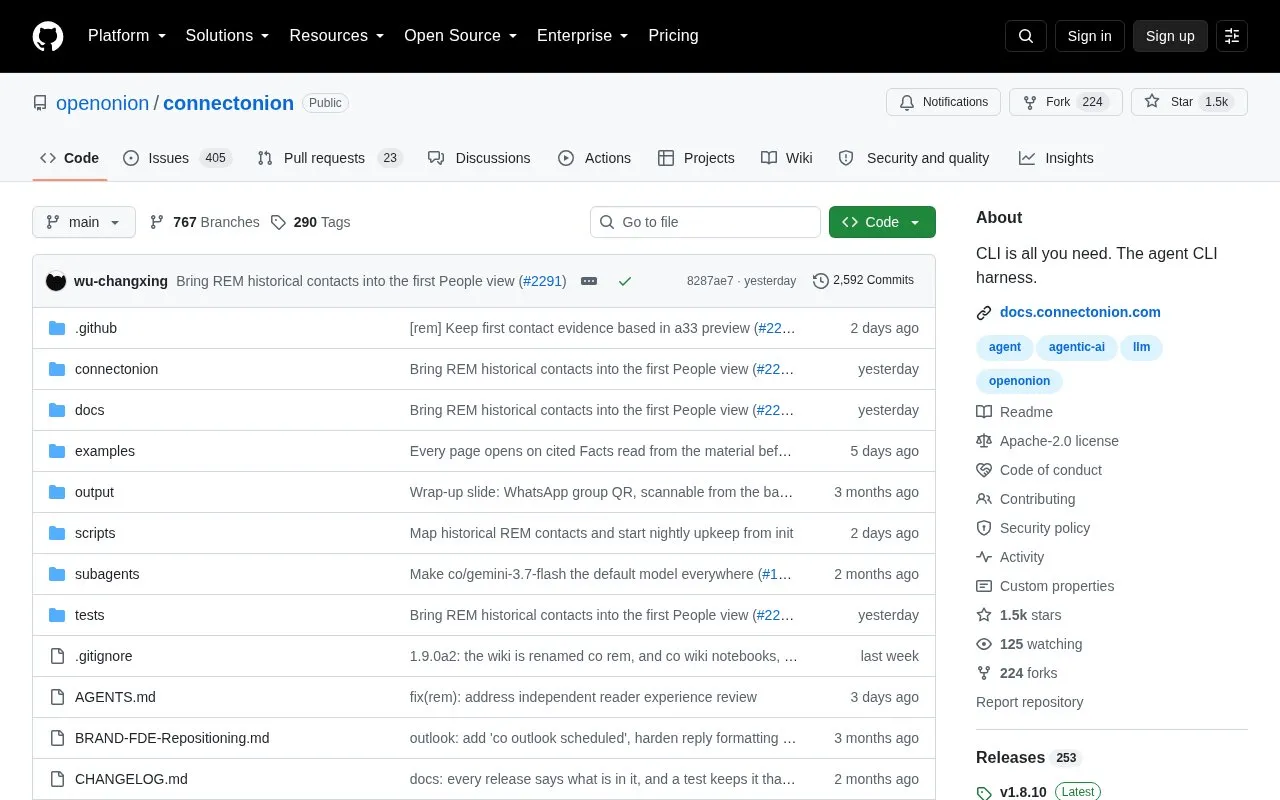
ConnectOnion is an open-source command line tool for building and running AI agents. Its main command, co, gives an agent access to the accounts and tools it works with, including Gmail and Outlook, a logged-in browser, local files, chat apps and other agents. It is installed with pip and requires Python 3.10 or newer.
After setup with co init, you authenticate an account such as Google or Microsoft, then run commands like co gmail or co outlook. The project prefers a command line over a server or a plugin per tool, because coding agents such as Claude Code, Codex and Cursor can already run shell commands. co commands lists everything available, and --help documents each tool as the agent needs it.
A separate preview feature, co rem, connects context from mail and coding sessions into linked local Markdown pages about the people, projects and skills involved. Those pages stay on your machine and can be read by you and your agents. co rem is opt-in and in preview; daily scheduling currently requires macOS, and selected source content is sent to a configured model during investigation.
co command line to build and run AI agentsco commands lists all commands; --help documents each toolco rem builds linked local Markdown pages from mail and coding sessionsTools and sites you could use instead, ranked by how closely they match.
Lagent provides a lightweight framework for building agents powered by large language models.
The MetaGPT repository provides a multi-agent framework for natural language programming and software development.
mempalace offers an open-source memory system designed for use with AI agents.
The MetaGPT repository presents a multi-agent framework for natural language programming.
AutoGen provides a programming framework for developing agentic AI systems.
Build and deploy GPT and LLM agents with Botpress, an open-source hub for agent development.
Well-known listings from the same topic.
Tell us and an editor will check it.
Claim the listing and suggest updates yourself. An editor checks every claim first.


