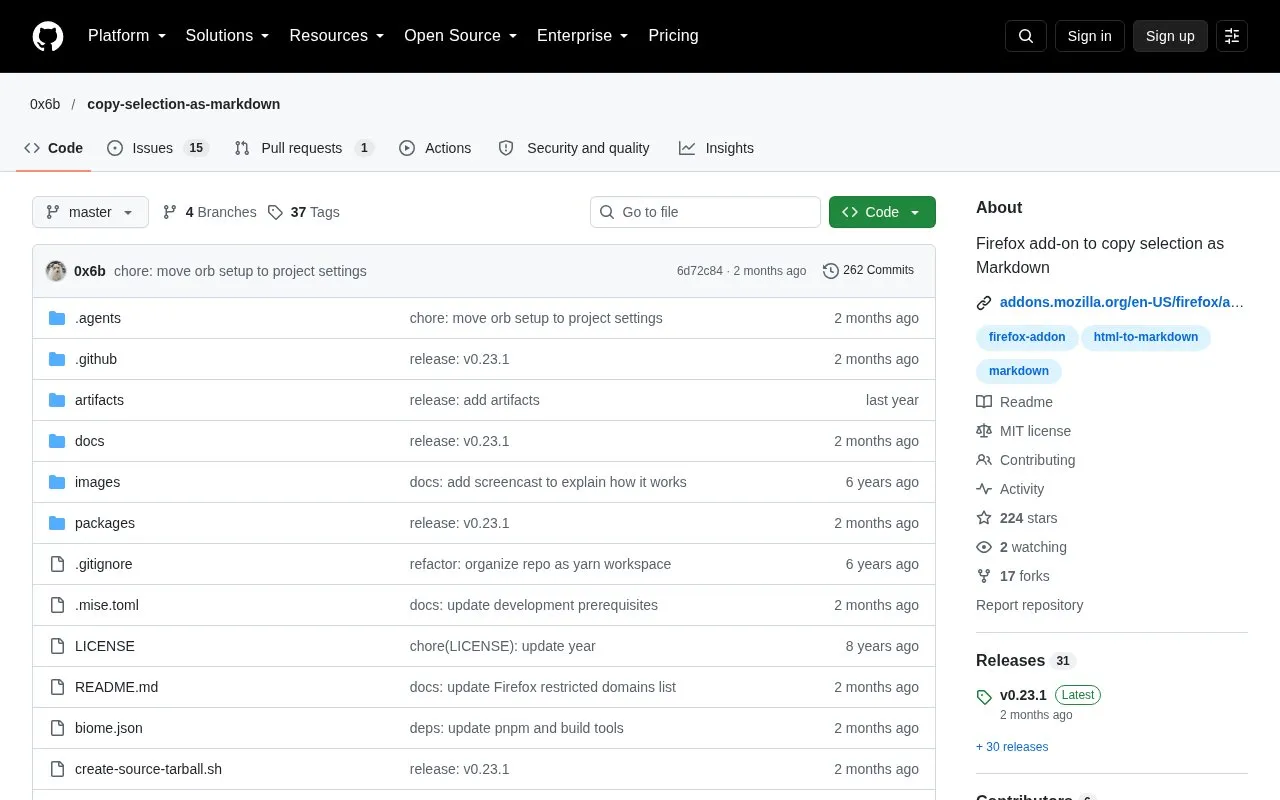
Copy Selection as Markdown is a browser extension that copies a web page's title, URL, and selected text as Markdown. It is installed from Add-ons for Firefox. The source code is published on GitHub. The author describes the extension as being in maintenance mode: it is considered stable, and no new features or major changes are planned. Critical issues may be addressed, but other issues may not be resolved.
The extension offers several formatting options, including heading, list, code block, emphasis, and link styles, plus an option to embed images as base64 text. Some images may not be embedded because of browser or server security restrictions, in which case they keep their original URLs. Google Chrome users must build and install the extension themselves at their own risk, as it is not distributed through a store.
Key features
Copies selected text as Markdown with the page title and URL
Firefox context menu options for copying page title, URL, and links
Toolbar button and keyboard shortcut (Ctrl/Cmd+Shift+E)
Also copies a rich text (HTML) version of the selection to the clipboard
Configurable Markdown styles for headings, lists, code blocks, emphasis, and links
Optional base64 embedding of images, with some images possibly blocked by security restrictions
Best for: Firefox users who regularly move web content into Markdown documents or notes and want control over the output format.
Good for
Many Markdown output options, such as heading, list, code block, and link styles
Open source, with the source code published on GitHub
Copies a rich text version as well, which the author notes is useful for pasting into Slack
Watch out for
In maintenance mode, with no new features planned and other issues may not be resolved
Google Chrome users must build and install it themselves at their own risk, with no store distribution
Some context menu options (copying title and URL, and copying links) are available only on Firefox
Click the gear icon in the top-right corner and select Manage Extension Shortcuts, or go to chrome://extensions/shortcuts.
How can I install the extension in Google Chrome?
The source says Chrome users must build and install the extension at their own risk, because it is not distributed through a store at this time.
Will new features be added?
The author states that the extension is in maintenance mode and does not plan to add new features or make major changes. Critical issues may be addressed as they arise.
Is something wrong or out of date?
Tell us and an editor will check it.
Own this website?
Claim the listing and suggest updates yourself. An editor checks every claim first.