

Crop Video
This browser-based tool crops video files locally without uploading them, according to its page, and supports multiple interface languages.
About Crop Video
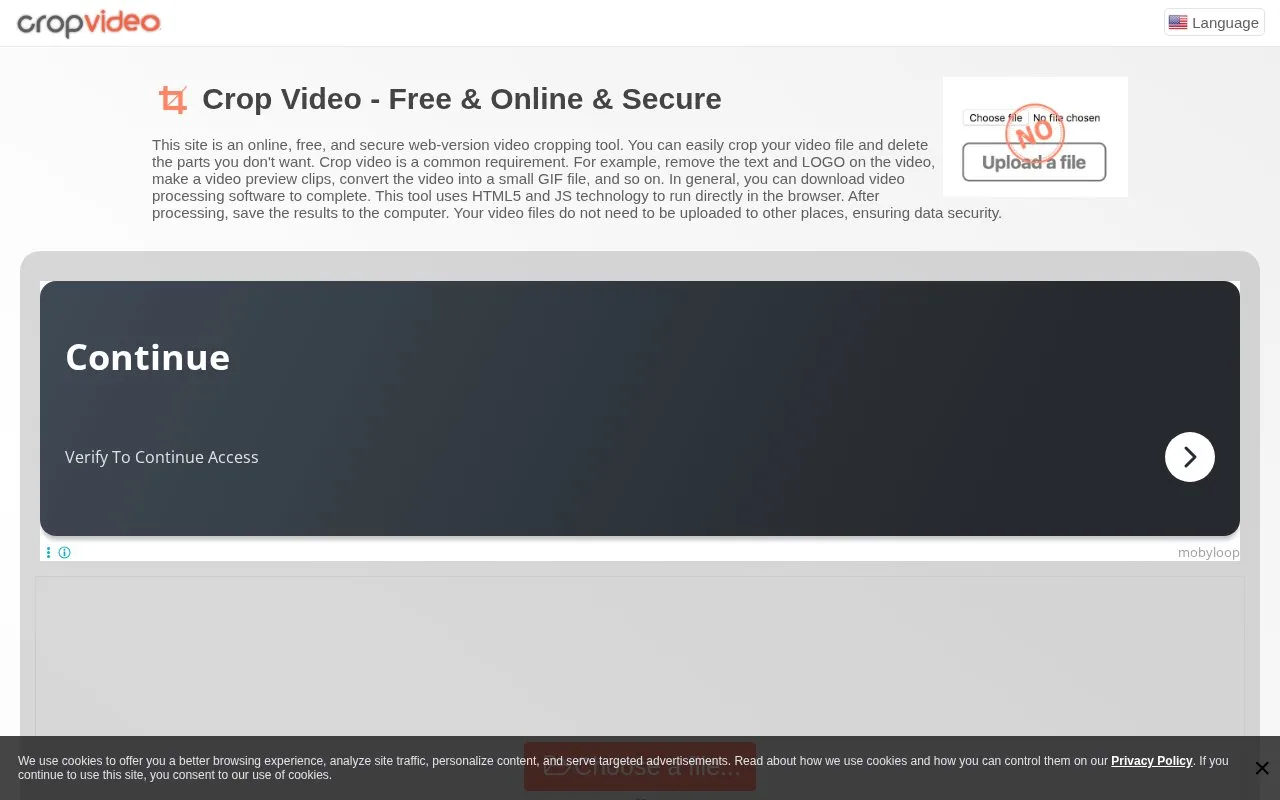
Crop Video is a browser-based tool for cropping video files. According to its site, it runs entirely in the browser using HTML5 and JavaScript, so video files are not uploaded to a server. The page describes it as free, online and secure, and says it works on phones, tablets and computers running Windows, Mac or Linux.
You open or drag in a video file, then set the cropping area by dragging with the mouse or by entering coordinates, width and height. You can also set the start and end times. Clicking the crop button processes the file, and the result appears together with a download button.
Supported formats listed on the page include MP4, WEBM, MOV, FLV, 3GP, M4V, MPG, MPEG, MKV, AVI, WMV, MV, DV, ASF and 3G2. The interface is offered in many languages. The page suggests uses such as removing logos or text, making preview clips and creating short GIF files.
Key features
- Crops video files directly in the browser without uploading them
- Set the crop area by mouse drag or exact numeric values
- Set the start and end time of the video
- Supports MP4, WEBM, MOV, FLV, MKV, AVI and other listed formats
- Works on mobile phones, tablets and desktop computers
- Interface available in many languages
Best for: People who need to crop or trim a video quickly, without installing software or uploading the file to a server.
Good for
- Video stays on your device because processing happens in the browser
- Stated as completely free, with no upload step required
- Crop area can be set by dragging or by typing exact values
Watch out for
- Processing time depends on your computer's hardware
- The JavaScript file must be loaded on first use, which can take time
- The site uses cookies for analytics, personalization and targeted advertising
Crop Video at a glance
- Website
- crop-video.com
- Category
- Design & Creative › Video Editing & Animation
- Type
- Online tool
- Pricing
- Free
- Platforms
- Web
- Open source
- Not stated
- Language
- English
- Last checked
- Oct 5, 2026 · Online when checked
- Listed
- Oct 5, 2026
Guides for Video Editing & Animation

Crop Video alternatives
Tools and sites you could use instead, ranked by how closely they match.
Mastershot compresses, trims, crops, and converts video in the browser, processing files on the device without uploads or an account.

This browser tool cuts, converts, and compresses video files locally, without uploading them to a server, according to its page.

This browser-based video editor uses ffmpeg.wasm to process video locally, without uploads or server-side file handling.
FreeOpen source
24 alternativesThe ntsc-rs web version applies VHS and analog TV effects to videos and images in a browser without uploading files.
Popular in Video Editing & Animation
Well-known listings from the same topic.
Animakeranimaker.com8mb.video8mb.videoASM Lessonsgithub.com/FFmpeg/asm-lessonsCuttrcuttr.inFreeMoCapfreemocap.orgMotionPlacesmotionplaces.com


Crop Video FAQ
Is Crop Video free to use?
The page states the tool is completely free and can be used by opening the browser. No paid plan or pricing is mentioned.
Do I have to upload my video file?
No. The site says processing happens in the browser, so the video file does not leave your device.
What video formats are supported?
The page lists MP4, WEBM, MOV, FLV, 3GP, M4V, MPG, MPEG, MKV, AVI, WMV, MV, DV, ASF and 3G2.
Can I use it on a phone or tablet?
Yes. The page says it can be used on mobile phones, computers and tablets, on Windows, Mac or Linux.
Is something wrong or out of date?
Tell us and an editor will check it.
Own this website?
Claim this listing
Claim the listing and suggest updates yourself. An editor checks every claim first.