

A modular node-programming language, program creator, animation system, toolkit, router, and debugger made for VRChat
Open source
24 alternativesSpeech to Text and KB input captions for OBS, VRChat, Twitch chat and Discord
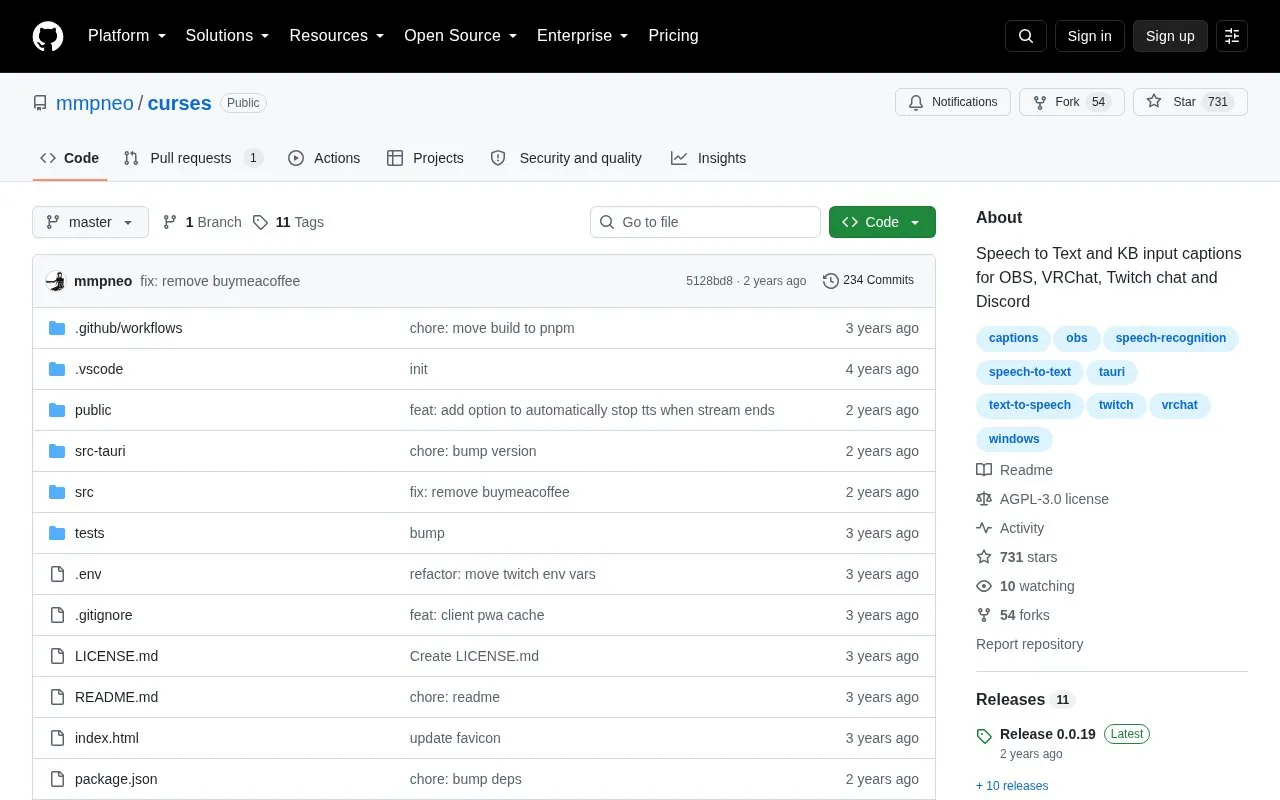
curses is a Windows application for speech-to-text and keyboard input captions for OBS, VRChat, Twitch chat, and Discord. It can send captions to OBS as a browser source or native stream captions, support VRChat chatbox and KillFrenzy avatar text, post speech-to-text to Twitch chat or a specified Discord channel, and use Twitch chat messages as a caption and text-to-speech source. Captions can be customized in OBS with colors, fonts, shadows, background textures, typing animations, sound and particle effects, and CSS; multiple designs can be saved and switched automatically when OBS scenes change.
Speech-to-text and text-to-speech can use providers such as Microsoft Azure, Speechly, Deepgram, WebSpeechApi, Uberduck, TikTok, and Windows API (SAPI), some of which are external services. The project is Windows-only, open source under AGPL-3.0, and lists Vosk, OpenAI Whisper, and VoiceVox as roadmap items; pricing information is not provided.
Tools and sites you could use instead, ranked by how closely they match.
A modular node-programming language, program creator, animation system, toolkit, router, and debugger made for VRChat
Transparent Twitch Chat Overlay displays Twitch chat over a windowed or borderless game.
Read Twitch chat from a terminal using twitch-tui, a text-based interface for Twitch chat.
Firebot provides desktop automation for Twitch streamers, including chat commands, events, timers, currencies, and integrations.
Twitch Chat Danmaku adds scrolling bullet-style comments to Twitch through a Chrome extension.
twitch4j supplies a Java Virtual Machine library for Twitch Chat, Helix, and EventSub API integrations.
Well-known listings from the same topic.
Tell us and an editor will check it.
Claim the listing and suggest updates yourself. An editor checks every claim first.


