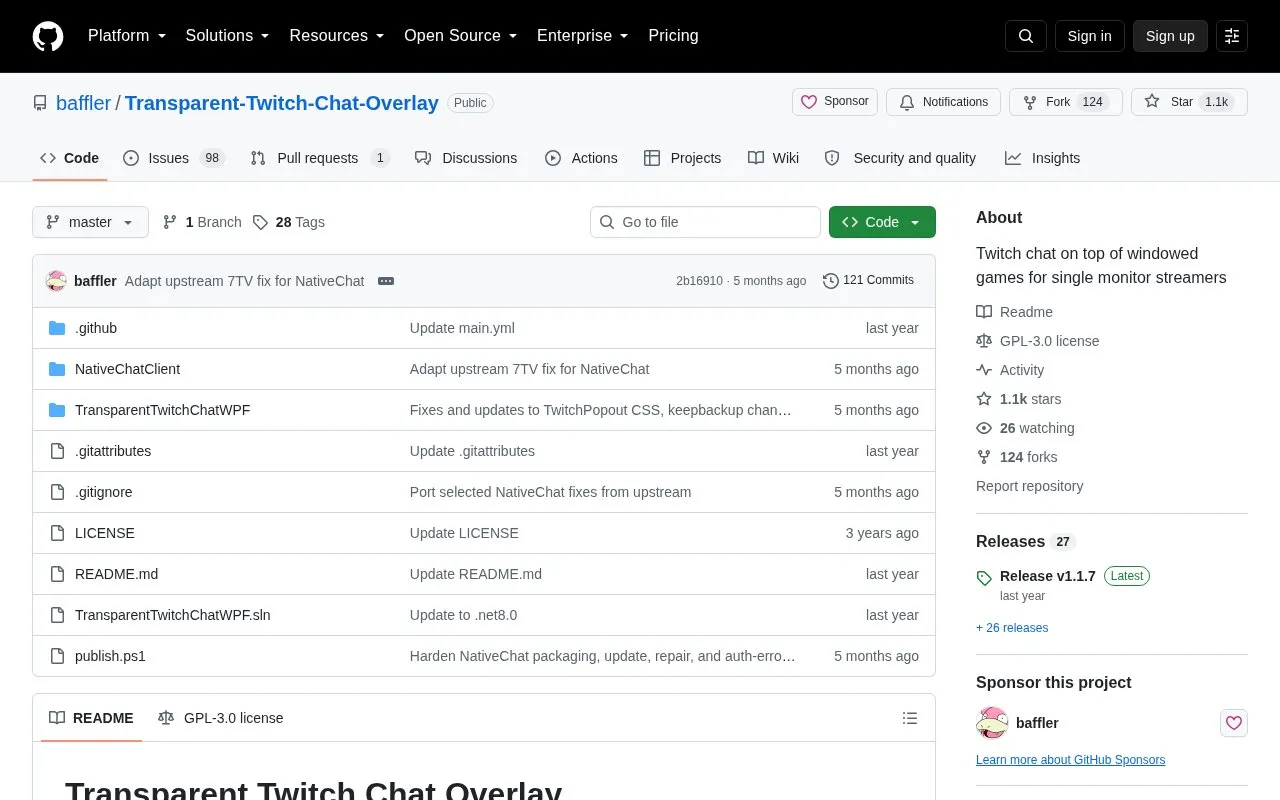
Transparent Twitch Chat Overlay is a Windows .NET application that displays Twitch chat on top of a windowed or borderless game. It is intended for single-monitor streamers who need to see chat while playing. After first launch, the Twitch channel must be set in settings. The overlay can be moved, resized and have its borders hidden, and the wiki describes adding YouTube chat integration and widgets for subs, followers, redemptions and viewer count.
Key features
Displays Twitch chat over windowed or borderless games
Combines Twitch and YouTube chat through wiki setup
Adds widgets for subs, followers, redemptions and viewer count
Moves by top border drag, resizes by bottom-right grip
Download the latest release. The installer automatically installs the required WebView2 runtimes.
How do I set my Twitch channel?
After first launch, open settings from the top-left button, by right-clicking the top black border, or by right-clicking the taskbar icon, then set the channel.
What should I do if Windows shows a protection warning?
Click "More info" then "Run anyway." This is only needed the first time it is launched.
Is something wrong or out of date?
Tell us and an editor will check it.
Own this website?
Claim the listing and suggest updates yourself. An editor checks every claim first.