

Daily place
daily.place provides browser-based tools for organizing daily tasks, with local storage and optional account-based syncing.
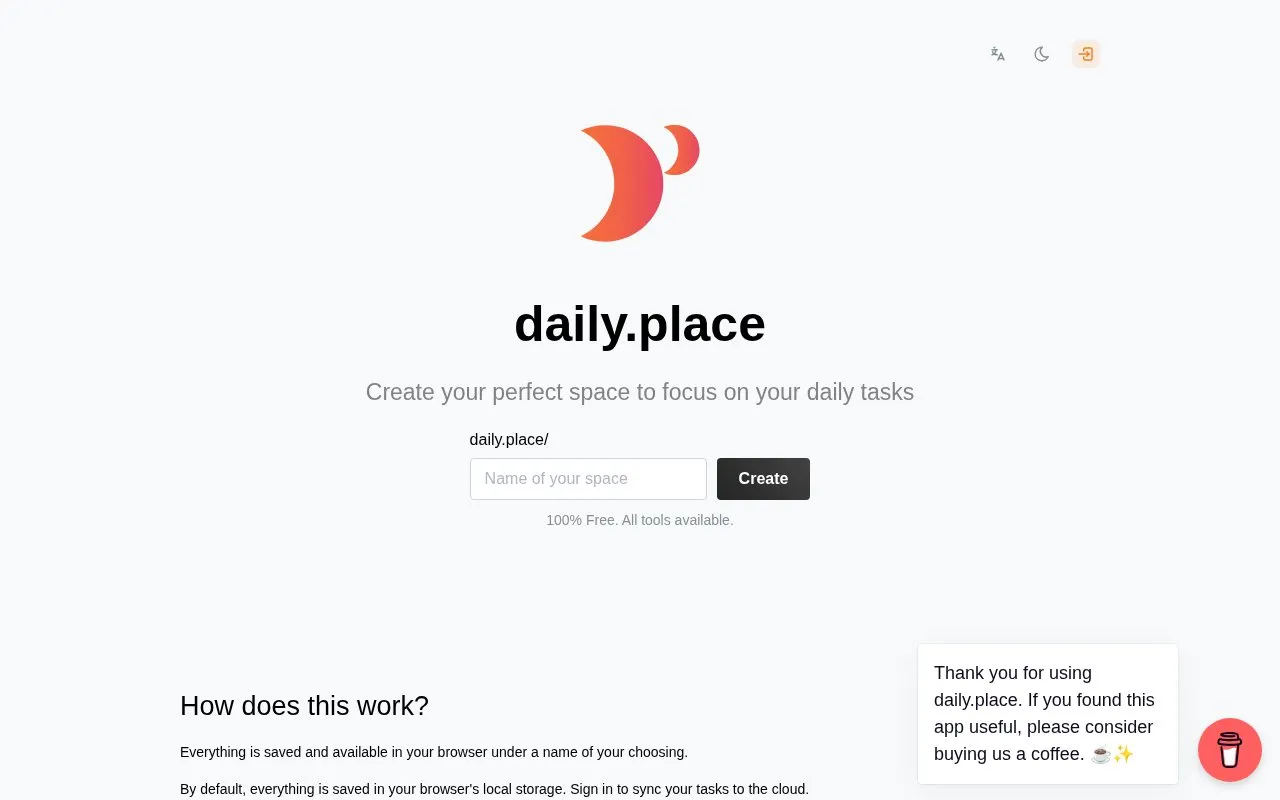
About Daily place
daily.place is a browser-based set of tools for organizing daily tasks and working in focused sessions. It includes a Pomodoro timer, a to-do list, a sound playlist, and keyboard shortcuts for the timer. By default, everything is saved in the browser's local storage under a name the user chooses. Signing in is optional and syncs tasks to the cloud so they can be used across devices.
The homepage describes the service as 100% free with all tools available. Because sync depends on an account and cloud storage, users who want their tasks kept off external servers should rely on the default local storage and not sign in. The interface is available in English, Spanish and Portuguese.
Key features
- Pomodoro timer with adjustable timing and short and long breaks
- To-do list where tasks can be created, edited and deleted
- Playlist of 9 sounds that can be mixed with individual volume control
- Keyboard shortcuts for controlling the Pomodoro timer
- Optional account sync that makes tasks available on all devices
- Interface available in English, Spanish and Portuguese
Best for: People who want a free, browser-based space for daily to-do lists and Pomodoro focus sessions, especially those who want the option to sync across devices.
Good for
- All tools are listed as free on the homepage
- Tasks are saved in the browser by default, without requiring an account
- Sync across devices is optional
Watch out for
- Syncing across devices requires signing in and storing tasks in the cloud
- The interface is available in only three languages: English, Spanish and Portuguese
Daily place at a glance
- Website
- daily.place
- Category
- Software & Utilities › Text Editors
- Type
- Website
- Pricing
- Free
- Platforms
- Web
- Open source
- Not stated
- Language
- English
- Last checked
- Oct 6, 2026 · Online when checked
- Listed
- Oct 5, 2026
Guides for Text Editors

Daily place alternatives
Tools and sites you could use instead, ranked by how closely they match.

The MTEB leaderboard compares embedding models across tasks such as retrieval and language evaluation, with scores filterable by task or category.

Obsidian Canvas provides an open space to research, brainstorm, diagram, and arrange ideas visually.

xTiles organizes daily work and offers AI workflows for tasks such as daily briefs, email assistance, and weekly reviews.

Memo Notepad offers note editing with optional Google Drive or Dropbox sync, plus dark and other style modes.

Browser-based Markdown editor with live preview, offline storage and sync or export to Google Drive, Dropbox and GitHub. Free and open source.
FreeOpen source
16 alternatives
TickTick combines task management, calendars, and habit tracking, with syncing across devices.
Popular in Text Editors
Well-known listings from the same topic.
Google Docsgoogle.com/docs/aboutProton Docsproton.me/drive/docsVertex42vertex42.comdDocsdocs.fileverse.ioNotepad++notepad-plus-plus.orgLibreOfficelibreoffice.org


Daily place FAQ
Do I need an account to use daily.place?
No. By default, everything is saved in your browser's local storage. Signing in is only needed to sync your tasks to the cloud.
Can I use my tasks on more than one device?
With an account, your tasks are available on all your devices. Without an account, tasks are saved in the browser by default.
Which languages are supported?
The site is available in English, Spanish and Portuguese.
Is something wrong or out of date?
Tell us and an editor will check it.
Own this website?
Claim this listing
Claim the listing and suggest updates yourself. An editor checks every claim first.