

Google Docs
Google Docs supports online document creation and PDF editing, with collaborative editing and AI features listed on its site.
About Google Docs
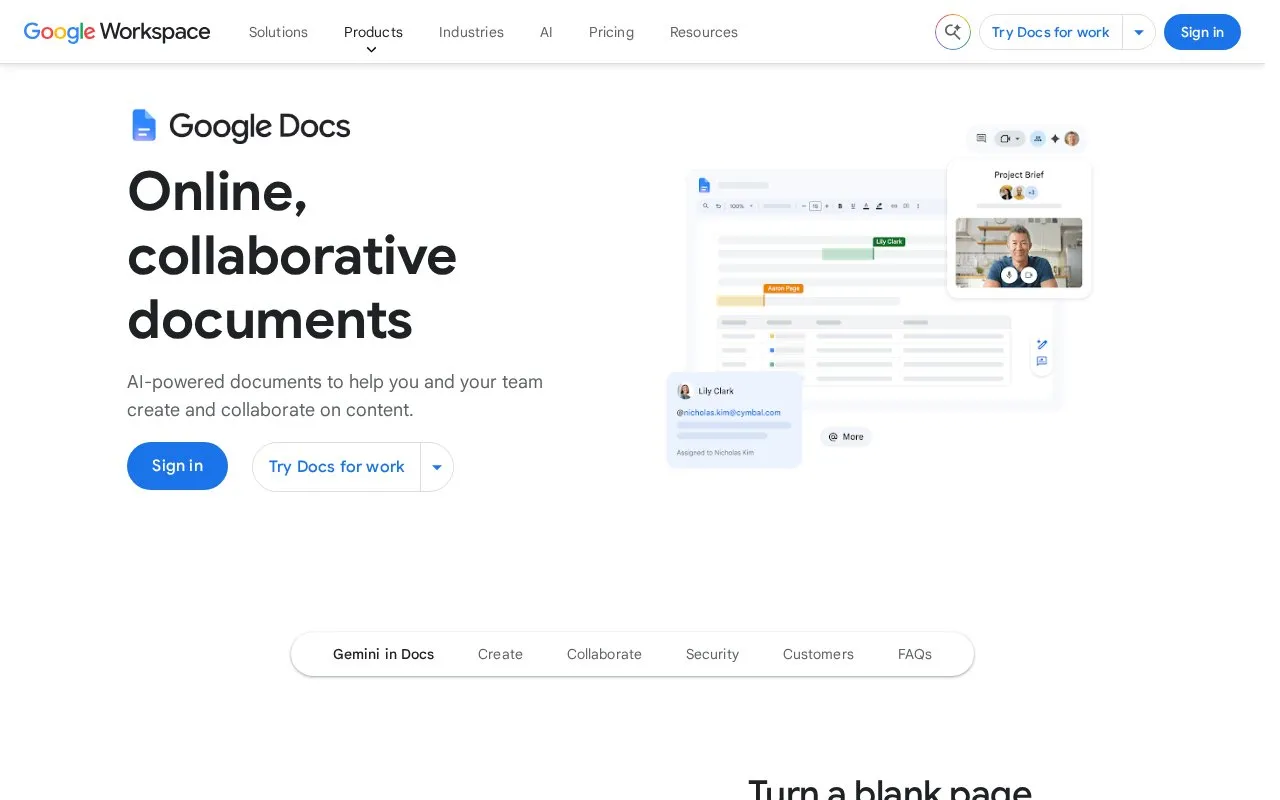
Google Docs is a web-based document editing tool included in the Google Workspace suite, designed for creating and editing online documents as well as PDF files. It is accessible via web browsers, Android and iOS devices, allowing users to work on their files from any location with an internet connection.
The platform supports real-time collaborative editing, letting multiple users work on the same document simultaneously, leave comments, assign tasks and access previous document versions. It also includes built-in AI features via Gemini to generate draft content from prompts, plus tools like pre-made templates, smart chips for inserting dynamic content, e-signature functionality and page-less formatting for uninterrupted writing. It is suitable for both individual users and teams that need flexible, cross-device document creation and collaboration.
Key features
- Real-time multi-user document editing and commenting
- Gemini AI generates document drafts from simple prompts
- Pre-made templates and smart chips for quick content insertion
- E-signature functionality for contract workflow management
- Cross-device access via web, Android and iOS apps
- Version history to view and restore earlier document iterations
Best for: It is best suited for individuals and teams that need flexible, cross-device document creation, real-time collaboration and integrated AI writing tools.
Good for
- Cross-platform access via web, Android and iOS
- Real-time collaboration with comments and version control
- Integrated AI tools for drafting and formatting content
- Supports editing of PDF and Microsoft Word files
Watch out for
- Some features (e.g. in-document video calls) require paid Workspace Business/Enterprise tiers
- Not open source, with no self-hosted deployment option
Google Docs at a glance
- Website
- google.com/docs/about
- Category
- Software & Utilities › Text Editors
- Type
- Website
- Pricing
- Not confirmed. Check the site
- Platforms
- Android, iOS, Web
- Open source
- Not stated
- Language
- English
- Last checked
- Oct 5, 2026 · Online when checked
- Listed
- Oct 5, 2026
Guides for Text Editors

Google Docs alternatives
Tools and sites you could use instead, ranked by how closely they match.

Browse free Google Docs templates for uses including budgets, business plans, calendars, checklists, and invitations.

Overleaf is a browser-based LaTeX editor with real-time collaboration and document templates. Its free plan supports one collaborator per project; paid plans add capacity and editing features.
Freemium
9 alternatives
Vertex42 publishes spreadsheet templates, calendars, and calculators, including materials for budgeting and project management.

Online Notepad combines note taking and productivity tools, including templates and timers, without requiring installation.

dDocs offers end-to-end encrypted document editing and real-time collaboration as an alternative to Google Docs.

Docs to Markdown converts Google Docs documents to Markdown or HTML through a Google Workspace add-on.
Open source
24 alternativesPopular in Text Editors
Well-known listings from the same topic.
Proton Docsproton.me/drive/docsNotepad++notepad-plus-plus.orgLibreOfficelibreoffice.orgSublime Textsublimetext.comMarkdown Monstermarkdownmonster.west-wind.comCogglecoggle.it


Google Docs FAQ
Can Google Docs edit PDF files?
Yes, Google Docs supports editing of PDF files in addition to creating standard online documents.
What devices can I use Google Docs on?
Google Docs is available on web browsers, Android and iOS devices with automatic cross-device sync.
Does Google Docs have built-in AI writing tools?
Yes, integrated Gemini AI can generate document drafts, adjust formatting and modify writing tone.
Is something wrong or out of date?
Tell us and an editor will check it.
Own this website?
Claim this listing
Claim the listing and suggest updates yourself. An editor checks every claim first.