

HTML Converter
Docs to Markdown converts Google Docs documents to Markdown or HTML through a Google Workspace add-on.
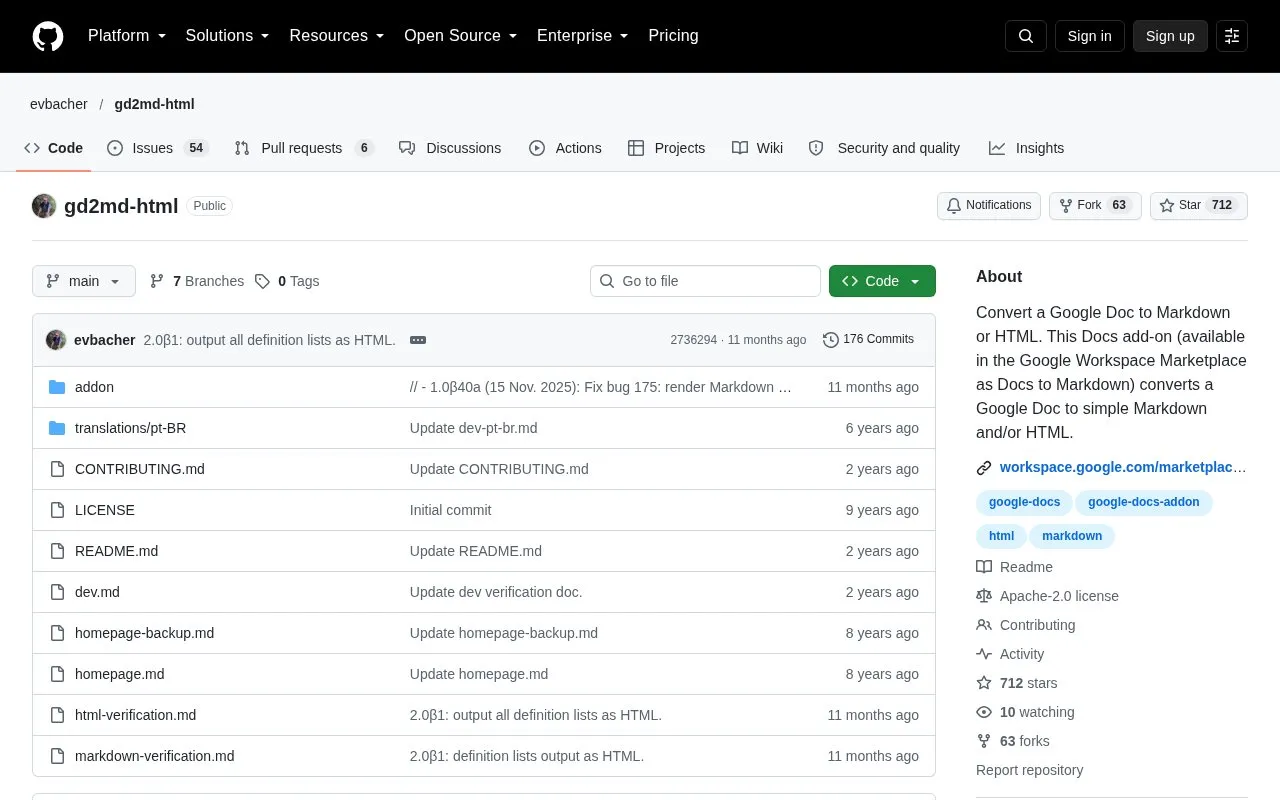
About HTML Converter
Docs to Markdown is an open source Google Docs add-on that converts a Google Doc to Markdown or HTML. It is available in the Google Workspace Marketplace under the name Docs to Markdown. The homepage describes it as free. It can convert a whole document or only a selected part of one, so authors can use Google Docs for editing, formatting, and collaboration before publishing to a Markdown or HTML platform.
The add-on asks for permission to access the current Doc and to create a sidebar, and the homepage states that it requires no other permissions. Headings convert correctly only when the document uses Google Docs heading styles such as Heading 1 and Heading 2. Text that is only bold and large converts as normal paragraphs. The project is released under the Apache 2.0 license and is not currently accepting contributions.
Key features
- Converts a Google Doc to Markdown, HTML, or both
- Converts a selected part of a Google Doc
- Runs from a sidebar inside Google Docs
- Maps Google Docs heading styles to Markdown or HTML headings
- Installs from the Google Workspace Marketplace as Docs to Markdown
Best for: Writers and editors who draft in Google Docs and need to publish the text to a Markdown or HTML platform.
Good for
- Described on the homepage as free to use
- Requests only the permissions needed to access the current Doc and create a sidebar
- Released under the open source Apache 2.0 license
Watch out for
- Headings convert properly only when Google Docs heading styles are used
- Text that is only bold and large converts as normal paragraphs
- Not currently accepting contributions
HTML Converter at a glance
- Category
- Software & Utilities › Text Editors
- Type
- Open-source project
- Pricing
- Not confirmed. Check the site
- Open source
- Yes · Source code
- Language
- English
- Last checked
- Oct 6, 2026 · Online when checked
- Listed
- Oct 5, 2026
Guides for Text Editors

HTML Converter alternatives
Tools and sites you could use instead, ranked by how closely they match.

Convert images to ASCII or Braille art from the command line with this cross-platform tool.
Open source
24 alternatives
Read Markdown files in the command line with Glow, which renders the formatted document in the terminal.
Open source
24 alternatives
MarkD provides live Markdown editing in a browser for writing and previewing documents.
Open source
24 alternatives
This Markdown editor provides live preview, diagrams, LaTeX, syntax highlighting, PDF export, and multi-tab support.
Open source
24 alternatives
Markdown files can be created and edited with FlutterMarkdownEditor, including files opened from a device explorer.
Open source
24 alternatives
Tangent supports local note writing and knowledge management using wiki links and customized Markdown.
Open source
24 alternativesPopular in Text Editors
Well-known listings from the same topic.
Google Docsgoogle.com/docs/aboutProton Docsproton.me/drive/docsVertex42vertex42.comNotepad++notepad-plus-plus.orgLibreOfficelibreoffice.orgSublime Textsublimetext.com


HTML Converter FAQ
What permissions does the add-on need?
It asks for permission to access the current Doc so it can convert it, and permission to create a sidebar for its interface. The homepage states that it requires no other permissions.
Will my headings convert correctly?
Use Google Docs heading styles such as Heading 1 and Heading 2. If headings are only made bold and large, they convert as normal paragraphs.
Can I convert only part of a document?
Yes. The homepage states that you can select and convert part of a Google Doc.
Is something wrong or out of date?
Tell us and an editor will check it.
Own this website?
Claim this listing
Claim the listing and suggest updates yourself. An editor checks every claim first.