

Glow
Read Markdown files in the command line with Glow, which renders the formatted document in the terminal.
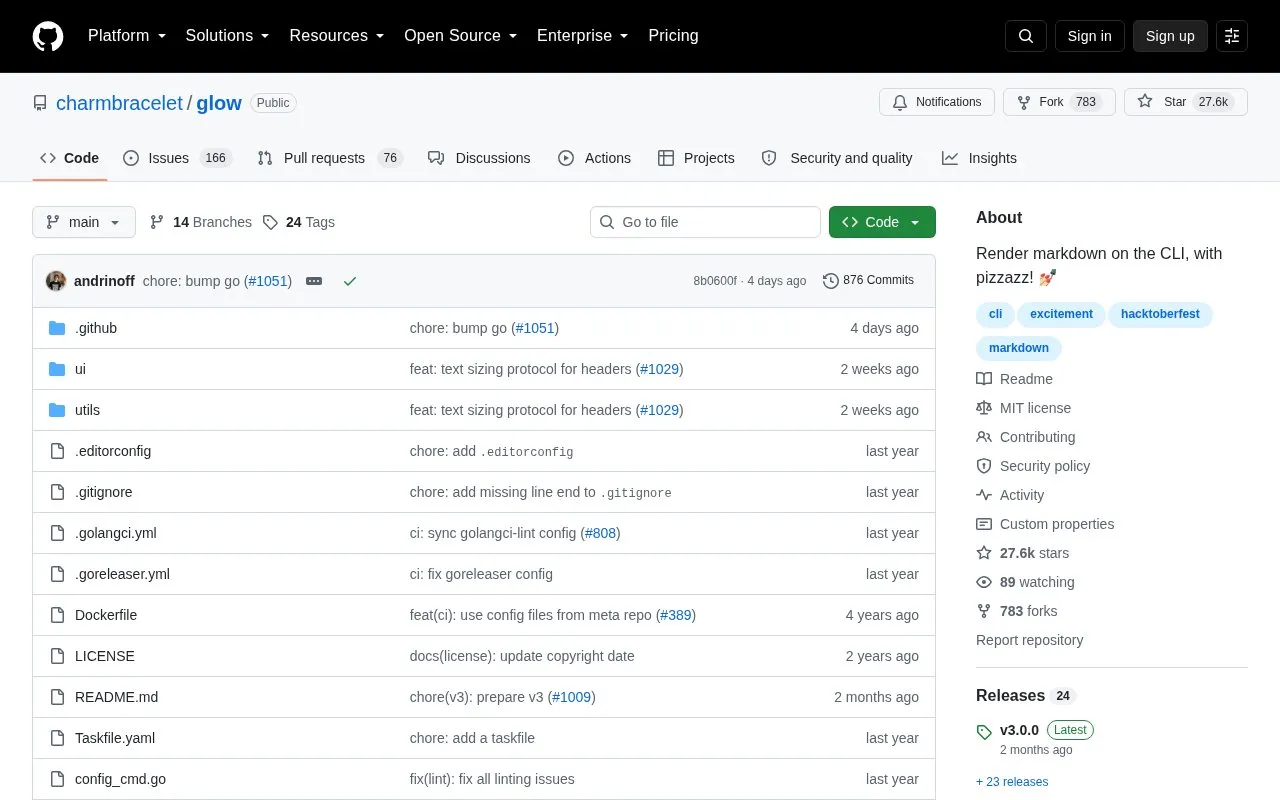
About Glow
Glow is a terminal-based Markdown reader. Running it without arguments opens a text interface that finds Markdown files in the current directory and below, or in the local Git repository, and displays them with a pager using less-like keystrokes.
It also formats Markdown from a file, standard input, GitHub or GitLab path, or HTTP URL. Users can set wrap width, page output, select dark, light, or custom JSON styles, and store defaults in a glow.yml configuration file.
Key features
- Opens TUI to browse local Markdown files when run without arguments
- Finds Markdown files in subdirectories or local Git repository
- Renders files, stdin input, GitHub/GitLab paths, and HTTP URLs
- Sets maximum output wrap width with -w flag
- Shows output in pager with -p flag, defaults to less -r
- Applies dark, light, or custom JSON stylesheet with -s
Best for: People who need to read Markdown documentation directly in the terminal.
Good for
- Open source code available in the GitHub repository
- Installable through many system package managers and prebuilt binaries
- Detects terminal background to select dark or light style
Glow at a glance
- Category
- Software & Utilities › Text Editors
- Type
- Open-source project
- Pricing
- Not confirmed. Check the site
- Open source
- Yes · Source code
- Language
- English
- Last checked
- Oct 5, 2026 · Online when checked
- Listed
- Oct 5, 2026
Guides for Text Editors

Glow alternatives
Tools and sites you could use instead, ranked by how closely they match.

Convert images to ASCII or Braille art from the command line with this cross-platform tool.
Open source
24 alternatives
Work with CSV data from the command line using xan, a CSV-focused toolkit.
Open source
24 alternatives
dooit-extras provides utilities for customizing the dooit terminal to-do manager.
Open source
24 alternatives
Manage a to-do list in dooit’s interactive terminal interface, with customizable display settings and Python configuration.
Open source
24 alternatives
Explore tabular data with VisiData, an interactive command-line multitool that combines spreadsheet-like clarity with terminal and Python workflows.

Markdown files can be created and edited with FlutterMarkdownEditor, including files opened from a device explorer.
Open source
24 alternativesPopular in Text Editors
Well-known listings from the same topic.
Google Docsgoogle.com/docs/aboutProton Docsproton.me/drive/docsVertex42vertex42.comNotepad++notepad-plus-plus.orgLibreOfficelibreoffice.orgSublime Textsublimetext.com


Glow FAQ
How do I browse local Markdown files with Glow?
Run glow without arguments. It searches the current directory and below, or the Git repository if you are in one.
How do I read a file from GitHub or HTTP?
Pass the source as the argument, for example glow github.com/charmbracelet/glow or glow https://host.tld/file.md.
How do I save default settings?
Run glow config to open glow.yml in your $EDITOR, where you can set style, pager, width, and mouse options.
Is something wrong or out of date?
Tell us and an editor will check it.
Own this website?
Claim this listing
Claim the listing and suggest updates yourself. An editor checks every claim first.