

dooit
Manage a to-do list in dooit’s interactive terminal interface, with customizable display settings and Python configuration.
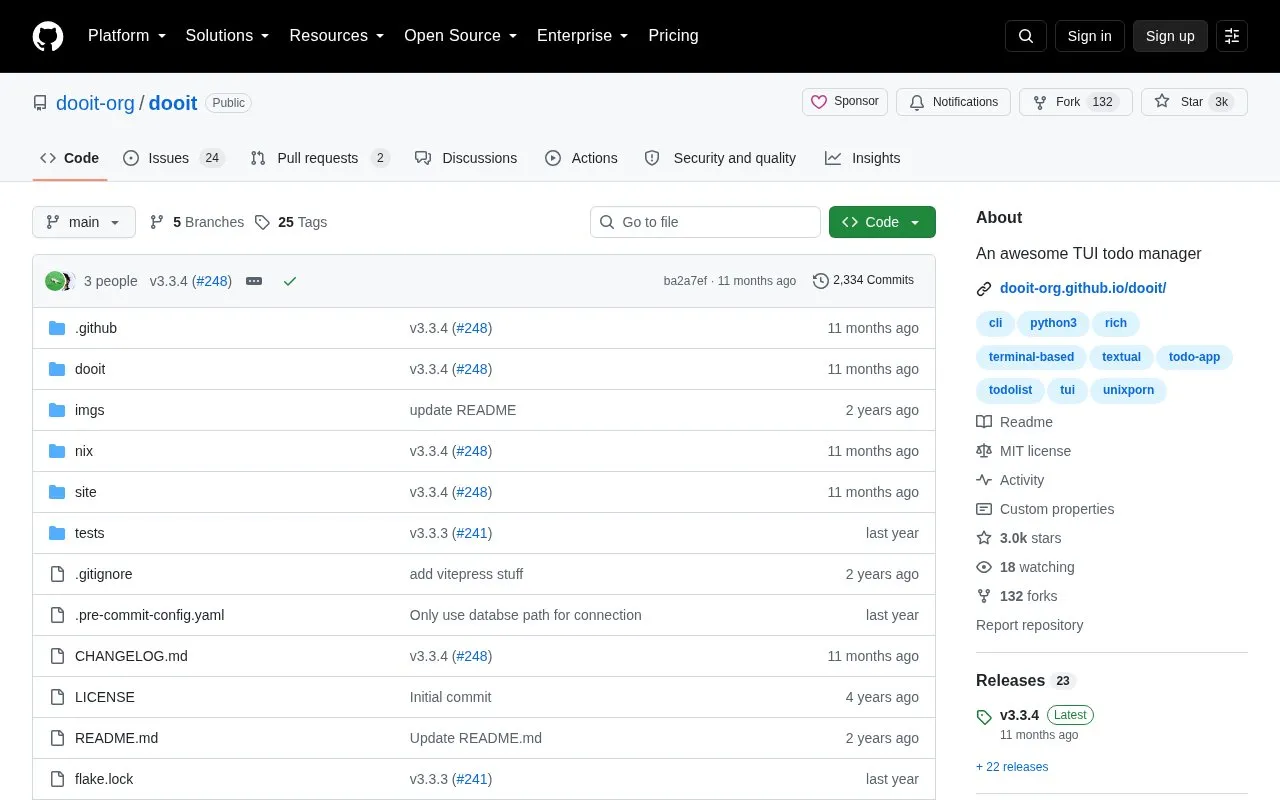
About dooit
Dooit is an open-source TUI to-do manager written in Python. It provides an interactive terminal interface for managing tasks, with topic-separated lists that can branch, Vim-like keybindings, and display customization for bars, colors, and layout. Behavior and appearance can be extended through a Python configuration file. Installation and configuration instructions are kept in the project wiki.
Key features
- Interactive terminal UI for managing to-do lists
- Vim-like keybindings
- Topicwise separated lists with branching
- Customizable bar, colors, and display layout
- Python configuration file for extensibility
- Press ? in-app to view keybindings
Best for: Terminal users who want a keyboard-driven, customizable Python-based task manager.
Good for
- Open source under the MIT license
- Configurable via Python and customizable display settings
- Includes Vim-like keybindings and topic branching
Watch out for
- Installation and configuration instructions are directed to an external wiki
- Example configurations in screenshots heavily use Dooit Extras
dooit at a glance
- Website
- github.com/dooit-org/dooit
- Category
- Software & Utilities › Text Editors
- Type
- Open-source project
- Pricing
- Not confirmed. Check the site
- Open source
- Yes · Source code
- Language
- English
- Last checked
- Oct 6, 2026 · Online when checked
- Listed
- Oct 5, 2026
Guides for Text Editors

dooit alternatives
Tools and sites you could use instead, ranked by how closely they match.

Explore tabular data with VisiData, an interactive command-line multitool that combines spreadsheet-like clarity with terminal and Python workflows.

A collection of utilities to customize your dooit!
Open source
24 alternatives
Zim Desktop Wiki lets users maintain linked pages and organize notes in a folder structure through its desktop wiki application.
Open source
24 alternatives
Read Markdown files in the command line with Glow, which renders the formatted document in the terminal.
Open source
24 alternatives
This open-source React and Vue library edits DOCX documents with tracked changes and real-time collaboration.

Tad provides a desktop interface for viewing and analyzing tabular data files.
Open source
24 alternativesPopular in Text Editors
Well-known listings from the same topic.
Google Docsgoogle.com/docs/aboutProton Docsproton.me/drive/docsVertex42vertex42.comNotepad++notepad-plus-plus.orgLibreOfficelibreoffice.orgdDocsdocs.fileverse.io


dooit FAQ
Where are installation and configuration instructions?
The README directs users to the project wiki for installation and configuration.
How do I see the keybindings?
After launching the app, press the ? key.
Do the example configurations require anything extra?
The README notes that the configurations shown in screenshots heavily use Dooit Extras.
Is something wrong or out of date?
Tell us and an editor will check it.
Own this website?
Claim this listing
Claim the listing and suggest updates yourself. An editor checks every claim first.