

Zim Desktop Wiki
Zim Desktop Wiki lets users maintain linked pages and organize notes in a folder structure through its desktop wiki application.
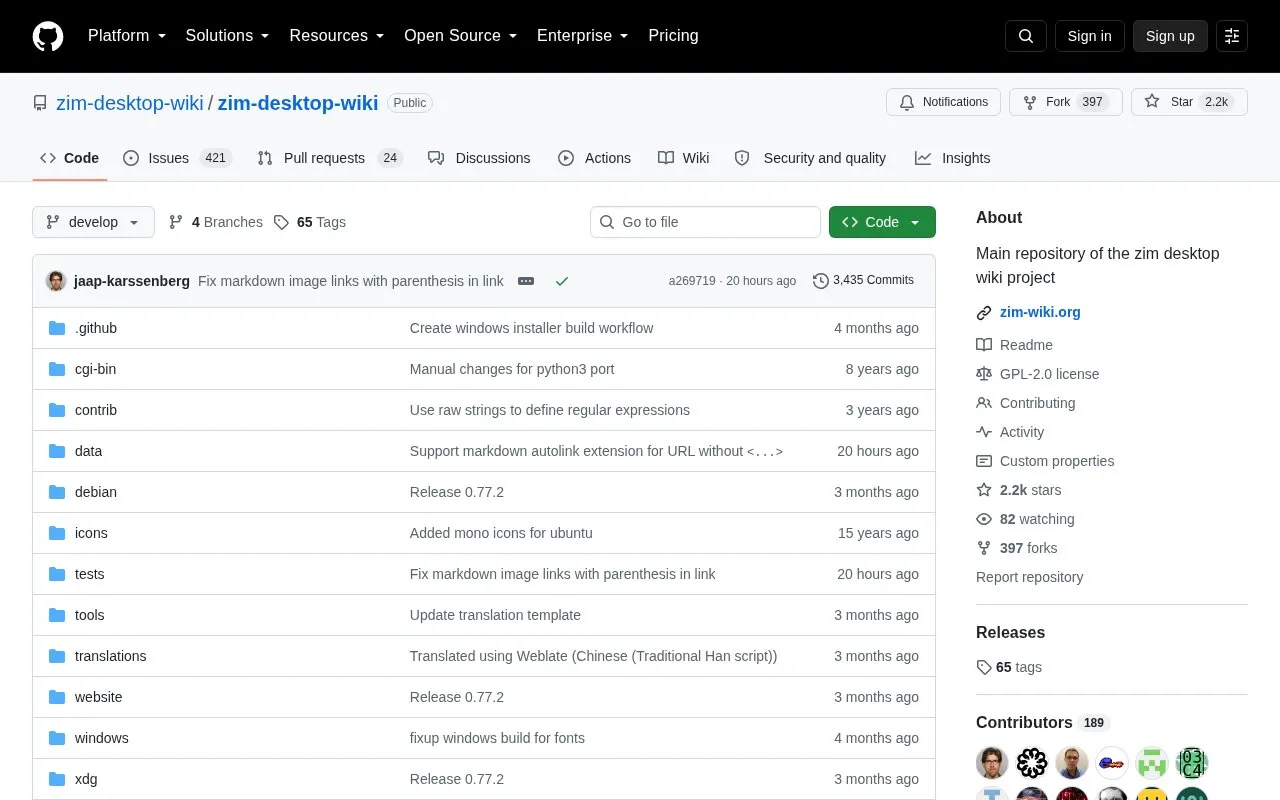
About Zim Desktop Wiki
Zim Desktop Wiki is a graphical text editor for maintaining a collection of wiki pages. Each page can contain links to other pages, simple formatting, images, and attachments. Pages are stored in a folder structure in plain text files with wiki formatting, and a new page is created by linking to a nonexistent page.
Plugins provide a task list manager, an equation editor, a tray icon, and support for version control. It is used for note archives, daily or weekly journals, meeting or lecture notes, task lists, drafts of blog entries and emails, and brainstorming. It is available through Linux package repositories as well as Debian/Ubuntu packages, a Windows installer, and a macOS app, while installing from source requires Gtk+ >= 3.18, Python >= 3.10, and related packages.
Key features
- Link wiki pages with simple formatting, images, and attachments
- Store pages as plain text files in folder structure
- Create new pages by linking to nonexistent pages
- Manage task lists through plugin
- Edit equations through plugin
- Use version control support through plugin
Best for: People who want to maintain linked notes, journals, and task lists as plain text files on a desktop computer.
Good for
- All data is stored in plain text files with wiki formatting
- Pages link to each other and are organized in a folder structure with attachments
- Most Linux distributions include it in their package repository
Watch out for
- Installing from source requires dependencies including Gtk+ >= 3.18 and Python >= 3.10
- Most plugins have additional requirements listed in plugin descriptions
- Project notes it lacks resources to support Homebrew or MacPorts installs on macOS
Zim Desktop Wiki at a glance
- Category
- Software & Utilities › Text Editors
- Type
- Open-source project
- Pricing
- Not confirmed. Check the site
- Platforms
- Windows
- Open source
- Yes · Source code
- Language
- English
- Last checked
- Oct 5, 2026 · Online when checked
- Listed
- Oct 5, 2026
Guides for Text Editors

Zim Desktop Wiki alternatives
Tools and sites you could use instead, ranked by how closely they match.

A collection of utilities to customize your dooit!
Open source
24 alternatives
Manage a to-do list in dooit’s interactive terminal interface, with customizable display settings and Python configuration.
Open source
24 alternatives
Zim is a desktop wiki and graphical text editor for organizing linked pages, formatting, images, and attachments in folders.

Kompad supports note-taking with file organization, folders, tags, word counts, and theme customization.
Open source
24 alternatives
Tangent supports local note writing and knowledge management using wiki links and customized Markdown.
Open source
24 alternatives
Nullboard provides a compact Kanban board and task list, with a focus on readability.
Popular in Text Editors
Well-known listings from the same topic.
Google Docsgoogle.com/docs/aboutProton Docsproton.me/drive/docsVertex42vertex42.comdDocsdocs.fileverse.ioNotepad++notepad-plus-plus.orgLibreOfficelibreoffice.org


Zim Desktop Wiki FAQ
How is data stored?
All data is stored in plain text files with wiki formatting.
How do I create a new page?
Link to a nonexistent page, which creates the page.
How do I install Zim on Debian or Ubuntu?
Install the package called "zim" from the distribution repository.
Is something wrong or out of date?
Tell us and an editor will check it.
Own this website?
Claim this listing
Claim the listing and suggest updates yourself. An editor checks every claim first.