

NotepadNext
NotepadNext reimplements Notepad++ for multiple platforms, and its project notes warn about bugs and incomplete features.
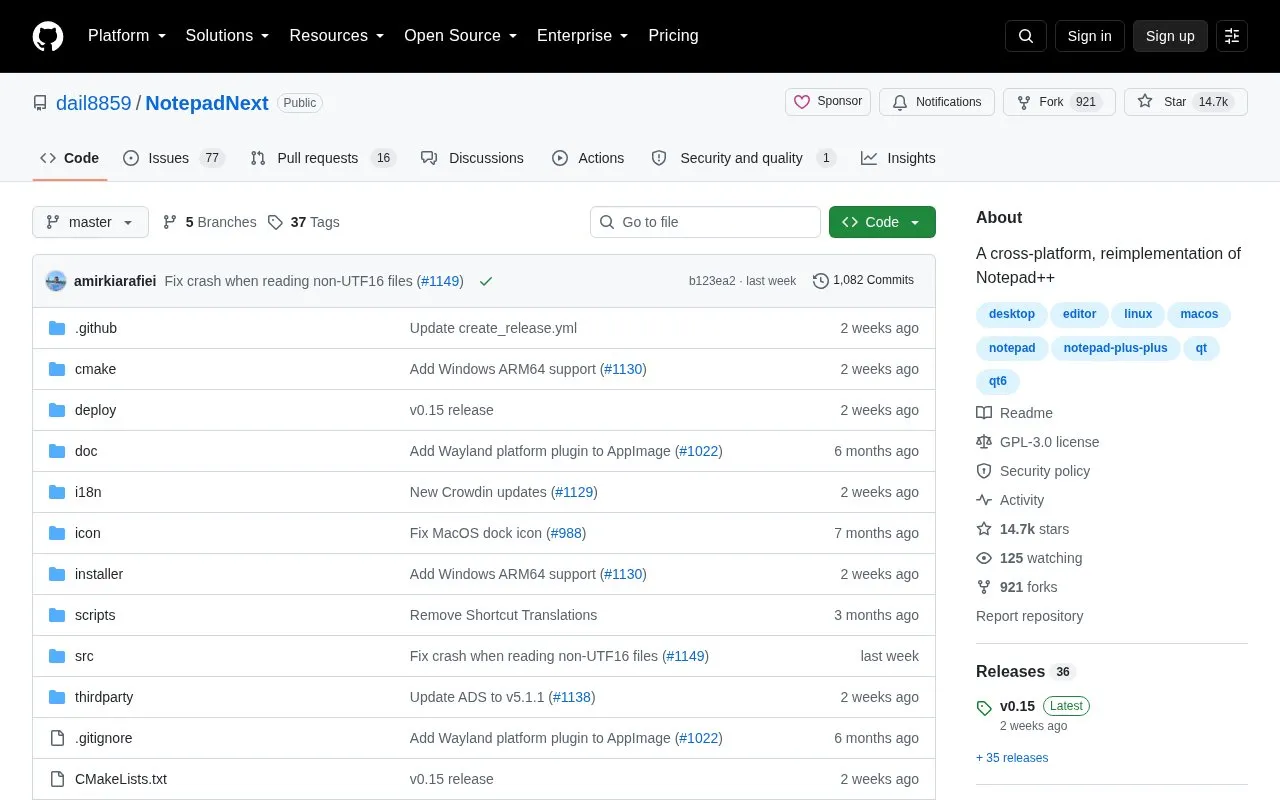
About NotepadNext
NotepadNext is a cross-platform reimplementation of Notepad++ with packages for Windows, Linux, and macOS. It is distributed as an installer or stand-alone zip for Windows, AppImage and Flatpak for Linux, and disk images for macOS, with additional install options via Winget, Homebrew, and an Ubuntu PPA. Though described as stable and usable, the project states it should not be considered safe for critically important work because of numerous bugs and half-working implementations.
Key features
- Runs on Windows, Linux, and macOS
- Windows installer includes auto-updater and context menu integration
- Available as stand-alone zip on Windows and AppImage on Linux
- Installable via Winget, Flatpak, Ubuntu PPA, and Homebrew
- Community translations managed through Crowdin
- Open source code released under GPL-3.0
Best for: People who want a Notepad++-style editor on Linux or macOS and can accept bugs and incomplete features.
Good for
- Works on Windows, Linux, and macOS
- Offers supported installs via Winget, Flatpak, PPA, and Homebrew
- Code released under GPL-3.0 with community-contributed translations
Watch out for
- Not considered safe for critically important work
- Has numerous bugs and half-working implementations
- Support limited to listed distribution methods, not third-party downloads
NotepadNext at a glance
- Category
- Software & Utilities › Text Editors
- Type
- Open-source project
- Pricing
- Not confirmed. Check the site
- Platforms
- Linux, macOS, Windows
- Open source
- Yes · Source code
- Language
- English
- Last checked
- Oct 5, 2026 · Online when checked
- Listed
- Oct 5, 2026
Guides for Text Editors

NotepadNext alternatives
Tools and sites you could use instead, ranked by how closely they match.

Take notes in tomboy-ng and synchronize them across Linux, Windows, and macOS, with rich text, printing, and spell check.
Open source
24 alternatives
Fastedit supports text editing across multiple documents in a Windows application written in C#.
Open source
24 alternatives
Create mind maps, diagrams, and notes with Heimer, a desktop tool targeting Linux and Windows.
FreeOpen source
24 alternatives
Edit Markdown in Markpad, a Notepad-style application available for Windows, macOS, and Linux.
Open source
24 alternatives
Notepads offers a lightweight Windows 10 text editor as an alternative to existing code editors.
Open source
24 alternatives
Zim Desktop Wiki lets users maintain linked pages and organize notes in a folder structure through its desktop wiki application.
Open source
24 alternativesPopular in Text Editors
Well-known listings from the same topic.
Google Docsgoogle.com/docs/aboutProton Docsproton.me/drive/docsVertex42vertex42.comNotepad++notepad-plus-plus.orgLibreOfficelibreoffice.orgSublime Textsublimetext.com


NotepadNext FAQ
Is NotepadNext safe for critically important work?
No. The project describes it as stable and usable but says it should not be considered safe for critically important work due to bugs and incomplete implementations.
How can NotepadNext be installed on Linux?
Download the stand-alone AppImage from the release page, install the Flatpak from Flathub, or on Ubuntu 22.04 and newer install from the PPA.
What to do if macOS reports NotepadNext is damaged?
The project attributes this to lack of paid Apple notarization and instructs running: xattr -d com.apple.quarantine /Applications/NotepadNext.app
Is something wrong or out of date?
Tell us and an editor will check it.
Own this website?
Claim this listing
Claim the listing and suggest updates yourself. An editor checks every claim first.