

Super Productivity
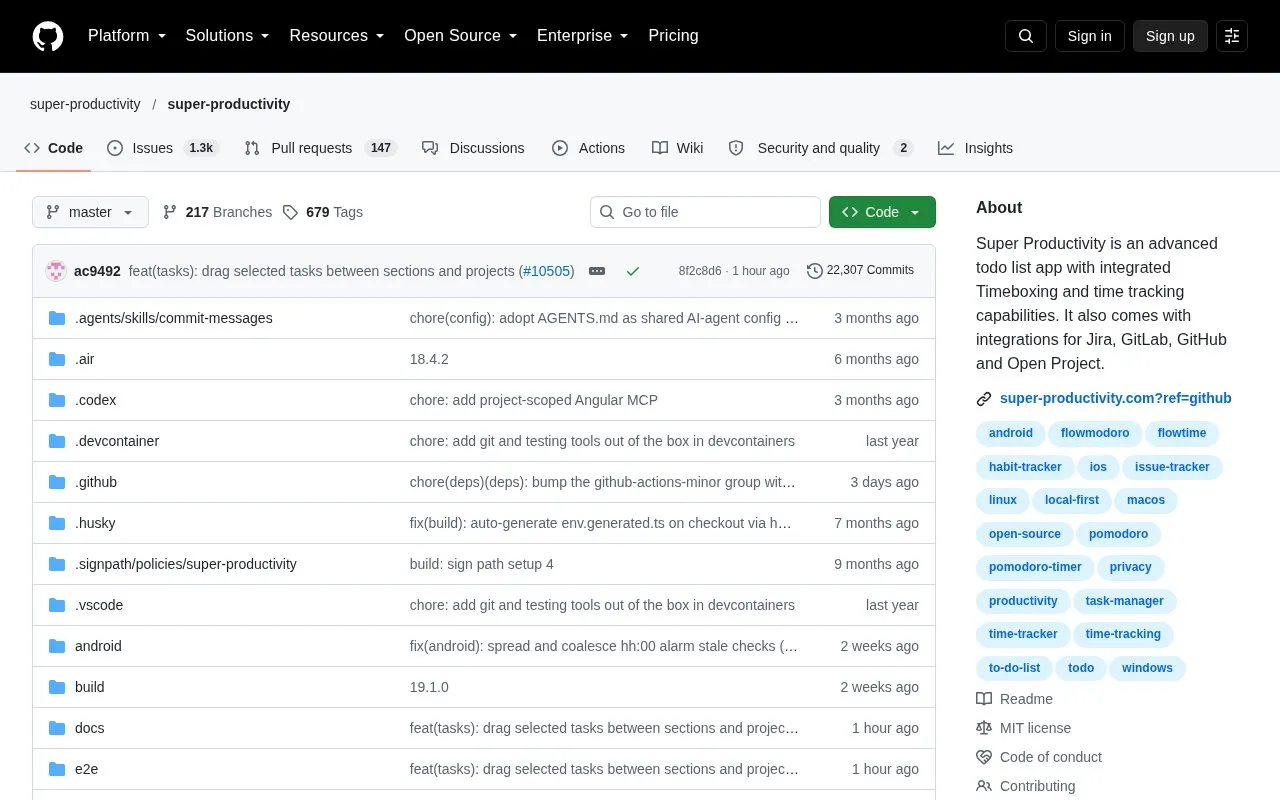
Super Productivity combines task lists with timeboxing, time tracking, and integrations for Jira, GitLab, GitHub, and OpenProject.
About Super Productivity
Super Productivity is an open source todo list app that combines task planning with timeboxing and time tracking. Users can organize tasks into projects with sub-tasks and tags, plan the day on a timeline next to calendar events, and create time sheets and work summaries that can be exported to a company time tracking system. It also imports and tracks tasks from issue and project tools such as Jira, GitHub, GitLab, and OpenProject.
The homepage says the app does not collect data and requires no account. Data storage is controlled by the user. Sync across devices is optional and can use SuperSync, Dropbox, or WebDAV. Integrations and sync services are external, so using them means data is shared with those services. The homepage describes the CalDAV integration as basic.
Key features
- Sub-tasks, projects, tags, and color coding for organizing tasks
- Planner with a daily schedule timeline beside calendar events
- Visual task boards, including Kanban and Eisenhower Matrix
- Timeboxing, time tracking, and exportable time sheets and work summaries
- Task import and automatic work logs for Jira, GitHub, GitLab, and others
- Cross-device sync through SuperSync, Dropbox, or WebDAV
Best for: People who track work in Jira, GitHub, GitLab, or similar tools and want timeboxing and time logs in one todo app.
Good for
- Free and open source, according to the homepage
- No account or registration is required, according to the homepage
- SuperSync is described as end-to-end encrypted and can be self-hosted
Watch out for
- The CalDAV integration is described as basic
Super Productivity at a glance
- Category
- Software & Utilities › Text Editors
- Type
- Open-source project
- Pricing
- Not confirmed. Check the site
- Platforms
- Android, iOS
- Open source
- Yes · Source code
- Language
- English
- Last checked
- Oct 6, 2026 · Online when checked
- Listed
- Oct 5, 2026
Guides for Text Editors

Super Productivity alternatives
Tools and sites you could use instead, ranked by how closely they match.

This local-first web office edits Word, Excel, and PowerPoint files in the browser using WebAssembly.
Open source
24 alternatives
dDocs offers end-to-end encrypted document editing and real-time collaboration as an alternative to Google Docs.

TinyList provides notes and checklists in a privacy-focused PWA that syncs between devices.

markmap visualizes Markdown as mind maps, with integrations listed for several editors.
Open source
24 alternatives
TickTick combines task management, calendars, and habit tracking, with syncing across devices.

Markdown files can be created and edited with FlutterMarkdownEditor, including files opened from a device explorer.
Open source
24 alternativesPopular in Text Editors
Well-known listings from the same topic.
Google Docsgoogle.com/docs/aboutProton Docsproton.me/drive/docsVertex42vertex42.comNotepad++notepad-plus-plus.orgLibreOfficelibreoffice.orgSublime Textsublimetext.com


Super Productivity FAQ
Do I need an account to use Super Productivity?
No. The homepage states that no account or registration is required.
Where is my data stored?
The homepage says users decide where they store their data. Optional sync and integrations with services such as Dropbox, WebDAV, or Jira involve external services.
Can I import tasks from my calendar?
The homepage says the app supports importing tasks from your calendar, along with Jira, GitHub, and other services.
Is something wrong or out of date?
Tell us and an editor will check it.
Own this website?
Claim this listing
Claim the listing and suggest updates yourself. An editor checks every claim first.