

ascii-image-converter
Convert images to ASCII or Braille art from the command line with this cross-platform tool.
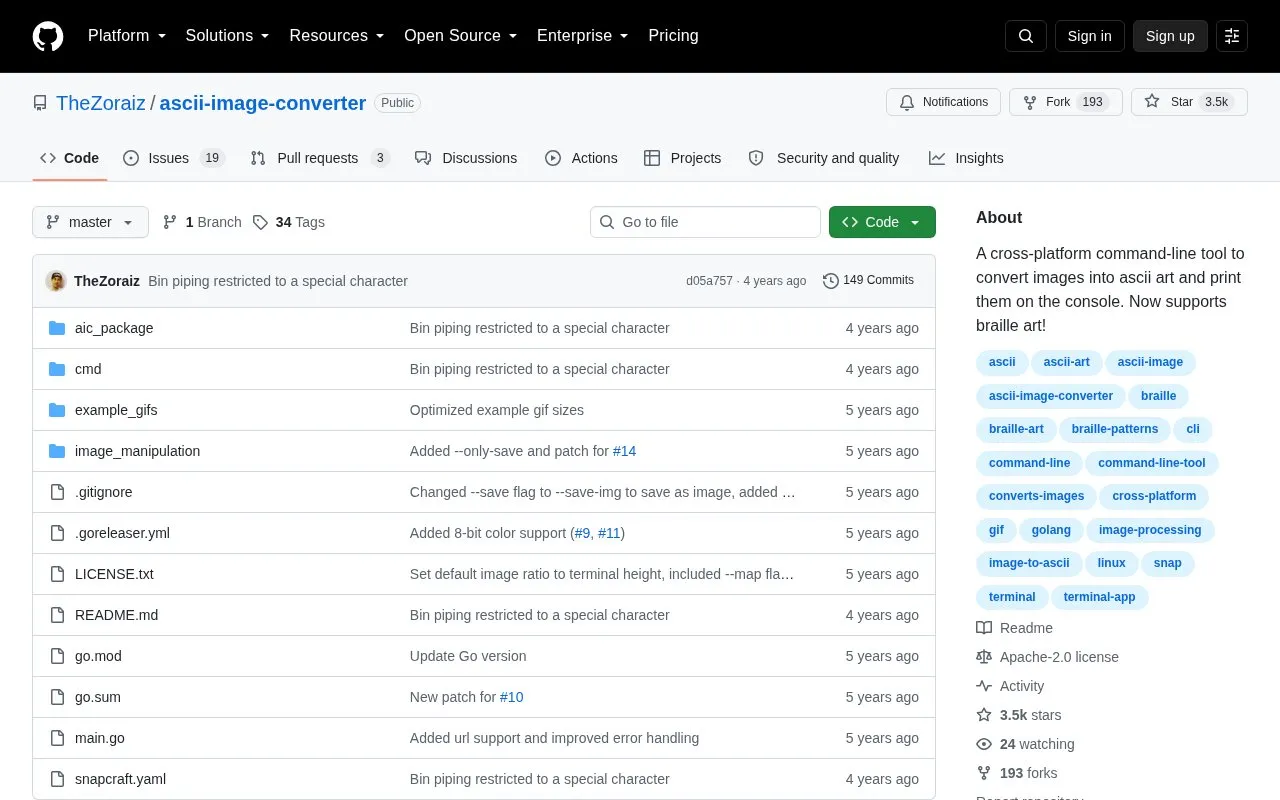
About ascii-image-converter
ascii-image-converter is a command-line tool that converts images into ASCII art and prints the result to the console. It runs on Windows, Linux and macOS, supports JPEG/JPG, PNG, BMP, WEBP, TIFF/TIF and GIF input, and can process multiple file paths and URLs, GIFs, and piped binary input. It also supports braille-character output and color output using colors from the original image.
Output depends on terminal setup: color requires 24-bit or 8-bit color support, braille display depends on terminal and font, and quality depends on font size and terminal width. The Snap package does not have access to hidden files or files outside the $HOME directory.
Key features
- Converts images to ASCII art printed on console
- Outputs braille art with -b flag
- Processes multiple image paths, URLs, and GIFs
- Accepts piped binary image input
- Shows color ASCII using original image colors
- Supports JPEG, PNG, BMP, WEBP, TIFF, GIF inputs
Best for: Command-line users on Windows, Linux, or macOS who want image-to-ASCII or braille output.
Good for
- Runs on Windows, Linux, and macOS
- Accepts multiple paths, URLs, GIFs, and piped input
- Offers installs via apt, Homebrew, AUR, Scoop, Snap, and Go
Watch out for
- Snap build cannot access hidden files or files outside $HOME
- Color output needs terminal with 24-bit or 8-bit color support
- Braille display depends on terminal and font in use
ascii-image-converter at a glance
- Category
- Software & Utilities › Text Editors
- Type
- Open-source project
- Pricing
- Not confirmed. Check the site
- Open source
- Yes · Source code
- Language
- English
- Last checked
- Oct 5, 2026 · Online when checked
- Listed
- Oct 5, 2026
Guides for Text Editors

ascii-image-converter alternatives
Tools and sites you could use instead, ranked by how closely they match.

Explore tabular data with VisiData, an interactive command-line multitool that combines spreadsheet-like clarity with terminal and Python workflows.

Read Markdown files in the command line with Glow, which renders the formatted document in the terminal.
Open source
24 alternatives
Work with CSV data from the command line using xan, a CSV-focused toolkit.
Open source
24 alternatives
Docs to Markdown converts Google Docs documents to Markdown or HTML through a Google Workspace add-on.
Open source
24 alternatives
Use qsv from the command line to inspect, transform, and work with CSV and other tabular data.

NotepadNext reimplements Notepad++ for multiple platforms, and its project notes warn about bugs and incomplete features.
Open source
24 alternativesPopular in Text Editors
Well-known listings from the same topic.
Google Docsgoogle.com/docs/aboutProton Docsproton.me/drive/docsVertex42vertex42.comNotepad++notepad-plus-plus.orgLibreOfficelibreoffice.orgSublime Textsublimetext.com


ascii-image-converter FAQ
Which image formats are supported?
JPEG/JPG, PNG, BMP, WEBP, TIFF/TIF, and GIF.
How do I display color ASCII art?
Use -C or --color. The terminal must support 24-bit or 8-bit colors for appropriate results.
How do I output braille art?
Use -b or --braille to use braille characters instead of ASCII. Display depends on the terminal and font used.
Is something wrong or out of date?
Tell us and an editor will check it.
Own this website?
Claim this listing
Claim the listing and suggest updates yourself. An editor checks every claim first.