

FlutterMarkdownEditor
Markdown files can be created and edited with FlutterMarkdownEditor, including files opened from a device explorer.
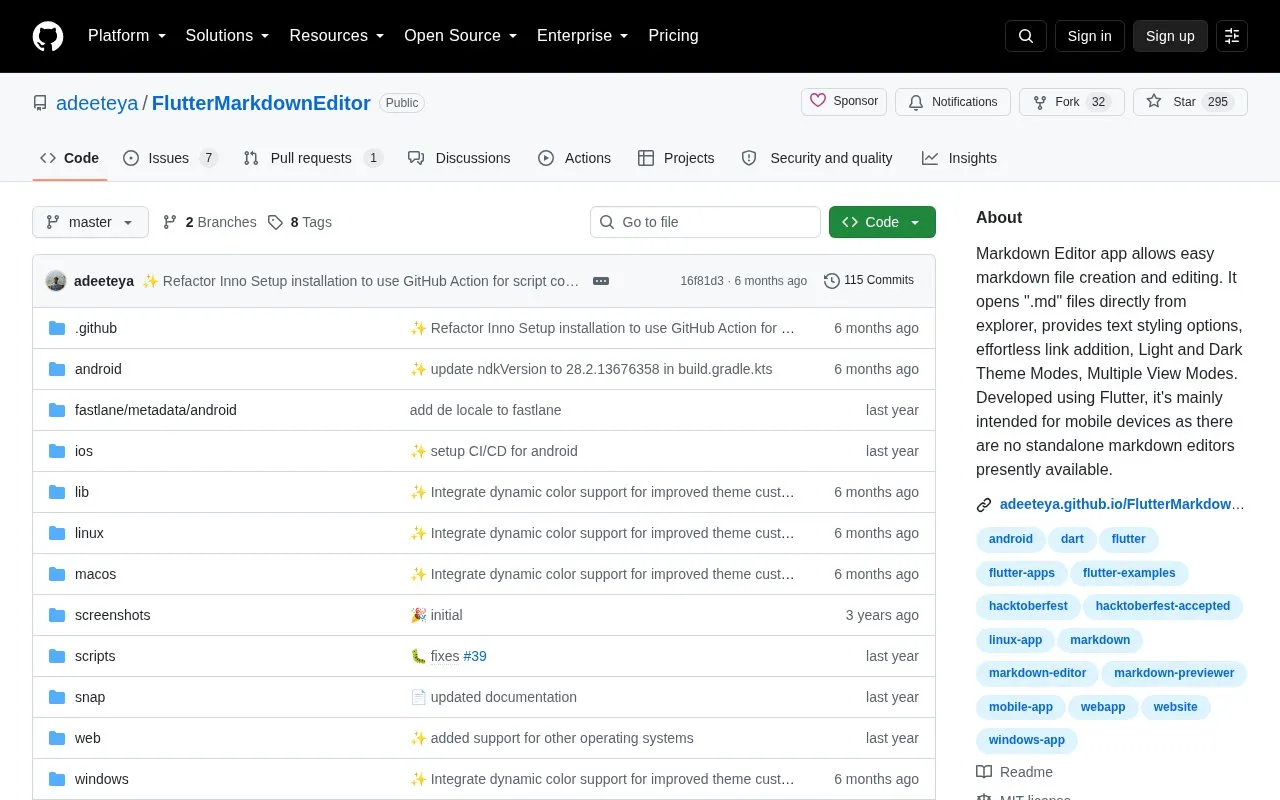
About FlutterMarkdownEditor
FlutterMarkdownEditor is an open-source app for creating new Markdown files and editing existing .md files, including files opened directly from a device explorer. It was built with Flutter and is mainly targeted at mobile devices.
Described capabilities include text styling, link and table insertion, LaTeX support, preview of specified image formats, light and dark themes, and single and dual view modes. Files can be shared as plain text, Markdown, or PDF, and can be printed or saved as PDF.
Key features
- Open .md files directly from device explorer
- Format text with bold, italics, headings, tables, and links
- Preview JPEG, PNG, GIF, WebP, BMP, and WBMP images
- Switch between dual view and single preview or editing view
- Share files as plain text, Markdown, or PDF
- Use light and dark themes with dynamic color support
Best for: People who create or edit Markdown files on mobile devices.
Good for
- Open-source codebase
- Opens .md files directly from device explorer
- Offers single and dual view modes with light and dark themes
FlutterMarkdownEditor at a glance
- Category
- Software & Utilities › Text Editors
- Type
- Open-source project
- Pricing
- Not confirmed. Check the site
- Platforms
- Android, iOS, Linux, macOS, Windows
- Open source
- Yes · Source code
- Language
- English
- Last checked
- Oct 6, 2026 · Online when checked
- Listed
- Oct 5, 2026
Guides for Text Editors

FlutterMarkdownEditor alternatives
Tools and sites you could use instead, ranked by how closely they match.

Read Markdown files in the command line with Glow, which renders the formatted document in the terminal.
Open source
24 alternatives
Edit Markdown in Markpad, a Notepad-style application available for Windows, macOS, and Linux.
Open source
24 alternatives
This Markdown editor provides live preview, diagrams, LaTeX, syntax highlighting, PDF export, and multi-tab support.
Open source
24 alternatives
Docs to Markdown converts Google Docs documents to Markdown or HTML through a Google Workspace add-on.
Open source
24 alternatives
markmap visualizes Markdown as mind maps, with integrations listed for several editors.
Open source
24 alternatives
MarkD provides live Markdown editing in a browser for writing and previewing documents.
Open source
24 alternativesPopular in Text Editors
Well-known listings from the same topic.
Google Docsgoogle.com/docs/aboutProton Docsproton.me/drive/docsVertex42vertex42.comdDocsdocs.fileverse.ioNotepad++notepad-plus-plus.orgLibreOfficelibreoffice.org


FlutterMarkdownEditor FAQ
What image formats can be previewed in the app?
JPEG, PNG, GIF, WebP, BMP, and WBMP.
In what formats can files be shared?
Files can be shared as plain text, Markdown, or PDF.
What view modes are available?
Dual View Mode shows preview and editing together, while Single View Mode shows either preview or editing.
Is something wrong or out of date?
Tell us and an editor will check it.
Own this website?
Claim this listing
Claim the listing and suggest updates yourself. An editor checks every claim first.