

Markd
MarkD provides live Markdown editing in a browser for writing and previewing documents.
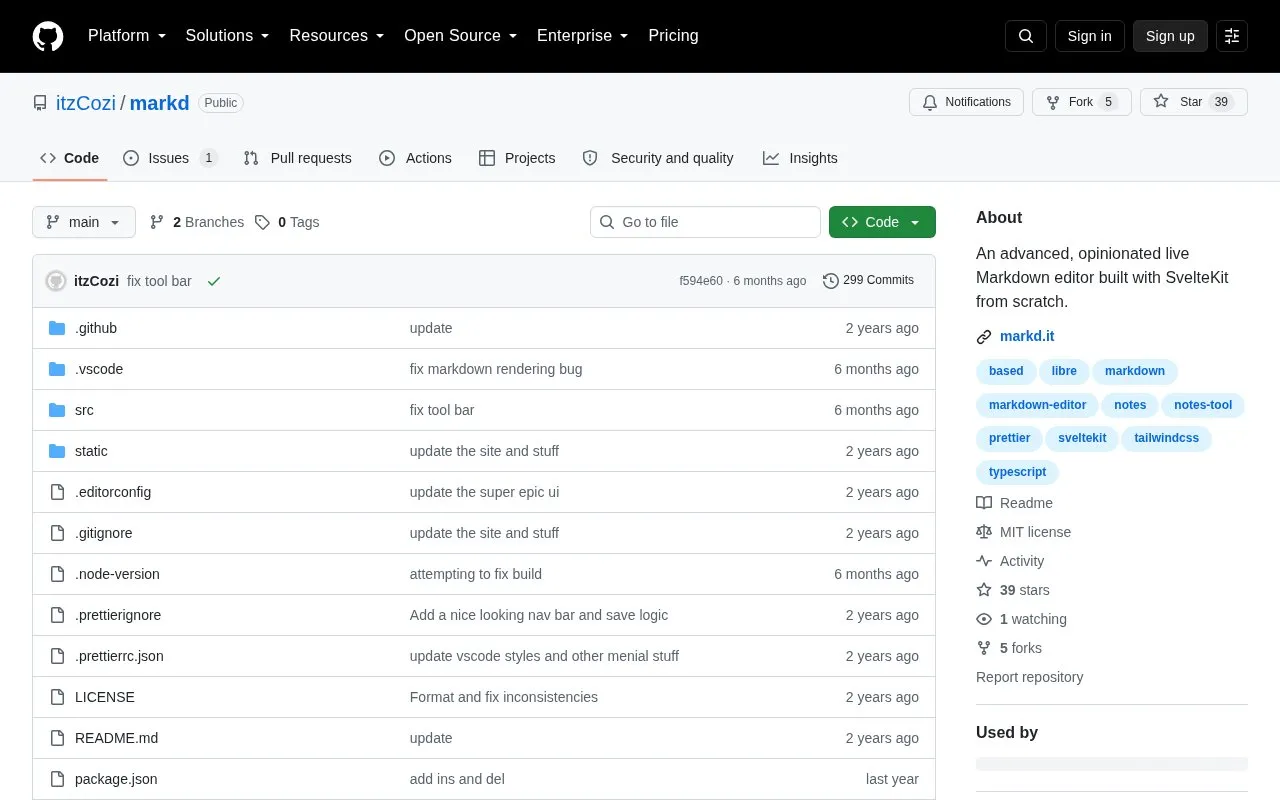
About Markd
Markd is an open-source, browser-based live Markdown editor built with SvelteKit, designed for real-time writing and previewing of Markdown documents. It is tailored for use cases including school assignments, work projects, and research note-taking, with a sleek, fast interface that avoids ads and user tracking.
The tool offers a range of built-in features to streamline Markdown workflows, including multiple export options, syntax highlighting, and customizable themes. It is actively maintained by its developers, released under the permissive MIT license, and suitable for users who prefer a lightweight, privacy-focused editing experience without required account sign-up.
Key features
- Live real-time Markdown preview and editing
- Export to PDF, RTF, Markdown, or HTML
- Built-in word count and reading time tracking
- Code syntax highlighting for common languages
- Customizable dark and light editor themes
- No ads, tracking, or required account sign-up
Best for: Students, professionals, and researchers seeking an ad-free browser-based Markdown editor for drafting notes, documents, and research content.
Good for
- Open-source under permissive MIT license
- Actively maintained with frequent updates
- No ads or user tracking included
- Supports multiple common export formats
Watch out for
- Opinionated design may not suit all user preferences
- Interface is only available in English
Markd at a glance
- Website
- github.com/itzcozi/markd
- Category
- Software & Utilities › Text Editors
- Type
- Open-source project
- Pricing
- Not confirmed. Check the site
- Open source
- Yes · Source code
- Language
- English
- Last checked
- Oct 5, 2026 · Online when checked
- Listed
- Oct 5, 2026
Guides for Text Editors

Markd alternatives
Tools and sites you could use instead, ranked by how closely they match.

Edit Markdown in Markpad, a Notepad-style application available for Windows, macOS, and Linux.
Open source
24 alternatives
This Markdown editor provides live preview, diagrams, LaTeX, syntax highlighting, PDF export, and multi-tab support.
Open source
24 alternatives
Write Markdown in MarkD’s live editor, which includes writing and preview panes with synchronized scrolling.

Tangent supports local note writing and knowledge management using wiki links and customized Markdown.
Open source
24 alternatives
Zettlr provides a workbench for writing and organizing documents for publication.
Open source
24 alternatives
Read Markdown files in the command line with Glow, which renders the formatted document in the terminal.
Open source
24 alternativesPopular in Text Editors
Well-known listings from the same topic.
Google Docsgoogle.com/docs/aboutProton Docsproton.me/drive/docsVertex42vertex42.comNotepad++notepad-plus-plus.orgLibreOfficelibreoffice.orgSublime Textsublimetext.com


Markd FAQ
Is Markd open-source?
Yes, Markd is open-source under the MIT license, with its full code publicly available on GitHub.
What file formats can Markd export?
Markd supports exporting documents to PDF, RTF, Markdown, and HTML formats.
Does Markd require a user account?
No, Markd does not require account sign-up to access its editing and preview features.
What devices is Markd compatible with?
Markd is a browser-based tool, so it works on any device with a modern web browser.
Is something wrong or out of date?
Tell us and an editor will check it.
Own this website?
Claim this listing
Claim the listing and suggest updates yourself. An editor checks every claim first.